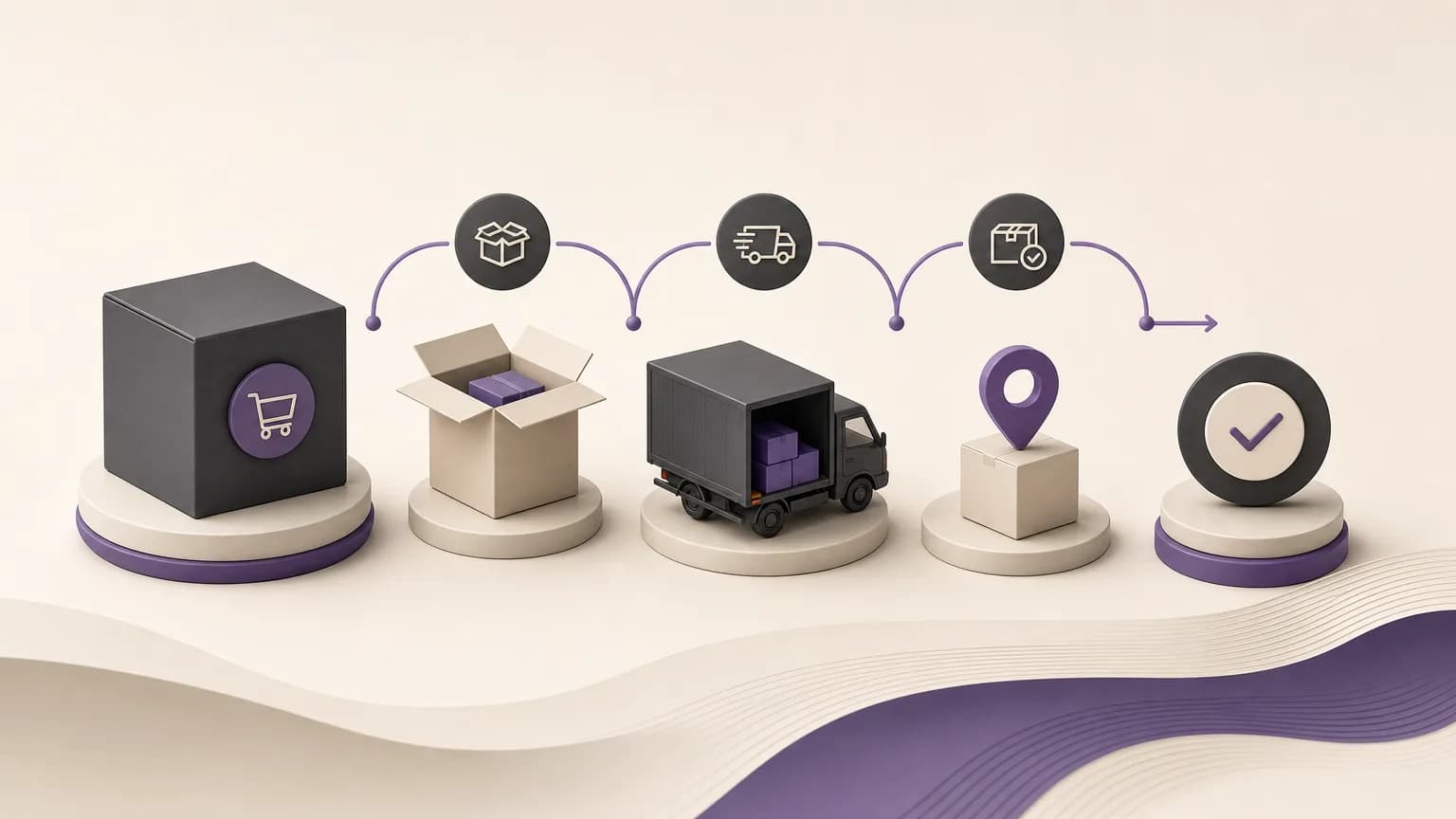
An order can appear complete because its fulfillment step was recorded, while delivery itself remains unconfirmed. If these orders are not reviewed, sales and order teams may not know whether to follow up, inventory teams may lack context, and accounting or branch staff may work from incomplete information.
OrdertechERP provides a way to organize this review by bringing sales, orders, inventory, accounting, reporting, and branches into one operating workspace. The practical goal is to identify orders that were marked as fulfilled without a completed delivery status, review the related information when it is available, and assign a clear next step under the company’s configuration and team permissions. This is not a promise of automatic resolution. It is a structured way to reduce manual searching and prevent unclear statuses from staying open.
What Is a Delivery Gap?
A delivery gap exists when the order’s recorded status does not fully match what has been confirmed in the operating process. An order may have been prepared or marked as fulfilled, but there may be no sufficient confirmation that the customer received it. Inventory or invoice information may be present, yet neither one alone proves that delivery was completed.
The first review question should therefore be: what is known about this order, and what still needs confirmation? Keeping those two points separate helps teams avoid assumptions and makes the required action easier to assign.
A Practical Review Workflow
1. Build the review list
Start by identifying orders recorded as fulfilled but not recorded as delivered according to the company’s configured process. Where available, the review list should include the order reference, branch or responsible area, fulfillment status, delivery status, and the latest update.
Keeping this list in one workspace reduces dependence on separate spreadsheets or scattered messages. It also gives a supervisor a common view for assigning follow-up according to each user’s role and permissions.
2. Check the order context
Once an order is identified, review the related information. Check inventory data to understand whether the recorded quantities are consistent with what should have been issued or remain available. Review the invoice when invoice data is available, especially if the accounting side appears to require completion or verification.
Neither inventory movement nor the existence of an invoice should be treated as standalone proof of delivery. These records provide context. Confirmation of delivery still depends on the company’s approved process and the information available to the authorized user.
3. Classify the case before choosing an action
Different cases require different next steps. A simple classification can keep the review consistent:
| Case | What it means | Next step |
|---|---|---|
| Delivery needs verification | The order was marked as fulfilled, but there is not enough evidence that delivery was completed | Review the confirmation source or contact the responsible party under the internal process |
| A related action is incomplete | An operational or accounting step remains open, and available data helps identify it | Assign the case to the responsible team and complete the permitted action |
| Ready for closure | The company’s closure requirements have been met and the available information has been checked | Close the order according to configuration and user permissions |
This classification supports the company’s process; it does not replace it. If a user is not authorized to close an order, the correct action may be to record the finding and route the case to the person with the required permission rather than changing the status outside the approved workflow.
Connecting Sales, Inventory, Accounting, and Branch Teams
A shared view is most useful when each team can review the order from its own operational perspective without losing the wider context. Sales or order staff can determine whether customer follow-up is needed. Inventory staff can review the quantity movement. Accounting can inspect the invoice or related financial step when that data is available. A branch can verify the delivery situation if that responsibility belongs to the branch.
When these perspectives are organized in one operating workspace, teams spend less time rebuilding the same explanation. Reporting can also help show open cases by branch, status, or responsible team, subject to the company’s configuration and access permissions.
Using the AI Operations Assistant Responsibly
OrdertechERP’s AI operations assistant can connect order information and operational context to a next step according to the company’s configuration and team permissions. In practice, this can help direct a user toward the records that need review or the action that deserves attention.
The assistant does not replace human verification, particularly when delivery information is missing or conflicting. Its usefulness depends on data quality, company setup, and appropriate permissions. Any suggested action should therefore be treated as part of a review process, not as automatic proof of delivery or an independent decision to close the order.
Operating Rules That Prevent Unclear Cases from Accumulating
- Define “fulfilled” clearly: Agree on the difference between fulfillment, delivery, and closure, and use the same definitions across teams.
- Review the list regularly: Assign ownership for the review instead of waiting for unresolved orders to accumulate.
- Record the reason for classification: Note why the order needs verification, a related action, or closure so the next team can understand the decision.
- Separate missing data from a failed action: An order without sufficient delivery confirmation needs verification; it does not automatically need to be processed again.
- Check permissions: Make sure users can perform the actions assigned to them and that closure remains with the properly authorized role.
Conclusion
Reviewing fulfilled but undelivered orders is more than finding an overdue status. It is a way to control the transition from fulfillment to delivery and then to closure. By bringing sales, orders, inventory, accounting, reporting, and branches into one operating workspace, OrdertechERP helps teams see the gap and assign ownership for the next step.
The outcome still depends on accurate data, the company’s configuration, and team permissions. When those foundations are combined with clear classification and appropriate human review, fewer orders remain ambiguous, and the path from identifying a delivery gap to closing the order becomes more consistent and visible.