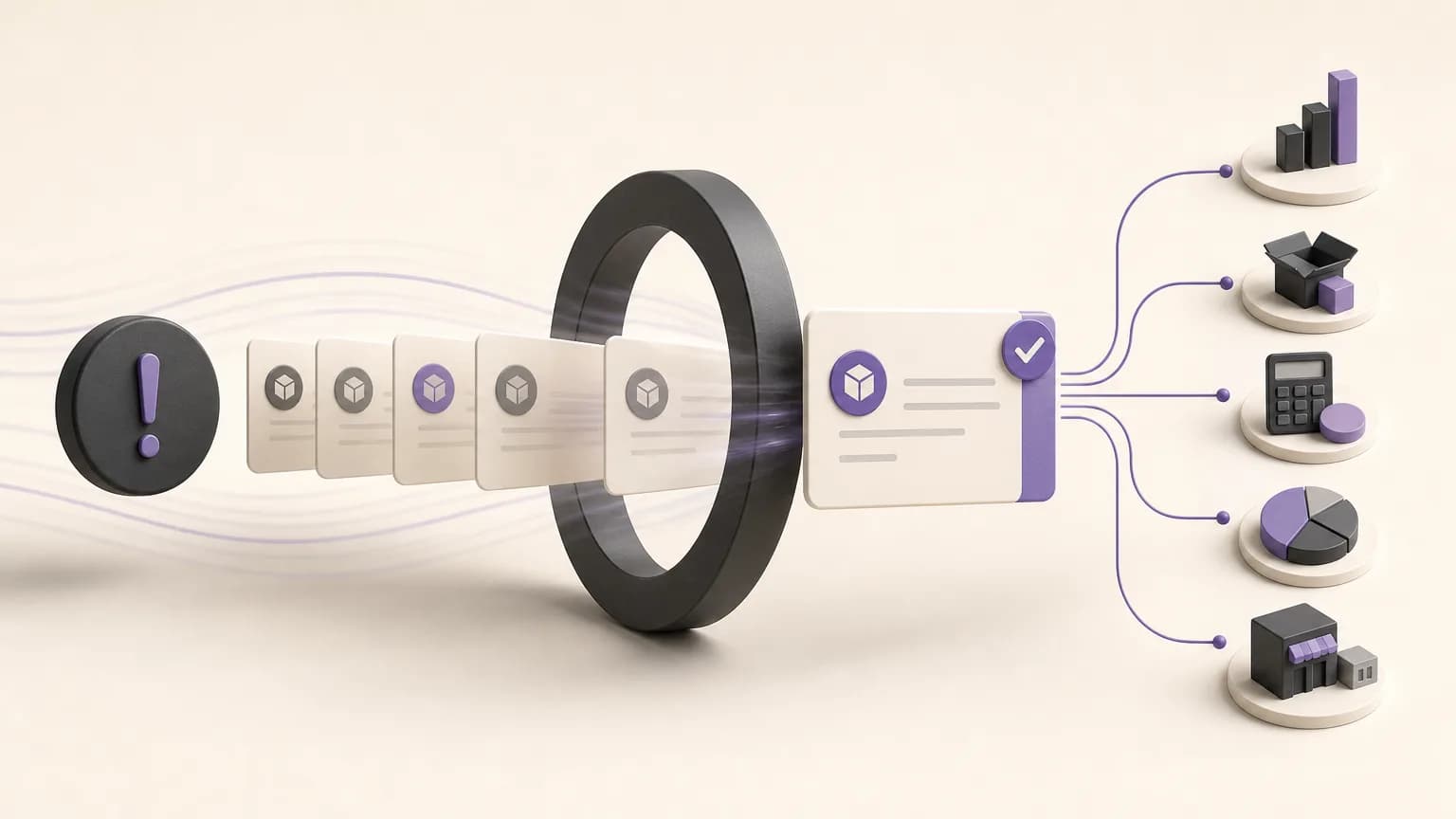
A missed delivery date does not always point to the same problem. An order may still be in preparation, waiting for an internal action, missing information from the customer, or simply carrying an outdated status. A list of overdue orders is useful only when it helps the team decide what should happen next.
OrdertechERP connects sales, orders, inventory, accounting, reporting, and branches in one operating space. When order dates and execution statuses are organized consistently, teams can move beyond asking, “Which orders are late?” They can also ask: What requires attention? Who owns the next step? Should the team act internally or contact the customer, and what is permitted under the company setup and user permissions?
Define “overdue” before reviewing the list
Before creating a report or starting a follow-up meeting, agree on what “overdue” means. Each order should have a clear delivery date or due time, and its execution status should be current enough to compare the planned date with the actual position of the order.
It helps to distinguish between several situations:
- The due date has passed and the order is still open: review its current status immediately.
- The order is in progress: the delay may relate to preparation, availability, or an incomplete internal step.
- The order is blocked: identify whether the team or the customer must provide the next action.
- The order was completed but the status was not updated: the issue may be data accuracy rather than execution.
This distinction prevents actual delays from being mixed with stale or incomplete records. It also keeps the report as a starting point for verification, rather than treating it as a final judgment on a team or branch.
Capture the fields that make follow-up actionable
An overdue-order review needs more than a customer name and a delivery date. Depending on the company setup, the working view may include the order number, branch, owner, delivery date, execution status, relevant items or quantities, and the most recent recorded action.
Different teams will read the same information differently. Sales may need to identify orders that require customer communication. Inventory may need to check whether availability or an incomplete stock-related step is affecting delivery. Accounting may need to verify whether a financial action is still pending before the order can be closed. Reporting and management need a shared view of accumulated work and how it is distributed across branches.
Do not add fields that the team cannot verify or keep updated. A detailed-looking report becomes less useful when records are inconsistent or when the same status has different meanings in different branches.
Turn the overdue list into follow-up priorities
Not every overdue order deserves the same type of escalation. Use operating rules agreed by the company rather than assuming fixed thresholds or outcomes. Start by asking what kind of action is required:
- Is there a step blocking execution? Put orders that depend on a decision, piece of information, or internal processing near the top of the follow-up list.
- Is customer communication required? Assign an owner for the conversation and clarify whether the team needs confirmation, clarification, or another customer action.
- Could the delay affect another branch or team? Prioritize orders whose continued delay may create duplicate work or interrupt a later step.
- Are the records incomplete or contradictory? Separate data correction from genuine execution work.
This approach prevents follow-up from becoming a random queue based only on when an order appeared in the report. Each order has a reason for its priority, an owner for the next action, and a point at which it should be reviewed again.
Connect each status to a next action
For every execution status, define a simple review question. If an order is in preparation, the team can check the readiness of the relevant step or item. If it is blocked, the reviewer can identify the reason and the party able to remove it. If it is ready for delivery but remains open, the owner can verify why the status has not been closed and whether communication is needed.
A working table like the following can help teams use consistent reasoning:
| Order status | Review question | Next action |
|---|---|---|
| In progress | Which step is incomplete? | Assign an owner and verify the related data or inventory position |
| Blocked | What is blocking the order, and who can resolve it? | Assign internal follow-up or contact the customer within the relevant permission |
| Ready for delivery | Why has the order not been closed? | Confirm the delivery step and update the status |
| Incomplete data | Which field or update is missing? | Correct the record before escalating the order |
The table is not a universal workflow. Its purpose is to help the team turn a status into a question, then into an action that can be recorded and reviewed.
Use shared visibility without exceeding permissions
Follow-up becomes more consistent when each team can see the part of the picture it needs, while company settings and user permissions remain respected. A branch owner may need to review orders for that branch, while management may need an aggregated view. Sales may be allowed to communicate with the customer, while another team owns a specific execution-status update.
Before distributing a report, confirm who can view customer data, edit statuses, assign ownership, or record notes. The desire to move quickly should not become a reason to expose data that a user does not need. Teams should also agree on what each status means and how actions are recorded, so that follow-ups do not duplicate one another or create conflicting instructions.
Move from the report to the next step with OrdertechERP
A report creates value when it leads to a clear action. OrdertechERP provides a shared operating space for reviewing an order alongside related sales, inventory, accounting, reporting, and branch information instead of searching across disconnected sources. Its operational AI assistant can connect the order and available data to the next step according to the company setup and team permissions. That assistance still depends on complete data, clear statuses, accurate company configuration, and what each user is authorized to do.
Do not treat a suggested next step as a substitute for verification. Review the order, understand the reason for the delay, confirm that the user has the appropriate permission, and record the action and its outcome. If the information is not sufficient, make data completion the next step rather than guessing at the cause.
Make the review a short, regular cycle
Set a review cycle that fits the volume of work and the distribution of branches. Start with overdue orders and finish by updating statuses and assigned actions. During each cycle, look for orders whose status has not changed, orders that were reopened, and orders with no clear owner. This can reveal problems in status definitions or data quality, not only individual performance issues.
It can also help to separate root-cause review from action follow-up. The first looks for recurring operational patterns, such as missing information or late status updates. The second focuses on orders that need action now. Separating the two keeps general discussion from taking over the practical queue.
Conclusion
Reviewing overdue orders is more than generating a report. It starts with reliable delivery dates and execution statuses, classifies orders by the reason for follow-up, assigns an owner and next action, and keeps the review within appropriate permissions. OrdertechERP provides a shared space for connecting orders with relevant operational data, while its operational AI assistant can help link the order and data to the next step according to the company setup. The outcome still depends on data quality, disciplined status updates, accurate company configuration, and clear team permissions.