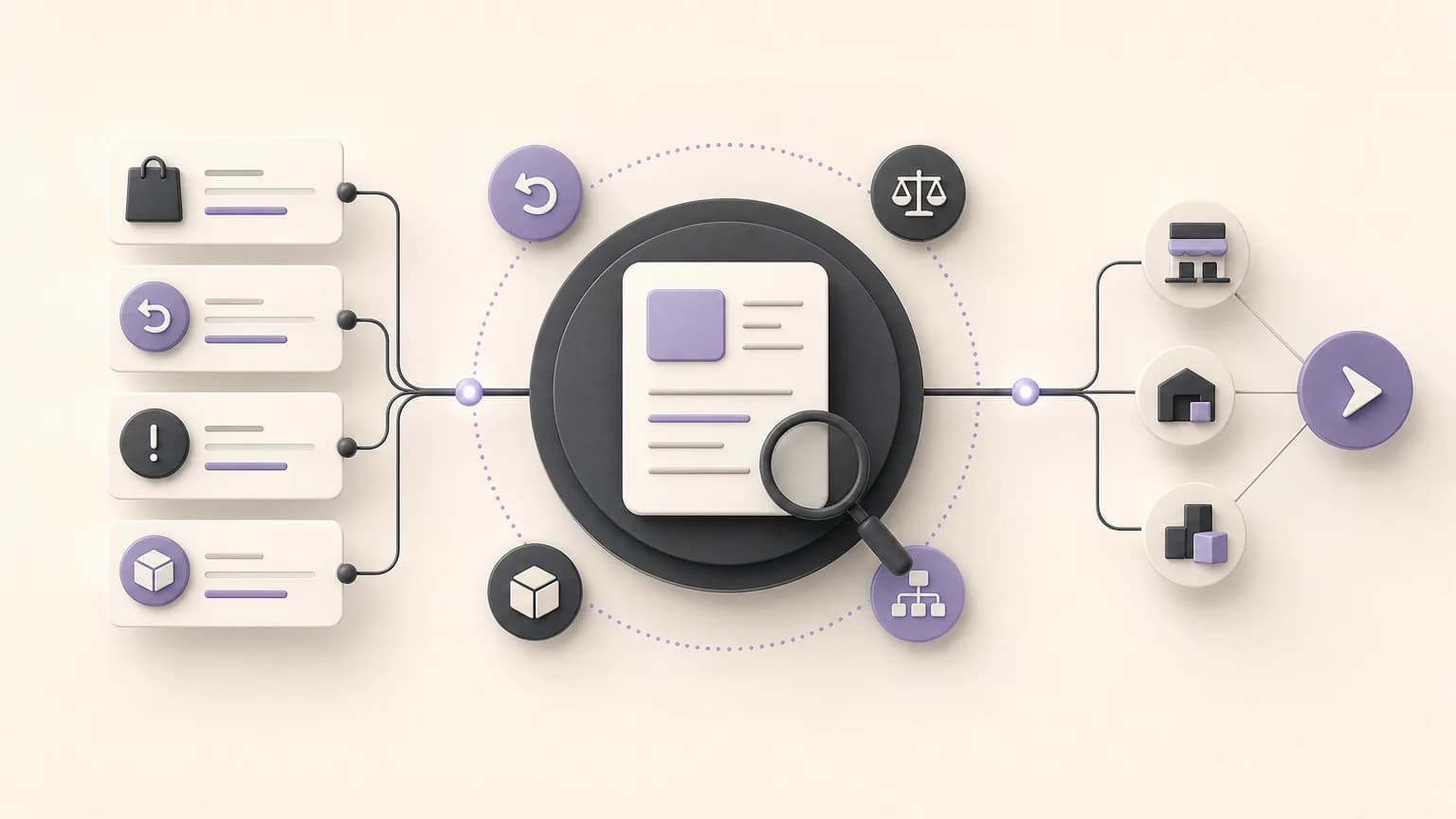
Daily sales review does not have to mean checking every transaction in the same way. The practical value comes from identifying the cases that deserve attention: an incomplete order, a return that needs verification, an unusual discount, or a mismatch between order and invoice data. When these cases are organized in a shared workflow, teams can move from scattered follow-up to a clear sequence with an owner and a defined next action.
OrdertechERP connects sales, orders, inventory, accounting, reporting, and branches in one operating space. This gives teams a shared view of the work. Its AI operational assistant can also connect an order and its data to the next step according to the company’s configuration and team permissions. This does not mean every exception is resolved automatically. The quality of the outcome depends on data quality, company setup, and the permissions assigned to the team.
What Counts as a Daily Sales Exception?
An exception is a case that does not follow the expected operating rule or needs a decision before it can be closed. It may appear in an order, return, discount, invoice data, or a comparison between branch activity, inventory, and reports. The goal is not to create the longest possible alert list. It is to separate cases that require action from completed transactions that need no further review.
- Order: missing information, an outdated status, or an unclear execution step.
- Return: a return requiring review of its reason, quantity, or effect on inventory and accounting.
- Discount: a discount that needs validation of its business reason or approval authority.
- Invoice: a difference that needs to be compared with the related order or financial movement.
- Branch and reporting: a case that should be compared with other data before action or escalation.
Define Reviewable Cases Before You Start
Before relying on a report or assistant, agree on what the team considers an exception. The rule should be clear and usable, such as: “Any return without a recorded reason requires review,” or “Any discount outside the user’s approval authority goes to the designated approver.” These rules depend on the company’s configuration and internal approval process, not simply on the transaction label.
It is also useful to separate cases by urgency. One case may need action before the sale is completed, another may be suitable for end-of-day review, and a third may be informational only. This keeps a minor data question from receiving the same treatment as a case that may affect inventory or accounting records.
A Practical Workflow from Data to Action
- Build the shared view: Start with sales and order data, then review related returns, discounts, and invoice data. Use reporting to compare cases instead of relying on separate messages or spreadsheets.
- Describe the exception: State what does not match, which data supports the observation, and what still needs verification. A precise description reduces repeated checking between sales and accounting.
- Assign ownership: Name the person or team responsible for the next action. Sales may own commercial details, accounting may own the financial review, and inventory may own the movement related to a return.
- Select the next action: The action might be to request missing information, compare an order with invoice data, review the return reason, or escalate the case to the appropriate authority.
- Record the decision and status: After review, update the transaction status and record what was approved or what remains pending. Clear closure prevents the same case from returning to the review list without a reason.
Clarify Responsibilities Across Teams
Shared review needs clear boundaries; otherwise, it can become a way to pass responsibility around. Sales teams can verify order details, discounts, and the reason for a change. Accounting can review invoice data and the financial effect according to internal procedures. Inventory can verify quantities and the movement associated with a return. Reporting teams can identify recurring patterns and present them in a way that helps management and branches. Each decision should remain within the permissions configured for that team.
| Case type | What to review | Possible next action |
|---|---|---|
| Incomplete order | Required data and execution status | Complete the data or assign the case to an owner |
| Return | Reason, quantity, and related impact | Verify the case and approve the appropriate handling |
| Discount | Business reason and approval authority | Request approval or document the decision |
| Order and invoice mismatch | Commercial and financial data | Compare the records and correct them within the assigned authority |
How OrdertechERP Can Reduce Manual Follow-Up
When sales, orders, inventory, accounting, reporting, and branch data are available in one operating space, teams spend less time rebuilding context from separate sources. They can move from an exception to the related data, then use the AI operational assistant to connect the order and available information to the next step allowed by company setup and team permissions. The practical benefit may be clearer ownership, less repeated searching, and smoother handoffs between teams.
However, the system does not replace operating discipline. If return reasons are not recorded, order statuses are outdated, or permissions are unclear, the review will not be as reliable as it should be. Start by improving the required fields, standardizing status names, reviewing permissions, and testing the workflow on a set of cases before expanding it.
End-of-Day Review Checklist
- Were incomplete cases reviewed instead of looking only at the sales total?
- Does each return have a reason and enough data for review?
- Were discounts requiring approval separated from discounts within the user’s authority?
- Were order and invoice differences checked when they appeared?
- Does every exception have an owner, a next action, and an internal follow-up point?
- Were completed cases closed, rather than left open without a reason?
Conclusion
Reviewing sales exceptions is not only about finding mistakes. It is a way to organize daily decisions. The workflow starts with order, return, discount, and invoice data, then moves through classification, ownership, and a next action before the decision is recorded. OrdertechERP helps bring sales, inventory, accounting, reporting, and branch activity into a shared operating view. Its AI operational assistant can support the move from data to action within company settings and permissions. The quality of the result still depends on accurate data, clear rules, and well-defined responsibilities.