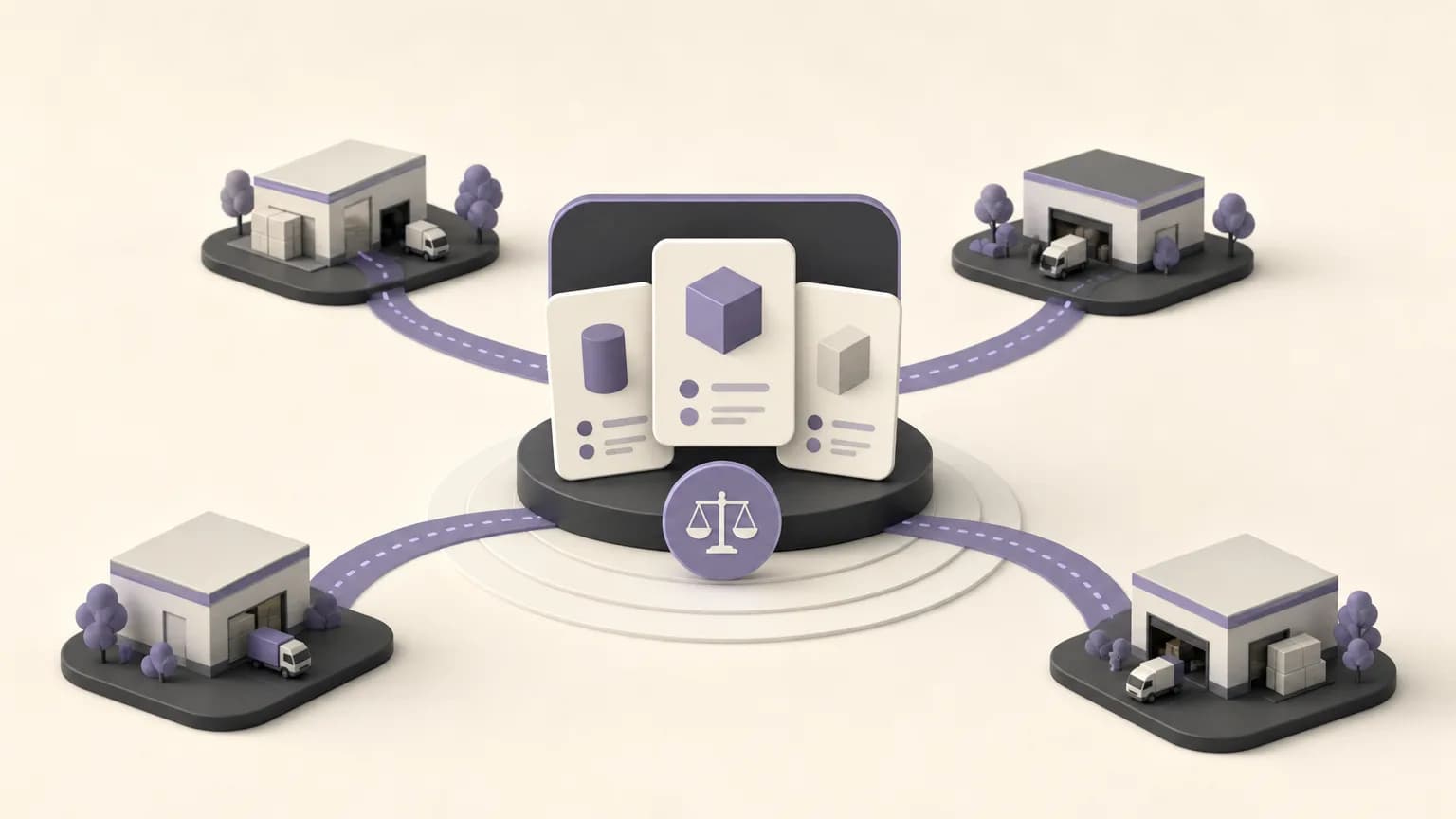
The same item may appear with different selling prices across branches. Sometimes the difference reflects an approved operating policy or local context. In other cases, it may come from incomplete information, an inconsistent item record, or an entry that was not updated at the right time. The important question is not whether a variance exists, but whether the team understands it before approving the order.
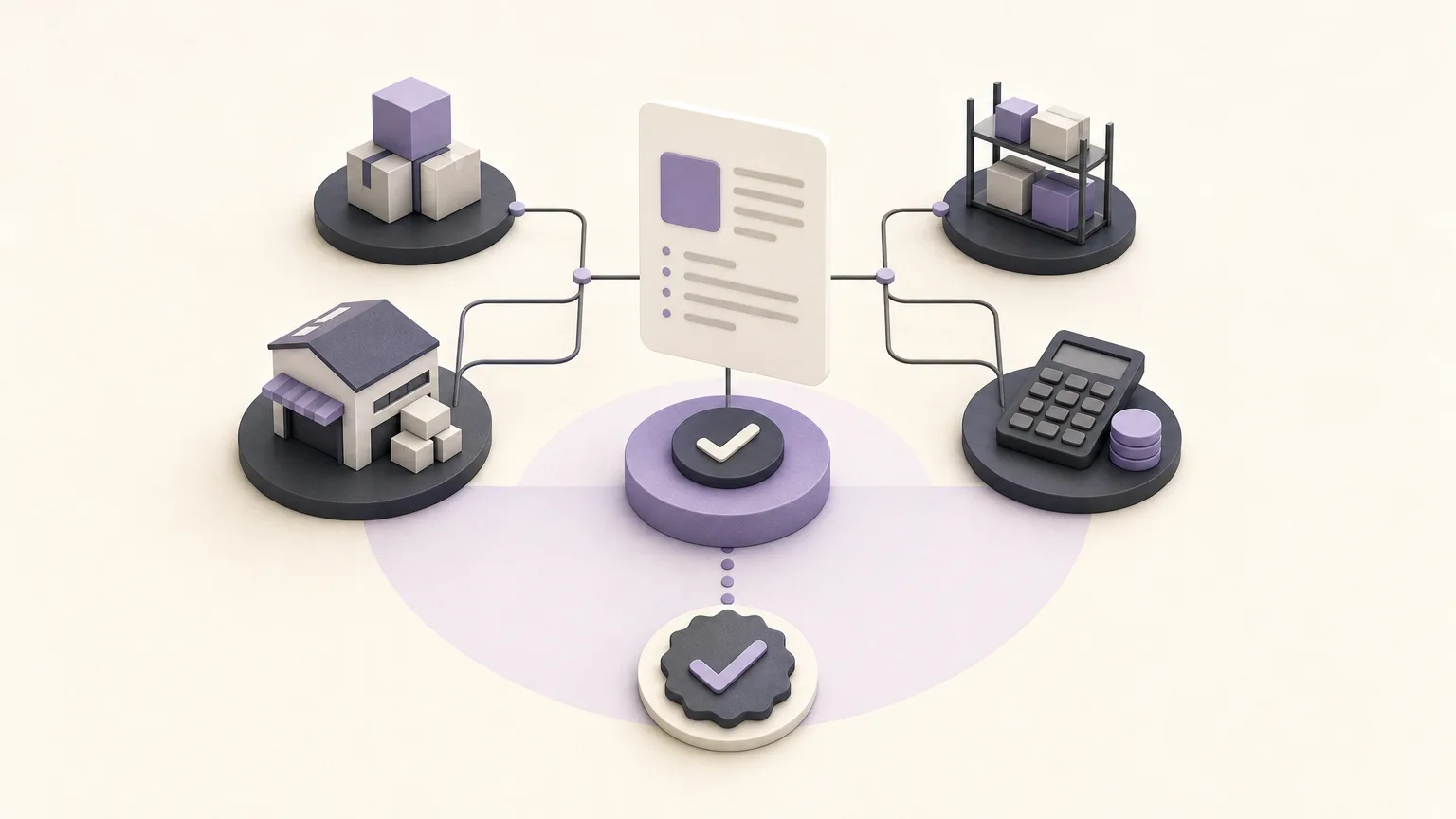
OrdertechERP connects sales, orders, inventory, accounting, reporting, and branches in one operating space. This gives teams a way to review a price in context rather than treating it as an isolated number. Its operational AI assistant can also connect the order and related data to the next step according to the company’s setup and team permissions. The usefulness of that guidance still depends on data quality, configuration, and the internal policy governing the decision.
Why Review Branch Price Variances?
Not every price difference is an error. An unexplained difference, however, can make order review, reporting, and accounting follow-up less consistent. It is therefore better treated as a signal for verification, not as automatic proof that the price is right or wrong.
A sound review begins with a basic question: are we comparing the same item, in the same unit, and within a comparable operating period? The team can then look at the order, branch, and item details before deciding whether the case needs clarification, data correction, or approval.
A Practical Path from Variance to Decision
1. Define the Comparison Scope
Start by identifying the items, branches, and period to review. Make the comparison specific: the item, recorded selling price, branch, and order date. If similar descriptions or multiple selling units exist, confirm the item identity and unit before interpreting the difference.
A defined scope reduces misleading comparisons. Two prices may look inconsistent when they actually belong to similar but different items, different units, or orders created in different operating contexts.
2. Read the Price Within the Order
Do not rely only on a general price list. Open the order where the price appears and review the branch, item, quantity, and available order data. The goal is to establish where the variance occurred and whether it is isolated or appears repeatedly across orders or branches.
This gives sales and reporting teams a shared basis for discussion. It also gives accounting a clearer record to review instead of asking it to interpret a standalone number.
3. Check the Data Before Assuming a Cause
Before requesting a price correction, check the underlying information. Is the item name or identifier consistent? Is the recorded branch the branch that handled the order? Is the unit or quantity comparable? Was the price entered under the company’s approved setup?
If the data is incomplete or inconsistent, the first action should be to correct or complete the source data. A review should not turn into a price change based on an undocumented assumption.
4. Classify the Variance and Choose the Next Step
After the initial check, the case can be directed to one of three operational actions:
- Verify the price: Use this path when the data is clear but the reason for the difference requires review by the authorized owner.
- Correct the data: Use this path when the item, branch, unit, or recorded value is inaccurate or incomplete.
- Approve the order: Use this path when the price is consistent with the company setup and internal policy, and the approving user has the required permission.
This classification does not replace company policy. It makes that policy easier to apply to a specific case. If the treatment of price variances is not defined, assign the responsible reviewer before approving the order.
How Teams Can Work on the Same Case
| Team | Role in the review |
|---|---|
| Sales and order teams | Confirm the order, item, branch, and information available when the order was recorded. |
| Branches | Explain the local operating context and provide information needed for verification. |
| Inventory | Check the item identity, unit, and consistency of related item data. |
| Accounting | Review the relevant records according to internal policy rather than drawing conclusions from one price alone. |
| Reporting | Group recurring variances and help management prioritize follow-up. |
When these teams work from one operating space, there is less need to move information manually between separate lists and scattered messages. Shared visibility does not remove team accountability, and it does not mean every user has the same permission.
The Role of the Operational AI Assistant
Within OrdertechERP, the operational AI assistant can connect an order and its available data to the next step according to the company’s configuration and team permissions. In practice, this may help route a case toward price verification, data correction, or approval when the relevant rules and information are available.
The assistant should still be used with judgment. Its usefulness depends on data quality, company setup, and the permissions assigned to the team. Review the context and suggested action, especially when records are incomplete or branch procedures differ. The assistant can organize follow-up and reduce manual work; it does not replace internal policy or responsible review.
A Pre-Approval Checklist
- Confirm the item identity and the unit used in the comparison.
- Review the price inside the relevant order and branch record.
- Compare the case with approved available data, not a general impression.
- Decide whether the next step is verification, data correction, or approval.
- Confirm that the person taking the action has the appropriate permission.
- If the reason remains unclear, pause approval and route the case for review under internal policy.
Conclusion
Reviewing branch price variances is not a search for one universally correct price. It is a process for understanding the difference and connecting it to the item, order, branch, and available data. OrdertechERP provides a shared operating space across the related functions, while its operational AI assistant can help point to the next step within configured rules and permissions. The practical outcome still depends on data quality, clear company policy, accurate setup, and disciplined verification before an order is approved.