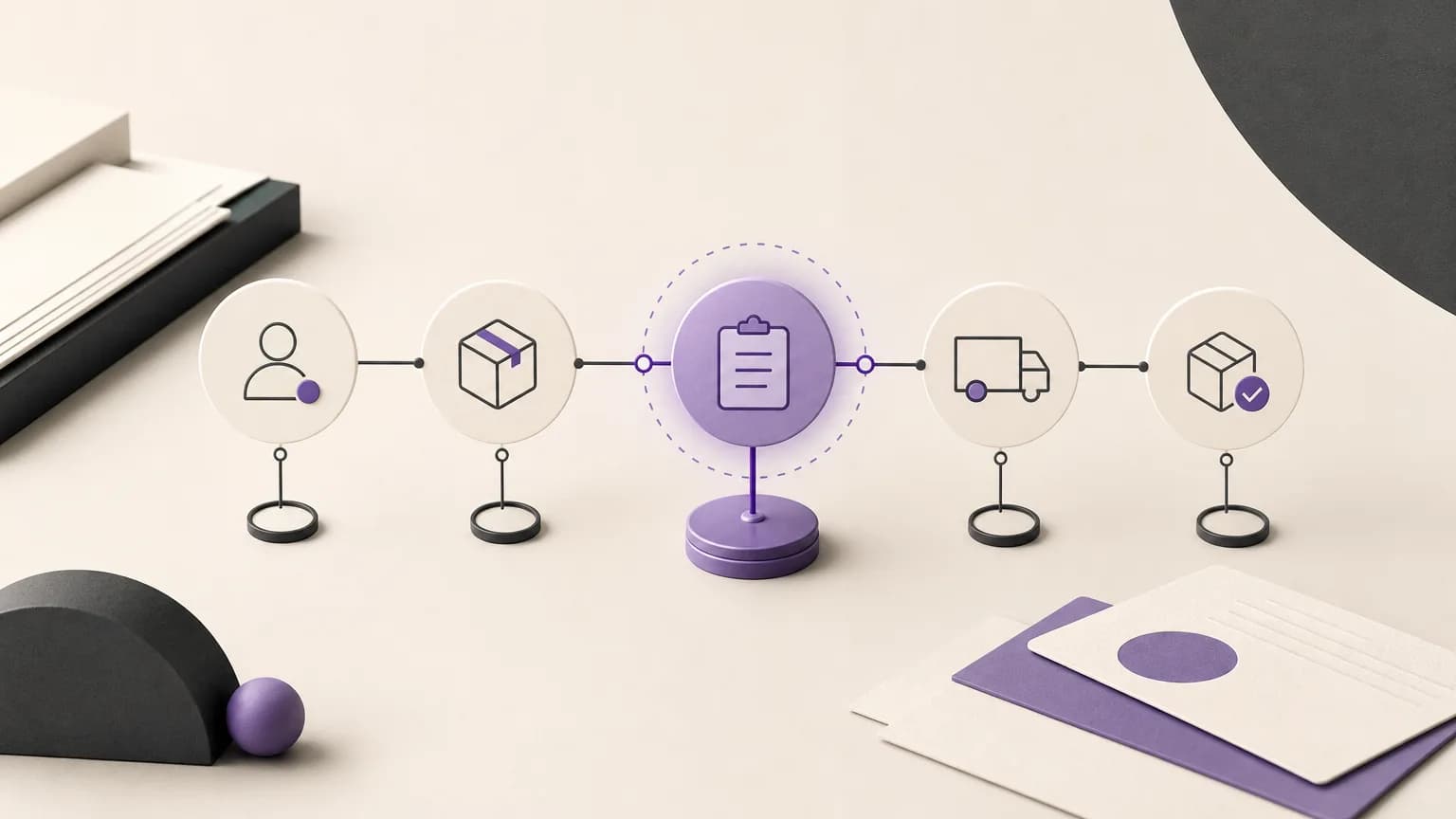
Order follow-up should not begin with a broad question such as “What is still incomplete?” It should begin with a shared view of each order’s status, the team responsible for the next step, and the information needed to move forward. When sales, order operations, inventory, accounting, and branches work from disconnected updates, people can spend more time collecting the status than resolving the issue.
OrdertechERP connects sales, orders, inventory, accounting, reporting, and branches in one operating space. This gives teams a closer shared view of order-related information and operational context. Its operational AI assistant can connect order data to a next step according to the company’s configuration and team permissions. The usefulness of that guidance still depends on data quality, how the company has configured the system, and what each user is allowed to view or do.
Define what “delayed” means
Before reviewing a report, agree on the meaning of a delayed order. An order may be delayed because its expected date has passed, because an internal stage has remained unchanged for too long, or because a required action or piece of information is missing. These are different situations and should not be handled as if they had the same cause.
- Past the expected date: Review the recorded date and confirm that it is still the relevant date under company policy.
- No recent status change: Check the latest update and identify which team owns the next step.
- Missing information: Find the data preventing progress instead of filling the gap with an assumption.
- Conflicting records: Compare the order status with related information before making a decision or contacting the customer.
A clear definition keeps the report from becoming an undifferentiated list. It turns the report into a basis for action.
Build a follow-up list that teams can use
Order teams need a list that can be reviewed by status, age, branch, responsible team, and the level of intervention defined by company rules. It is not enough to know that an order is open. The team should also be able to understand what is missing from the record or what condition is preventing the next stage.
For each order, review the reference, current status, latest update, relevant date, and notes or data that explain the next transition. Sales teams can use this view to identify orders that require clarification or customer communication. Order teams can review the operational path. Inventory teams can distinguish an order waiting for item availability from one blocked for another reason. Accounting can review information and steps that fall within its responsibility, while branches can use the shared status to coordinate local work.
This does not mean that every team should see or change everything. Company configuration and user permissions determine what each person can access or carry out. That distinction is important when assigning responsibility and when interpreting a suggested action.
Turn each delayed order into a question and an action
Instead of sending a general message to several teams, use three practical questions:
- What do we know? Identify the recorded status, latest update, and the date or condition that has not been met.
- What do we not know? Record the missing information without replacing it with a guess.
- What is the next permitted action? Name the action owner, the required information, and the next review time.
The next action may be to review order details, request clarification from another team, check the relevant inventory status, review an accounting-related step, or contact the customer according to company policy. Do not assume that the system sent a message, changed a status, or completed an action automatically unless that behavior has been configured and is permitted by the company setup and the user’s permissions.
Use the operational AI assistant with human review
The operational AI assistant can help connect order data with the practical question of what should be reviewed next. This guidance is more useful when statuses are current, fields are used consistently, responsibilities are defined, and team permissions are properly set. Treat the suggestion as a starting point for structured review, not as a replacement for checking the order record.
When a suggestion appears, review its context. Is it based on a recent status? Is the proposed action within the user’s permission? Is there a note or exception that changes the decision? If the data is incomplete or contradictory, improve the record or refer the order to the appropriate owner before proceeding. Human review is especially important before contacting a customer, changing an order status, or approving an action that affects another team.
Make the report a short operating routine
Organize follow-up into three working groups: orders requiring action today, orders waiting for information or another team, and orders requiring escalation or a decision. For each order, assign a clear owner, record the agreed action, and set the next review time. Also watch for orders that repeatedly return to the same status. This may indicate an unclear status definition, incomplete data, or a responsibility that has not been assigned clearly.
This practice can reduce the manual work of repeatedly searching across separate updates, but it does not remove the need to maintain the records. If the action and outcome are not recorded, the team will face the same question in the next review. Make the status update part of closing each action, using the level of detail appropriate to the company’s configuration.
A checklist before approving the next action
- Is the definition of delay clear and applied consistently to the orders under review?
- Are the status, date, and latest update current enough for a decision?
- Is the owner of the next step clear?
- Is the proposed action allowed by the user’s permissions and company setup?
- Is there missing or conflicting information that requires human verification?
- Has the outcome and next review time been recorded?
Conclusion
Order follow-up becomes more effective when it moves from chasing updates to reading a shared status and assigning a clear next action. OrdertechERP provides one operating space connecting sales, orders, inventory, accounting, reporting, and branches, while its operational AI assistant can help guide the review according to company configuration and team permissions. The practical benefit still depends on reliable data, clear statuses, suitable setup, and human review before sensitive actions. With that discipline, teams can reduce repeated information gathering, see which orders need attention, and handle delays in a more consistent and traceable way.