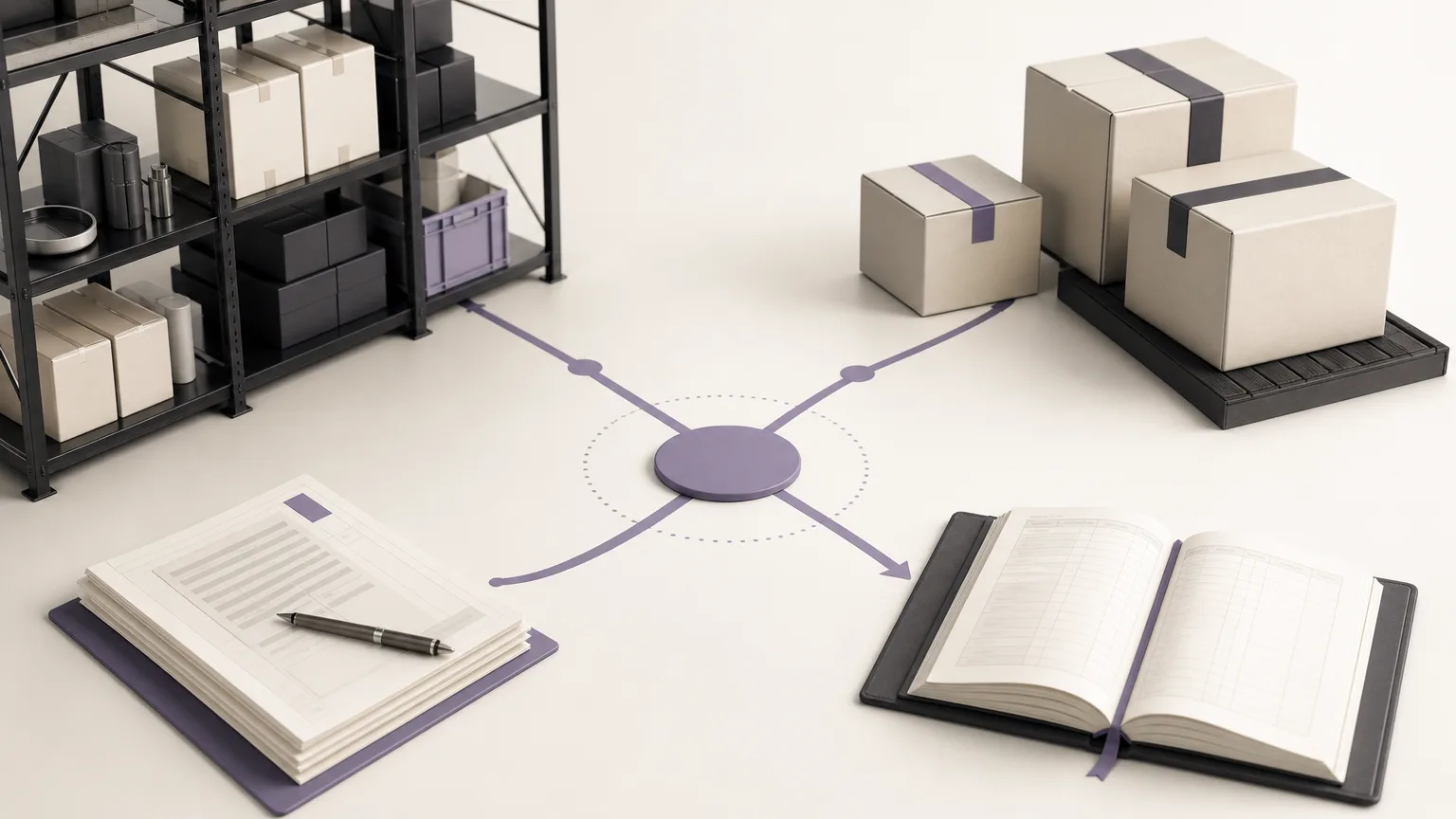
Managing slow-moving inventory should not begin with an automatic price reduction or an immediate decision to stop purchasing. A better starting point is a shared view of the situation: When was the last movement? What quantity is currently on hand? Is another branch expecting the item? Is there an approved policy for clearance or redistribution? When these questions are reviewed together, an inactive-item report becomes a starting point for an operating decision rather than another list to investigate manually.
OrdertechERP connects sales, orders, inventory, accounting, reporting, and branches in one operating space. This gives the relevant teams a common context for review. The quality of the outcome still depends on the quality of the data, the company’s configuration, and each team member’s permissions.
Define inactivity before reviewing the list
Before creating a review list, agree on what “inactive” means for your company. The selected period might be thirty days or considerably longer, but the appropriate threshold depends on the item’s sales cycle, category, and inventory policy. A single threshold may not make sense for every item when demand patterns vary across branches or product groups.
Document at least three parts of the review setup:
- Inactivity period: the period during which the item has recorded no movement under the company’s approved definition.
- Movement included: for example, a sale, issue, or transfer, depending on what the company considers meaningful activity.
- Review scope: all branches, a specific branch, a warehouse, or a selected item category.
A clear definition helps separate an item that is genuinely inactive from one that moved in another branch or already has an open order that needs attention.
Read the report through three questions
Do not stop at the item name and quantity. Review each item through three connected questions:
- How long has it been inactive? A longer period may justify closer investigation, but duration alone is not a decision.
- What is the current balance, and where is it held? Stock may be spread across branches, concentrated where demand is weak, or low enough that clearance is not the right response.
- What was the last movement? The last activity provides context. It may indicate limited sales, an internal transfer, a recent receipt, or a correction that needs review.
Compare the list with current orders and planned purchasing as well. An item that appears inactive may be needed soon by another branch, while replenishing a slow-moving item can increase stock without a clear operational reason.
Turn the review into a decision path
Not every inactive item requires the same action. Use a simple path that connects evidence to a proposed next step:
| What the review shows | Possible review action |
|---|---|
| Stock is held in a branch with weak movement, while another branch has demand or an open need | Assess redistribution under the company’s transfer policy and approval permissions. |
| The balance is high, the last movement is old, and no near-term need is visible | Review the offer or clearance plan before continuing supply. |
| A slow-moving item has planned or proposed replenishment | Consider pausing or postponing supply after approval by the authorized role. |
| Movement history or stock balance appears inconsistent | Investigate and correct the data before making a commercial decision. |
These are review paths, not automatic commands. They do not mean every inactive item should be discounted. The appropriate decision depends on company policy, the item’s commercial context, existing commitments, and the permissions assigned to the team.
Give each team a clear role
The review is more effective when ownership is explicit. The inventory team confirms the balance, location, and last movement. Sales reviews expected demand, customer behavior, and possible offers. The orders team checks for open orders or unfulfilled needs. Accounting reviews the treatment of clearance or redistribution according to internal procedures. Reporting teams maintain a consistent definition of the period and the data source, while branches help explain local differences.
Before approving an action, record the review in a shared work list: item, branch, inactivity period, current balance, last movement, possible reason for inactivity, proposed action, owner, and follow-up date. This keeps the work from ending at the report and prevents the decision from becoming an untraceable message in a separate channel.
Use AI assistance without replacing operational judgment
OrdertechERP uses an AI operational assistant to connect orders and data with the next step according to the company’s configuration and team permissions. In a slow-moving inventory review, this can help organize the relationship between the item, order, balance, and proposed action. Its usefulness still depends on accurate data, clear company definitions, and the access granted to the user.
Approval for clearance, redistribution, or stopping supply should therefore remain within the company’s approved process. Check the source data, understand the reason behind a recommendation, and confirm that the proposed action fits the inventory policy and the authority of the person expected to carry it out.
Checklist before closing the review
- Has the inactivity period and review scope been approved?
- Has the balance been checked for every relevant branch?
- Is the last movement understandable and reviewable?
- Has the item been compared with current orders and planned supply?
- Is there a named action owner and a follow-up date?
- Does the approver have the required permission, and is the decision documented?
Conclusion
A slow-moving inventory review becomes more useful when it moves beyond “What has not moved?” to a fuller set of questions: How much remains? Where is it? What was the last movement? And what is the appropriate next step? OrdertechERP provides one operating space connecting inventory data with sales, orders, reporting, and branches. The quality of the decision still depends on data quality, company configuration, and team permissions. With that discipline, a report can lead to a clear action—reviewing an offer, redistributing stock, or pausing supply—without turning the decision into an automatic or undocumented outcome.