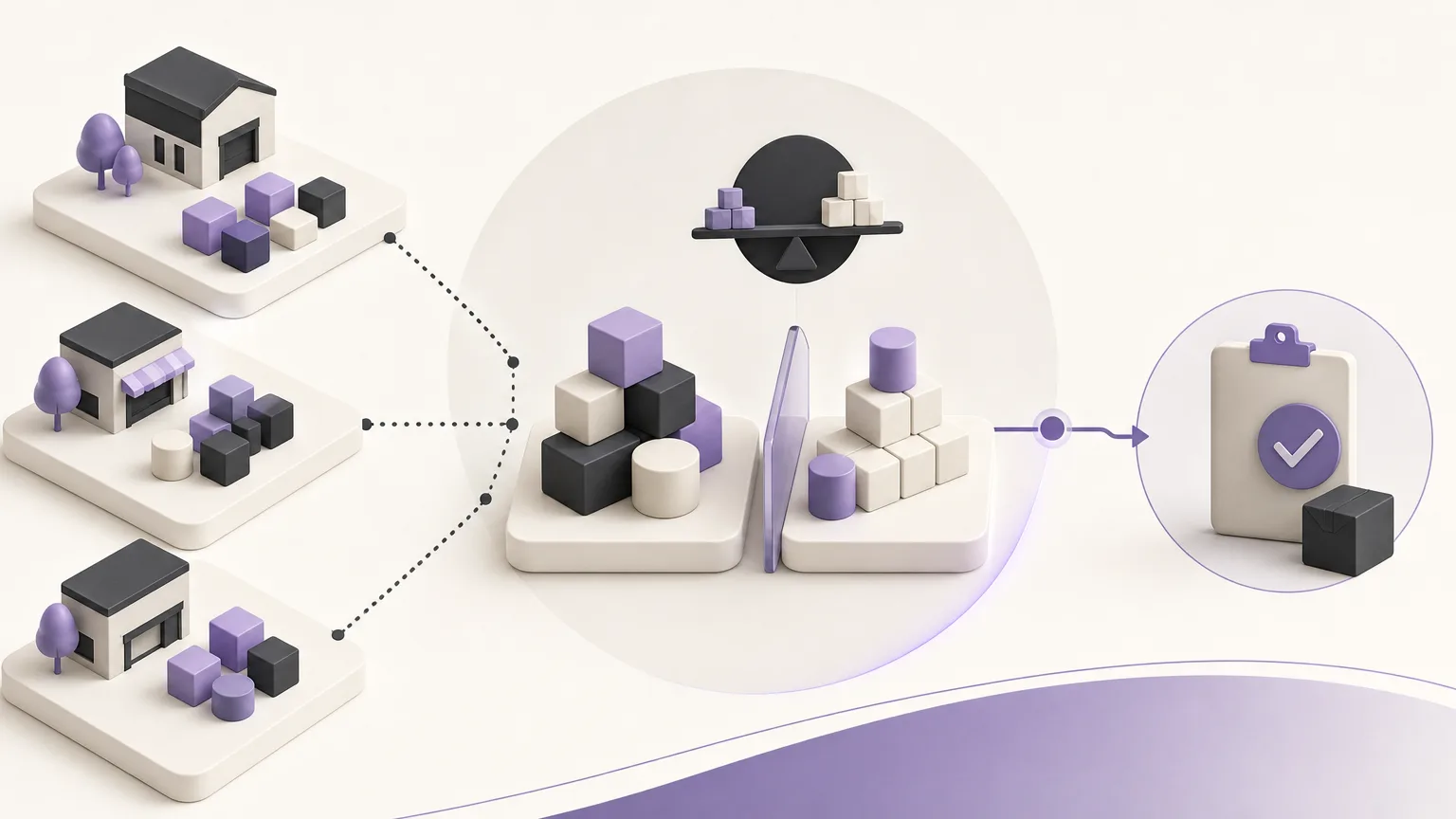
Purchasing priority should not begin with a broad question such as, “Which items should we buy?” It should begin with a clear view of the current balance, a comparison with the approved reorder point, and a documented next step. When these activities are spread across spreadsheets, messages, and separate records, inventory teams may struggle to see what needs attention first or whether someone has already acted.
OrdertechERP connects sales, orders, inventory, accounting, reporting, and branches in one operating space. This gives teams a shared context for reviewing inventory data and coordinating follow-up. The quality of the outcome still depends on accurate data, company configuration, and the permissions available to each team member.
Start with the Reorder Point Definition
A reorder point should not be interpreted in isolation from the company’s operating settings. Before reviewing items, confirm that the approved point for each item or item group reflects the company’s current policy. Check the following:
- The item is linked to the correct reorder point.
- The units used for the stock balance and the threshold are consistent.
- Branches or locations that are reviewed separately are represented according to the approved setup.
- Recent changes to item data or settings have been recorded according to team procedures.
If the threshold is outdated or the balance is incomplete, a comparison alone cannot produce a reliable supply decision. Configuration review is therefore part of the process, not an optional detail.
Read the Balance in Operational Context
Once the setup has been checked, compare each item’s balance with its reorder point. Do not focus only on items with low balances. Consider whether the balance is connected to open orders, sales activity, a different distribution across branches, or a transaction that has not yet been completed. The goal is to distinguish a genuine follow-up need from a temporary or incomplete view of the data.
Inventory teams can organize the review into three practical states:
- Below the point: the item needs a supply-priority review and a check of the related data.
- Near the point: the item deserves monitoring and confirmation of any expected movement or open order before the next action.
- Above the point: the item may not be a current reorder priority, unless another operational note requires attention.
These states do not replace company policy. They provide a consistent way to structure the review and make the discussion easier for different team members to follow.
Prioritize Items That Need Attention
After identifying items near or below the point, rank them using clear operating criteria. Start with the cases that require the most urgent review under company policy, then separate items that need data verification from those that are ready for the next supply step. Grouping items by branch, owner, or follow-up type can also prevent duplicate work and make ownership visible.
Do not rank items by low balance alone. Check whether an order is connected to the item, whether a movement is still being completed, or whether the same item appears differently across branches. When the priority is unclear, record the need for verification instead of turning an unconfirmed assumption into a purchasing decision.
Turn the Review into a Documented Action
A useful review does not end when a low-balance item is identified. The team should know what happens next and who is authorized to take that action. Depending on company settings and procedures, the next step may be to verify the balance, review related orders, request approval, or record supply follow-up. The important point is that the status is clear and available for reference.
Use a concise, consistent record that identifies the item or branch, explains why follow-up is needed, states the requested action, and notes the approval status when relevant. Avoid vague entries such as “needs purchasing” without explaining what was checked and what remains open. Team members should also avoid taking actions outside their assigned permissions. Clear responsibility boundaries protect the quality of the record and reduce duplicated effort.
The Value of a Shared Operating Space
When sales, orders, inventory, accounting, reporting, and branches are connected in one operating space, teams can discuss a supply decision using a shared view instead of multiple versions of the data. Inventory can share the item status with the relevant teams, while accounting or management reviews what is required within the approved process and permissions.
OrdertechERP also uses an AI operational assistant to connect orders and data with the next step according to company configuration and team permissions. This can help organize follow-up and direct attention toward the appropriate action, but it does not remove the need for accurate data, clear settings, or human review that matches the responsibility involved.
A Checklist Before Closing the Review
- Have the item, branch, and unit of measure been confirmed?
- Is the balance current and understood in light of related movements and orders?
- Is the reorder point the one approved in the company settings?
- Has the follow-up priority and its reason been recorded?
- Has the next action been assigned to someone with the required permission?
- Has the status been documented so inventory and management teams can refer back to it?
Conclusion
Reviewing items near a reorder point is more than sorting low balances. It is a process that starts with sound configuration, reads the balance in context, ranks priorities, and ends with a documented and accountable supply action. OrdertechERP helps bring this work into a shared operating space that connects data with follow-up. The value of the decision still depends on data quality, company settings, and team permissions. When those foundations are clear, teams can move from “this item has a low balance” to “this is the next understood supply action” with greater discipline and less repetitive manual work.