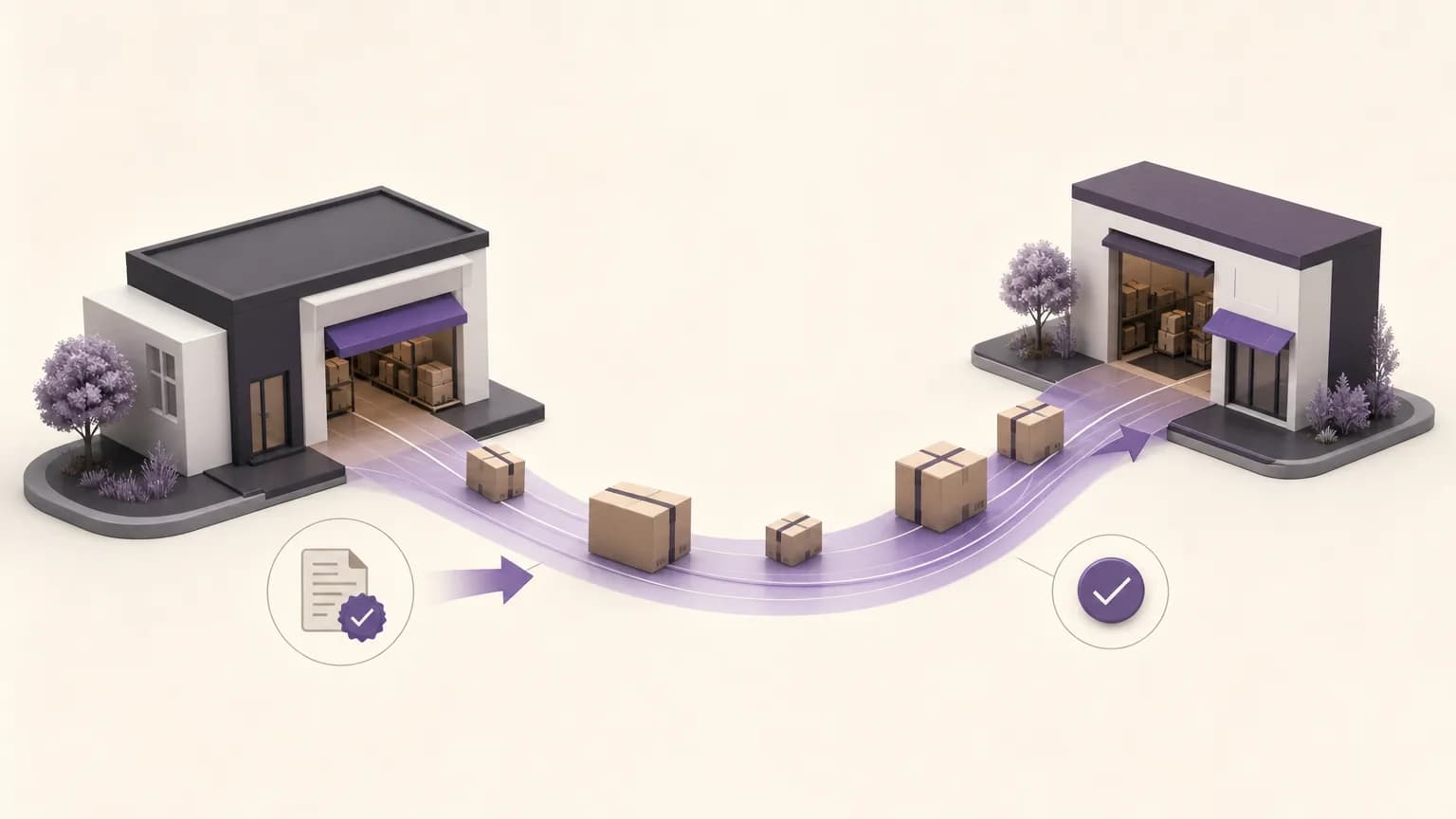
An inventory transfer between branches is more than moving an item from one location to another. It includes a clear request, assigned ownership, a current status, and confirmation of what was actually received. When these details remain scattered across messages or outdated records, teams cannot easily tell whether stock is still at the sending branch, in transit, or received but not yet recorded.
OrdertechERP can help organize this process in one operating space that connects branches, inventory, orders, and reporting. The practical benefit comes from giving teams a shared view of the transfer and using the available data to identify the next action. The quality of that result depends on the company’s setup, team permissions, and the accuracy and completeness of the data entered.
Start with a Trackable Transfer Request
Before stock moves, the request should contain the information needed to prevent ambiguity: the sending branch, receiving branch, items, requested quantities, and the person or team responsible for follow-up. A reason for the transfer may also be useful when the company needs additional context.
The goal is not to create paperwork for its own sake. A consistent request gives both branches and the inventory team a shared reference point. It answers basic questions without repeated calls or messages: Who requested the item? Which branch should receive it? What quantity was requested? Reporting teams can then review transfers in context rather than relying on disconnected notes.
Each company can decide which fields are necessary for its operation. Keeping essential information consistent is more valuable than asking staff to enter unnecessary details, while leaving critical fields optional can make later follow-up difficult.
Assign Ownership at Every Stage
Transfers often stall because everyone assumes someone else is following up. A clearer process assigns responsibility for reviewing the request, preparing the stock, handing it over for delivery, checking arrival, and confirming receipt. This does not require one person to own the entire transfer. It clarifies the handoff between teams.
A shared view makes it easier to see the last completed action and the next responsible party. Permissions should match those responsibilities. For example, the sending branch may update preparation or dispatch information, while the receiving branch confirms what arrived. Review and correction actions can remain limited to authorized roles according to the company’s configuration.
Use Clear Statuses to Make Follow-Up Practical
A transfer needs statuses that everyone understands in the same way. A company might use a sequence such as New, Under Review, Approved, Preparing, Dispatched, Awaiting Receipt, and Received. These labels are an operational recommendation, not a claim about a fixed product workflow; the actual setup depends on the company’s process and permissions.
Status updates are not merely administrative. They show where attention is needed and help prevent stock from being treated as available at the receiving branch before arrival has been confirmed. They also give reporting teams a more reliable basis for identifying open, delayed, or exception transfers.
Connect Transfer Status with Inventory Accuracy
A common control problem occurs when inventory balances are changed without reflecting the real stage of the transfer. If stock is removed from the sending branch before dispatch is documented, or added to the receiving branch before the quantity is checked, the reported availability at both locations may be misleading.
Inventory, accounting, and branch teams should agree on what each stage means. When does the quantity leave the sending branch’s balance? When should it be considered available at the receiving branch? How should a short shipment, damaged item, or different item be recorded?
There is no single operational answer for every company. The result depends on the company’s configuration, approval rules, and the quality of the information captured by staff. What matters is that the rule is documented and applied consistently.
Make Receipt Confirmation a Documented Step
A transfer should not be considered complete simply because it was marked as dispatched. When the stock arrives, the receiving branch should compare the items and quantities with the request and confirm what it actually received. If there is a discrepancy, the difference should be recorded instead of closing the transfer as complete.
A receipt record can include the missing quantity, a different item, or another relevant note, along with the team responsible for review. This keeps the issue out of an isolated conversation and gives inventory staff a clear follow-up point. It also gives reporting teams the context needed to understand differences between requested, sent, and received quantities.
What Should Happen When a Transfer Is Late or the Receipt Differs?
When a transfer is late, the first question should not be a general “Where is it?” Start with the last documented status. If the request is still being prepared, the responsible person should check with the sending branch about the quantity and expected dispatch. If it was dispatched but the receiving branch has not confirmed arrival, the team should review the follow-up responsibility and the approved delivery process.
When the received quantity differs, the next step is to compare the request, the prepared quantity, and the actual receipt. Record the discrepancy and assign it for review. Inventory balances should not be changed or the transfer closed based on an undocumented assumption.
OrdertechERP includes an AI operational assistant that can connect order and data context to the next step according to the company’s configuration and team permissions. It can support structured follow-up, but it does not replace the need for complete data, appropriate configuration, or human review when a transfer is delayed or disputed.
Use Reporting for Review, Not Just Observation
Reports become more useful when teams can review open transfers, requests waiting for action, transfers that have remained unchanged, and differences between requested and received quantities. This shared view can help branch and inventory managers identify recurring process issues, such as late receipt confirmation or incomplete request details.
Transfer review can also be considered alongside sales, orders, inventory, accounting, and reporting in the same operating space. This does not remove the need for human judgment. It reduces manual searching across separate sources and gives discussions a common record to work from.
A Practical Implementation Checklist
- Agree on the essential fields required for every transfer request.
- Assign an owner for each stage, from request creation through receipt confirmation.
- Use consistent operational statuses across branches.
- Define how each status should be reflected in inventory views and reports.
- Make quantity or item discrepancies a documented review event, not a silent correction.
- Review delayed transfers regularly and define the next action for each one.
Conclusion
Reliable inter-branch inventory transfers begin with a documented request and end with confirmed receipt. In between, teams need clear ownership, consistent status updates, and agreed rules for inventory visibility. OrdertechERP provides a shared operating space connecting branches, inventory, orders, and reporting, while its AI operational assistant can connect transfer data to the next step according to the company’s setup and team permissions.
The system is not a substitute for sound operating discipline. Accurate balances and reports still depend on complete data, appropriate configuration, clear permissions, and human review when a transfer is late or the receipt does not match the request.