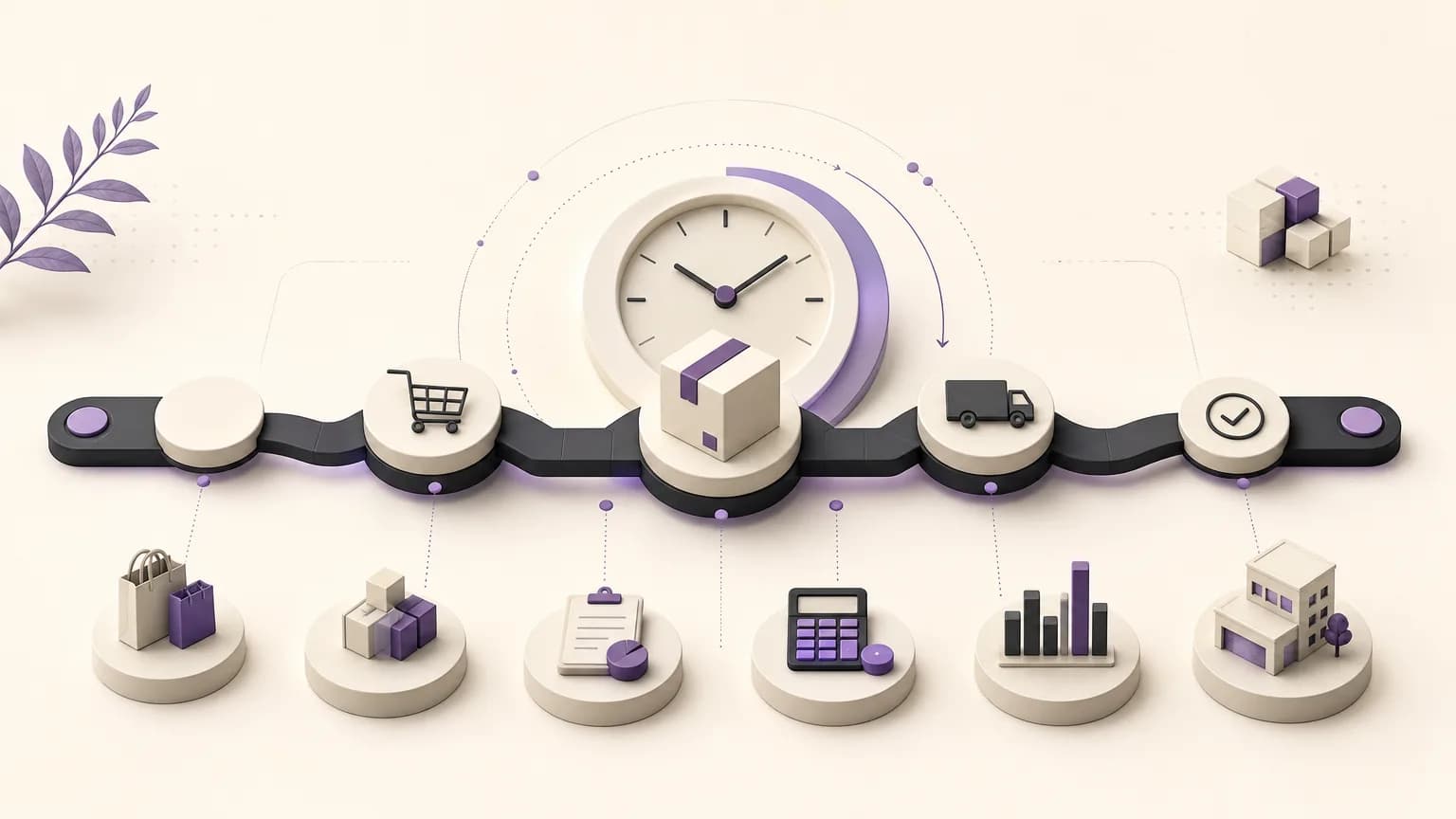
An order delay may first appear as a customer complaint or as mounting pressure on the sales team. A useful operational response starts with a more precise question: which stage is holding the order, how long has it been there, and who owns the next step? When teams review clear order statuses alongside stage dates, they can move from general impressions to a practical, evidence-based review.
OrdertechERP connects sales, orders, inventory, accounting, reporting, and branches in one operating space. This gives teams a shared view of order movement instead of requiring them to follow each part separately. Its operational AI assistant can also connect order and business data to the next action according to the company’s configuration and team permissions. The value of that view still depends on data quality, well-defined workflows, and the access rules set by the company.
Define the Order Path Before Measuring It
Before measuring time, agree on what each order status means. Status names will vary by business, but each one should represent a clear operational state, such as receiving an order, reviewing it, waiting for availability, preparing it, or closing it. A status name alone is not enough. Teams should know when to use it, what allows an order to move forward, and which role is responsible for updating it.
This definition helps separate real waiting time from time caused by an outdated status. If an order has already moved forward but its status was not updated, the recorded duration will not describe what actually happened. Make status updates part of the daily process, and investigate records that remain unchanged longer than expected in the context of the operation. Do not treat an old status as automatic proof of a process failure.
Use Stage Dates to Locate the Hold-Up
Dates recorded as an order moves through its stages give teams a practical way to locate where time accumulates. Rather than looking only at total fulfillment time, review the interval between one stage date and the next. An order may move quickly through review but wait before preparation, or it may pass between teams smoothly and then pause because information or an internal approval is incomplete.
The comparison does not require one universal target for every order. Start with groups that are reasonably similar, then compare stage durations within those groups. Depending on the business, groups might be organized by order type, branch, time period, or other known operating conditions. The goal is to ask a more useful question: does the delay repeat at one stage, in one branch, or for a particular type of order?
Practical Questions for Reviewing the Data
- What is the order’s current status, and when did it enter that status?
- Which stage took the longest compared with the other stages in the same order?
- Did similar orders move through the process differently?
- Are delayed orders associated with a particular branch, team, or processing type?
- Are the dates current and accurate, or is there a gap in recording what happened?
Turn an Observation into a Clear Next Action
Finding a stalled order is not the end of the review. Once the stage is identified, turn the observation into a specific action: check missing information, verify the order’s condition, coordinate with inventory, or escalate the case to the appropriate team under the internal procedure. The action should be understandable and assigned to someone who can carry it out within their permissions.
A shared operating view helps sales, operations, inventory, accounting, reporting, branches, and order teams work from the same context. Sales may see the customer impact of a delay, while inventory needs to identify orders waiting for availability. Accounting may need to review a related step according to the company’s process. This does not mean every team should see every record. Access to information and actions should follow the organization’s configuration and role permissions.
OrdertechERP’s operational AI assistant can help connect order data to a next action within the company’s configured workflow and user permissions. Teams should review any suggested action in context, confirm that the underlying information is complete, and then follow the applicable operating policy. The assistant can reduce searching and manual coordination, but it does not replace operational ownership or sound data governance.
Compare Orders and Branches Carefully
Comparing orders or branches can reveal patterns that are difficult to see from a single record. The comparison is useful only when the units being compared are reasonably similar and statuses and dates are recorded consistently. Do not compare branches simply because they have different volumes, and do not treat a difference as a performance conclusion before considering order mix, operating conditions, or recording practices.
Use reporting to create a practical review list: orders that remain in a specific status, stages where longer durations recur, and branches that may need a check of their status-update process. Discuss the pattern with the relevant team and determine whether the cause is missing data, an unclear step, or a coordination issue. This makes comparison a tool for improvement rather than a judgment based on a single number.
Build a Repeatable Review Cycle
Order-time review should not be limited to occasional investigations. Set a review frequency that fits the operation, and examine a sample of completed and delayed orders. Record what the teams learn. When the workflow changes or new statuses are introduced, revisit stage definitions and update permissions. When a duration looks implausible, check data quality before changing the process or assigning blame to a team.
A short review can focus on three questions: where does waiting recur, what information is missing, and who owns the next action before the next review? Avoid confusing shorter time with better work. The objective is to remove unnecessary waiting while preserving the controls and checks required by the company.
Conclusion
Measuring order fulfillment time starts with understandable statuses and current stage dates. It then moves to disciplined comparisons and clear ownership of the next action. OrdertechERP brings sales, orders, inventory, accounting, reporting, and branches into one operating space, while its operational AI assistant can support the link between data and action within company settings and team permissions. The quality of the result still depends on accurate data, a well-configured workflow, and consistent status updates. When those elements work together, delay detection becomes the starting point for a reviewable operational improvement rather than a late reaction.