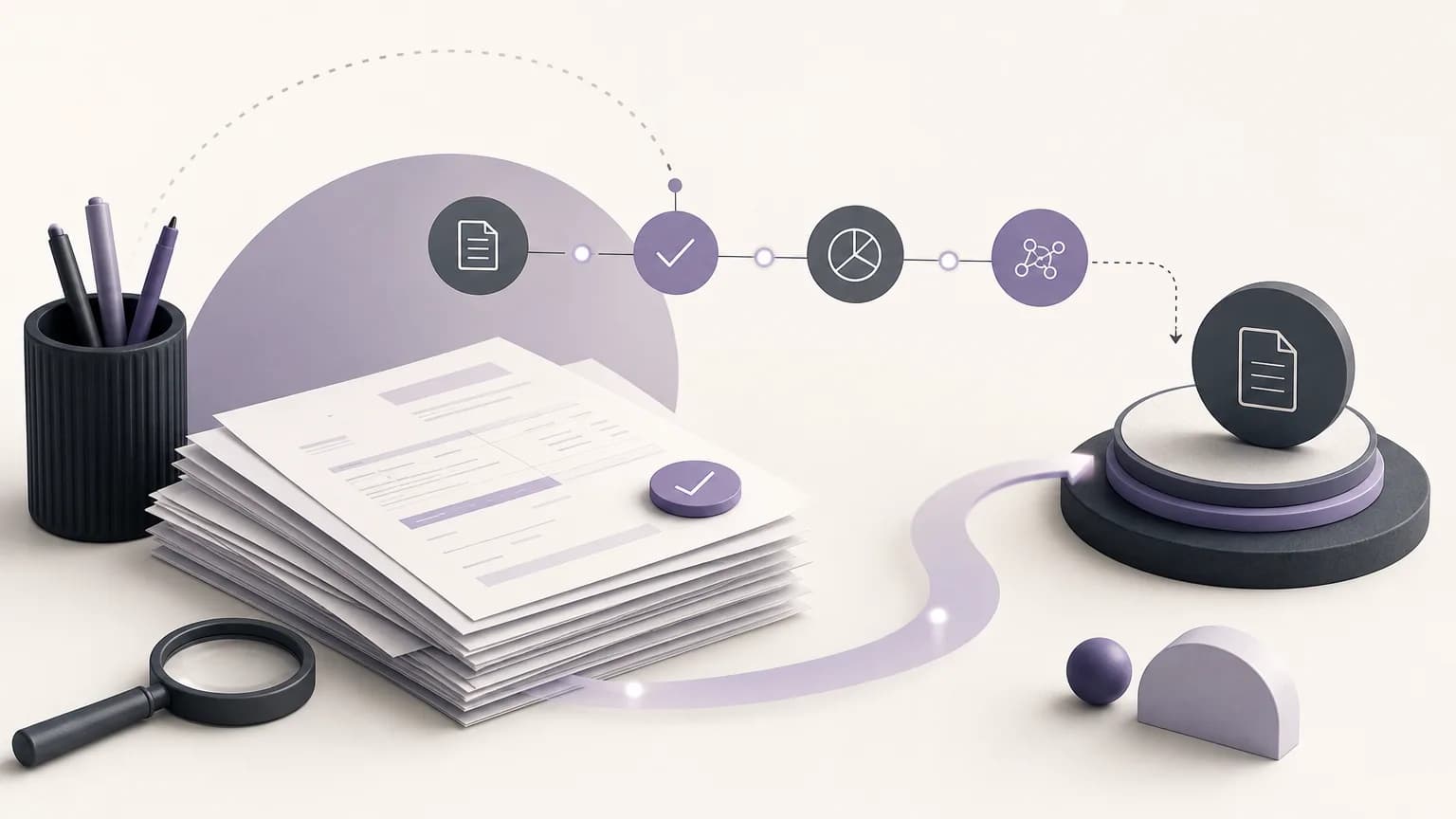
An invoice that has not completed its accounting processing does not necessarily point to one known error. The data may be incomplete, the invoice may need verification by another team, or the company’s settings may not cover the situation clearly. A sound review therefore starts with a visible status, moves to an evidence-based classification, and ends with a clearly assigned next step.
OrdertechERP connects sales, orders, inventory, accounting, reporting, and branches in one operating workspace. For accounting teams, that shared view makes it possible to review an invoice alongside its operational context rather than as an isolated record. The quality of the outcome still depends on data quality, company configuration, and team permissions.
Start with a reviewable report
Define the review scope in the reports available in OrdertechERP before working through individual invoices. The scope might cover invoices whose accounting processing is incomplete during a particular period, within a branch, or in relation to specific orders or teams. The goal is not simply to create a long list; it is to create a list that can be followed through to resolution.
Depending on company settings and the user’s permissions, check whether the report provides the invoice number, date, branch, related order, current status, and any information requiring review. If an important detail is missing, do not treat its absence as proof of a particular cause. Record that the available data is insufficient and identify who has authority to verify it.
Classify the case before choosing an action
Classification turns “what is incomplete?” into a more useful question: “what should happen next?” The classification should be based on the records available, not on assumptions. Practical operating categories may include:
- Information to complete: a required detail is missing, and there is not enough evidence to determine the correct value.
- Operational verification required: the invoice needs to be checked against the order, sales activity, branch records, or inventory information.
- Accounting review required: an authorized accounting user needs to assess the appropriate treatment under company policy and configuration.
- Unclear ownership or permission: the case is visible, but the team authorized to verify or complete it has not been identified.
- Conflicting records: related records do not agree, so the case should not be closed before the difference is understood.
These categories are working labels, not definitive diagnoses. Each company can adapt them to its own procedures and controls.
Connect the invoice to its operating context
Review the invoice together with the record that produced it. Check the relationship between the invoice and the order, then compare the available sales or branch information with relevant inventory records where the user has access. After that, review the accounting and reporting implications that fall within the team’s responsibility.
This sequence may show that an accounting question first needs an answer from another team. Is this the correct order? Does the record belong to the correct branch? Is the entered information consistent with the approved process? Connecting these areas does not mean the system makes the decision for the team. It provides shared context so the authorized person can make and document the decision.
Assign ownership for the next step
For every incomplete case, record a next step that someone can actually perform. Instead of writing “please review,” use a specific instruction such as “the branch team verifies the order details” or “the authorized accountant reviews the available information before completing the accounting step under company settings.” Also identify the owner or team, the evidence required, and when the case should return for review.
| Work stage | Practical question | Potential owner |
|---|---|---|
| Identify the case | Which invoices are incomplete within the reporting scope? | Accounting or reporting owner |
| Check the context | Do the invoice, order, branch, and related records agree? | Sales, branch, or inventory team |
| Perform accounting review | What treatment is permitted by company policy and configuration? | Authorized accountant |
| Close the case | Are the data and outcome traceable in the relevant reports? | Owner defined by the procedure |
This structure helps prevent an invoice from being passed between teams without a decision. No user should exceed their permissions or complete a case they are not authorized to handle.
Use the operational assistant carefully
OrdertechERP’s AI operational assistant can help connect an order and its data to the next step according to the company’s configuration and team permissions. In practice, it may help direct attention to a related record or suggest a review path when the required information is available.
A suggestion is not a substitute for accounting verification, and it should not be treated as automatic posting or final approval. Review the data source, the reason for the suggestion, and the person authorized to perform the action. When information is missing or conflicting, route the case to a clearly assigned human review instead of filling the gap with an assumption.
Review what closing the case changes
Closing a case is more than removing it from a follow-up list. When an invoice is completed under the approved process, reports and balances can more closely reflect the activity recorded in the system. Leaving incomplete invoices unclassified or unattended can make reporting harder to interpret and complicate the investigation of differences across sales, orders, and accounting.
Before closing, ask: Has the required information been verified? Did the authorized person perform the step? Could another reviewer understand the result later? Does the status appear clearly in the relevant reports? This review does not promise a fixed numerical outcome. Its practical value is reducing repeated manual work and improving traceability when the data and configuration are sound.
A short review checklist
- Define the invoice scope and reporting period.
- Separate confirmed information from items that still require verification.
- Connect the invoice to the available order, branch, and related records.
- Classify the reason for the hold without unsupported assumptions.
- Assign the owner, next step, and required evidence.
- Check permissions and company settings before completing any action.
- Review the effect of closure on related reports and balances.
Conclusion
Reviewing unposted invoices becomes more valuable when it moves from manual record hunting to a defined workflow: identify the status, understand the context, classify the hold, and route the next step to the authorized owner. OrdertechERP brings sales, orders, inventory, accounting, reporting, and branches into one workspace, with operational guidance shaped by company configuration and team permissions. The accuracy of the result remains dependent on data quality and on how clearly the company’s procedures are defined and followed.