A difference in a customer balance may look like a simple calculation issue, but it often points to a gap in how an order, sale, collection, or follow-up status was recorded. When sales, inventory, accounting, reporting, branches, and order teams work from separate information, finding the difference is only the beginning. The harder question is deciding what should happen next.
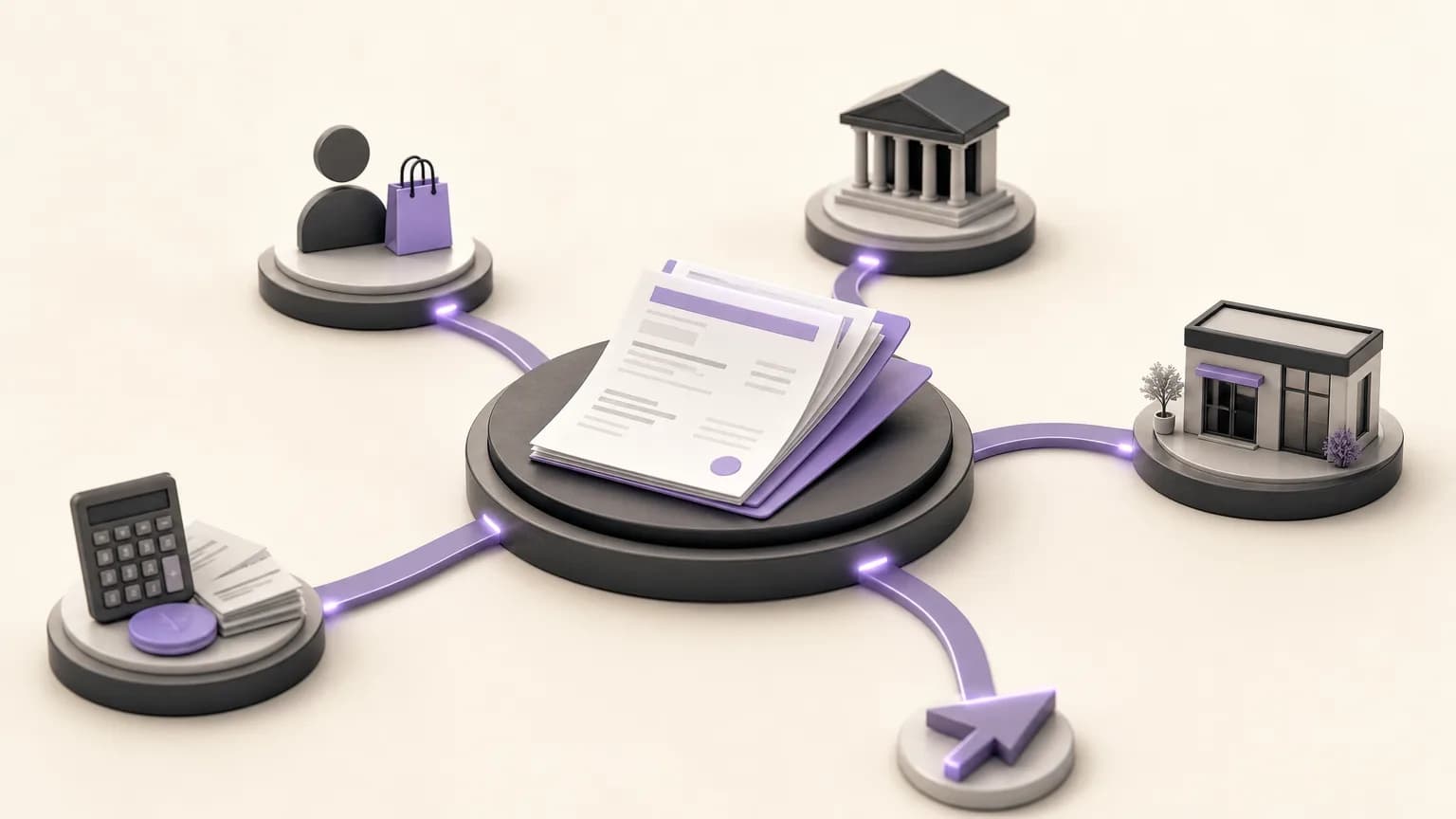
OrdertechERP connects sales, orders, inventory, accounting, reporting, and branches in one operating space. That shared view can make customer-balance reviews more consistent. It does not remove the need for sound data, company configuration, or appropriate access permissions. The practical goal is to turn a comparison into a documented review process rather than assume that every discrepancy is resolved automatically.
What does customer-balance reconciliation mean?
Reconciliation means comparing the amount a customer is expected to owe based on recorded sales and orders with the collections and related accounting movements recorded against that customer. The review should begin with a defined period and customer scope, then examine the movements behind the balance instead of relying on the final number alone.
A useful review asks:
- Which sales or orders were recorded for the customer during the period?
- Which collections were recorded, when were they entered, and what customer or reference were they linked to?
- Is any sale or collection incomplete, misclassified, or handled differently by the company’s configured process?
- Can the difference be tied to a specific branch, period, or transaction?
Set the review scope first
Before comparing values, agree on what the balance represents, which period is being reviewed, and which role owns each follow-up step. A balance may look different when the review includes every branch rather than one branch, or when the team compares order dates with the dates used to record sales or collections.
- Define the customer, branch, and period: Write down the scope and avoid mixing periods in one review without a clear reason.
- Identify the source of each value: Keep the sale value, collection value, and any other movement used by the company’s process distinct.
- Check access permissions: Confirm that the reviewer can see the relevant records. A missing movement may reflect restricted access rather than a missing transaction.
- Record the starting point: Note the review date, customer, and period so the comparison can be repeated after a correction.
Separate the three data layers
Reconciliation becomes harder when sales and collections are treated as one total. A clearer method separates three layers: the order or sale that created the customer obligation, the collection that reduced it, and the accounting or reporting view that presents the result. This separation helps the team locate where the discrepancy began.
| Layer | What to review | Follow-up question |
|---|---|---|
| Order or sale | Customer, value, date, branch, and transaction status | Was the transaction assigned to the right customer and recorded in the right period? |
| Collection | Amount, date, reference, and linked customer | Was the collection applied to the intended balance, or is its link unclear? |
| Accounting and report | The displayed balance and aggregation method | Does the report reflect the company configuration and the user’s scope of access? |
Classify the discrepancy before requesting a correction
Not every difference is an accounting error. Classifying the case first prevents teams from passing it between departments without enough information.
Sales or order discrepancy
Sales or the team responsible for the order should review a transaction when it is linked to the wrong customer or branch, or when its status does not reflect what happened under the company’s process. The team should also check for duplicate entries or an order left incomplete.
Collection discrepancy
Accounting should review a case when a collection does not correspond to the expected customer balance, or when its amount, date, or reference is unclear. Do not assign a collection to a customer simply because the date is close or the name looks similar. Use the available reference and follow the company’s procedure.
Period or branch discrepancy
Sales and collections may each be correct while the comparison combines different periods or branches. Re-run the review with a defined scope before asking anyone to change a transaction.
Reporting or access discrepancy
If a report or balance does not show the expected records, check the report setup, user permissions, and branch scope first. The issue may be in the view or access boundary rather than in the underlying transaction.
Turn the reconciliation result into a follow-up record
A useful reconciliation ends with a clear action, not a general note such as “there is a difference.” For each case, record the customer, period, branch, displayed balance, sales total, collections total, the difference when it can be calculated, the data source, and a short description of the transaction under review.
Then add three practical fields:
- Classification: sales, collection, period, branch, or reporting and permissions.
- Owner: the team or role authorized to review it, such as accounting or sales, according to the company setup.
- Next action: verify a document, confirm a collection link, correct data within the user’s authority, or escalate the case to the appropriate decision-maker.
OrdertechERP’s AI operational assistant can help connect order and data context to the next step when that capability is available under the company’s configuration and team permissions. The authorized role remains responsible for validating the information and approving any correction. An unverified suggestion should not replace review.
Use a review rhythm that reduces manual work
Rather than waiting for a customer complaint, establish a review cycle that fits the business. Review open cases at a defined time, prioritize cases that affect collection decisions, delivery decisions, or reporting, and close a case only after the action and responsible role have been documented.
Standard reason and action fields can reduce repeated explanations. Consistent customer and branch naming also makes comparisons easier. Keep “confirmed difference” separate from “under review” so that a preliminary observation is not treated as an accounting fact.
Checklist before closing a case
- Was the correct customer, period, and branch reviewed?
- Were sales and collections compared within the same scope?
- Was the transaction causing the difference identified, or was the reason it could not be identified recorded?
- Was the correction performed by an appropriately authorized role?
- Was the balance reviewed again after the action?
- Were the result and next step documented clearly?
Conclusion
Customer-balance reconciliation is more than subtracting collections from sales. It is a way to organize the relationship between orders, sales, collections, and reporting. By connecting these areas in OrdertechERP, teams can share a clearer view of where a discrepancy begins, who should review it, and what action follows. The value of that process still depends on data quality, company configuration, and team permissions. With a defined scope, consistent classification, and documented ownership, a “balance mismatch” can become a traceable case with a practical next step instead of another manual investigation.