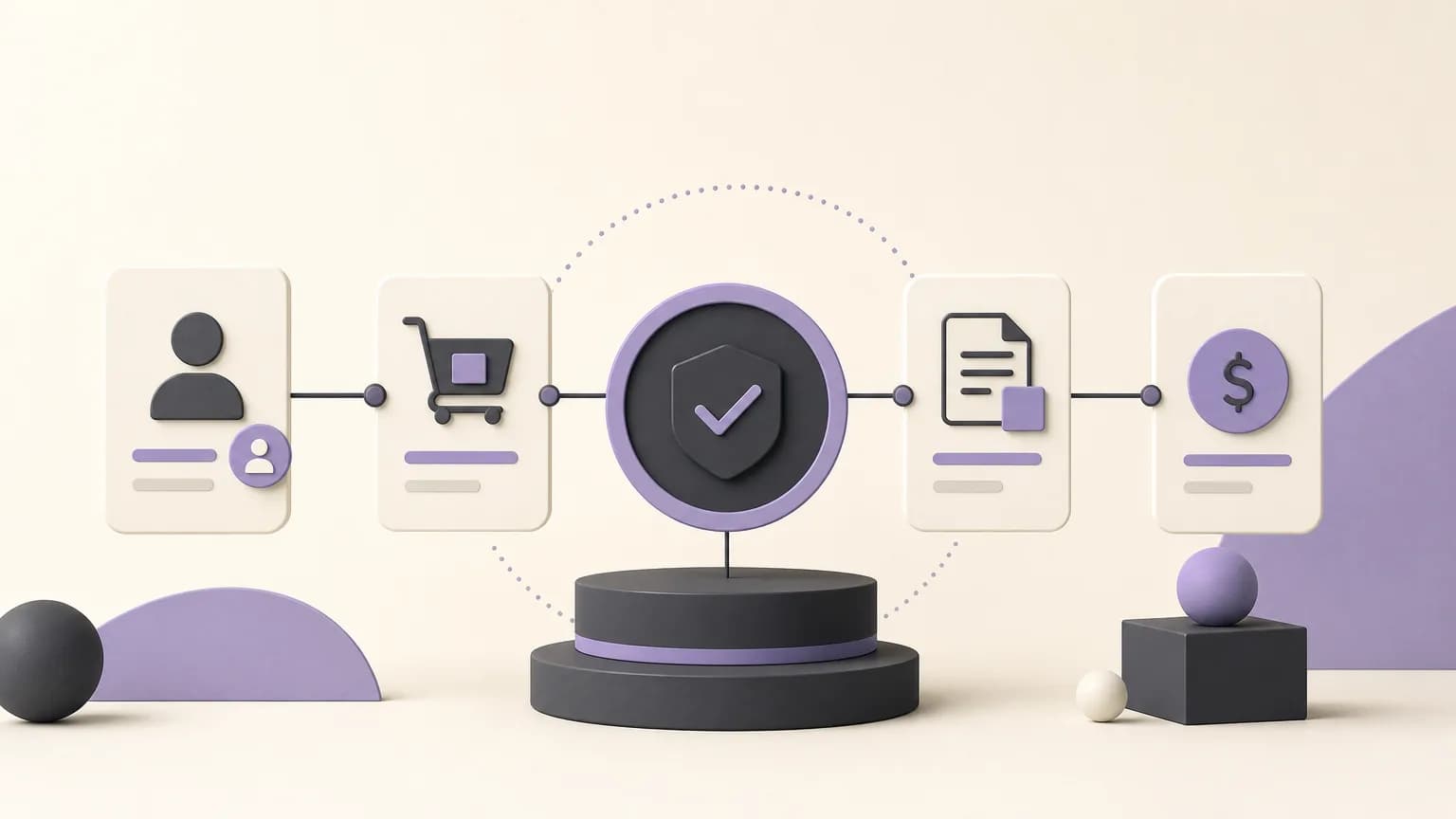
A new sale should not be reviewed in isolation from the customer’s existing obligations. Before approving an order, sales, accounting, and branch teams need a shared view of what is outstanding, what has already been paid, which orders remain open, and how the current exposure compares with the company’s credit limit. When these details are scattered across separate records, it becomes harder to distinguish a routine verification from a case that needs approval or collection follow-up.
OrdertechERP connects sales, orders, inventory, accounting, reporting, and branches within one operating space. The practical value of that shared view depends on data quality, company configuration, and the permissions assigned to each team member. Credit review should therefore be treated as a structured workflow that supports human judgment, not as an independent automated decision.
What does open credit exposure mean?
Open exposure is the amount the company may still have at risk from a customer’s unpaid sales or unresolved obligations, based on the company’s own method of calculation. The review may include invoice status, recorded payments, open orders, and other internal rules for comparing a customer’s position with the approved credit limit.
Looking only at the value of a new order is not enough. The reviewer should consider the credit limit, outstanding balance, recorded payments, open orders, and invoices still being followed up. The team should also confirm that the records belong to the correct customer and that branches are using a consistent customer and credit-limit definition.
A practical workflow before approving a sale
1. Start with the order and its customer
When a new order is created, sales confirms the customer record, the responsible branch, and any credit-limit or review settings defined by the company. This helps prevent a decision based on a duplicate customer record, an incorrect branch, or outdated information.
2. Bring the relevant records into one review
The new order should be considered alongside existing invoices, recorded payments, and other open orders. A shared operating space in OrdertechERP can help sales, accounting, and order teams work from the same information instead of moving between disconnected sources before forming a view of the situation.
- Sales: confirms the order value, status, urgency, and relevant commercial context.
- Accounting: verifies outstanding invoices, recorded payments, and the balance used in the review.
- Orders and inventory: clarify whether the order is still being processed and whether its timing affects the sales decision.
- Branches: confirm that the order, customer, balance, and approval are assigned to the correct location and record.
- Reporting: helps identify recurring review cases or customers that need regular follow-up, based on available data and configured reporting.
3. Compare exposure with the company’s rule
Once the records are assembled, compare the exposure defined by company policy with the customer’s credit limit. The result may be within the limit, close to it, or above it. The important point is to document the basis of the comparison: which records were included, which payments were recorded, and which orders remained open.
| Situation | Review focus | Possible next step |
|---|---|---|
| Exposure is within the limit and the records are complete | Confirm the customer and order details | Continue through the approved sales process |
| Exposure is close to the limit | Verify the balance, payments, and open orders | Request internal approval if company policy requires it |
| Exposure is above the limit or the data is unclear | Review the case with accounting or the authorized approver | Request approval or follow up on collection before proceeding |
Choosing the right next step
Verify the balance
Balance verification is appropriate when the customer is close to the limit or when a payment may not yet be recorded. The team should not assume that an unrecorded payment did not occur. The review should rely on available records and confirmation from the team responsible for maintaining payment information.
Request approval
If exposure exceeds the limit, or company policy requires an additional review, sales should route the case to the authorized person or role. The request should provide a clear summary: sale value, current balance, recorded payments, open orders, and the reason an exception is being considered. A request for approval is not an approval itself; the decision remains subject to company policy and permissions.
Follow up on collection
When the outstanding balance is the main issue, the practical next step may be to follow up on collection before adding a new obligation. Accounting can coordinate with sales or the branch to confirm what is still pending, while avoiding customer commitments that are not supported by a documented payment status.
Permissions and the operational assistant
Each user should have access appropriate to their role, while approval rights, customer-data changes, and financial records remain controlled by the company’s permissions. Permissions are not merely a technical detail: they define who reviews the case, who can recommend a next step, and who can approve an exception.
OrdertechERP includes an AI-powered operational assistant that connects the order and its data to the next step according to the company’s configuration and team permissions. It may help direct attention toward balance verification, approval, or collection follow-up. It does not remove the need for accurate data, and a suggested next step should not be treated as automatic approval. The team still needs to review the context and the applicable company rule before proceeding with the sale.
A pre-approval checklist
- Are the customer, branch, and order linked to the correct records?
- Is the current credit limit the one defined in the company’s settings?
- Are invoices, payments, and open orders recorded completely enough for review?
- Is the exposure above or close to the limit?
- Has the case been routed to the authorized person when required?
- Has the decision been documented before the sale proceeds or is deferred for collection?
Conclusion
Customer credit-limit review becomes more practical when order, invoice, payment, sales, reporting, and branch data are considered within one operating workflow. The goal is not to stop every sale automatically. It is to reduce manual uncertainty and make clear what must be checked and who owns the decision. With OrdertechERP, the quality of that view depends on accurate data, company configuration, and team permissions. The best outcome is therefore a documented decision: verify the balance, request approval, or follow up on collection before proceeding with the sale.