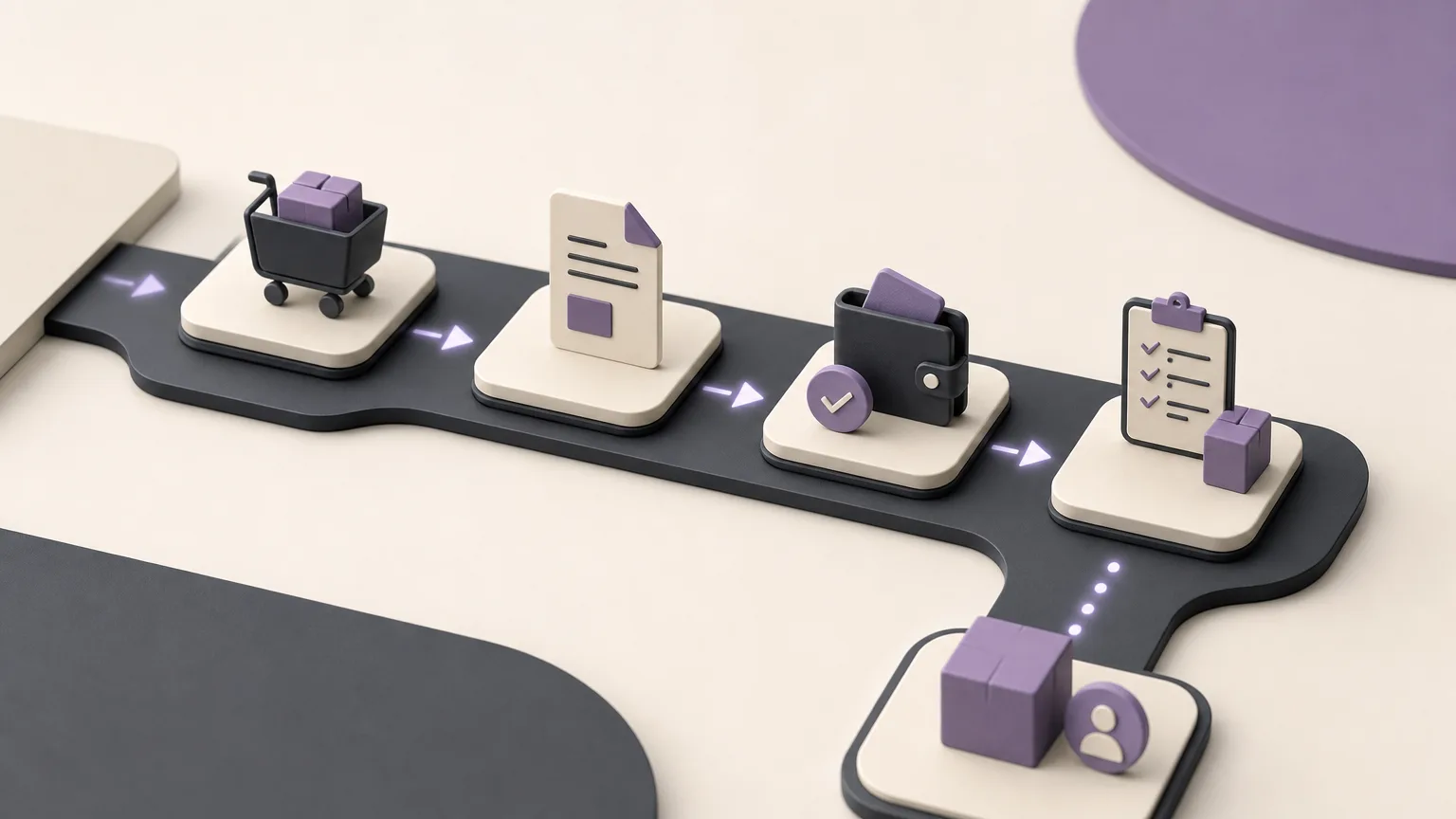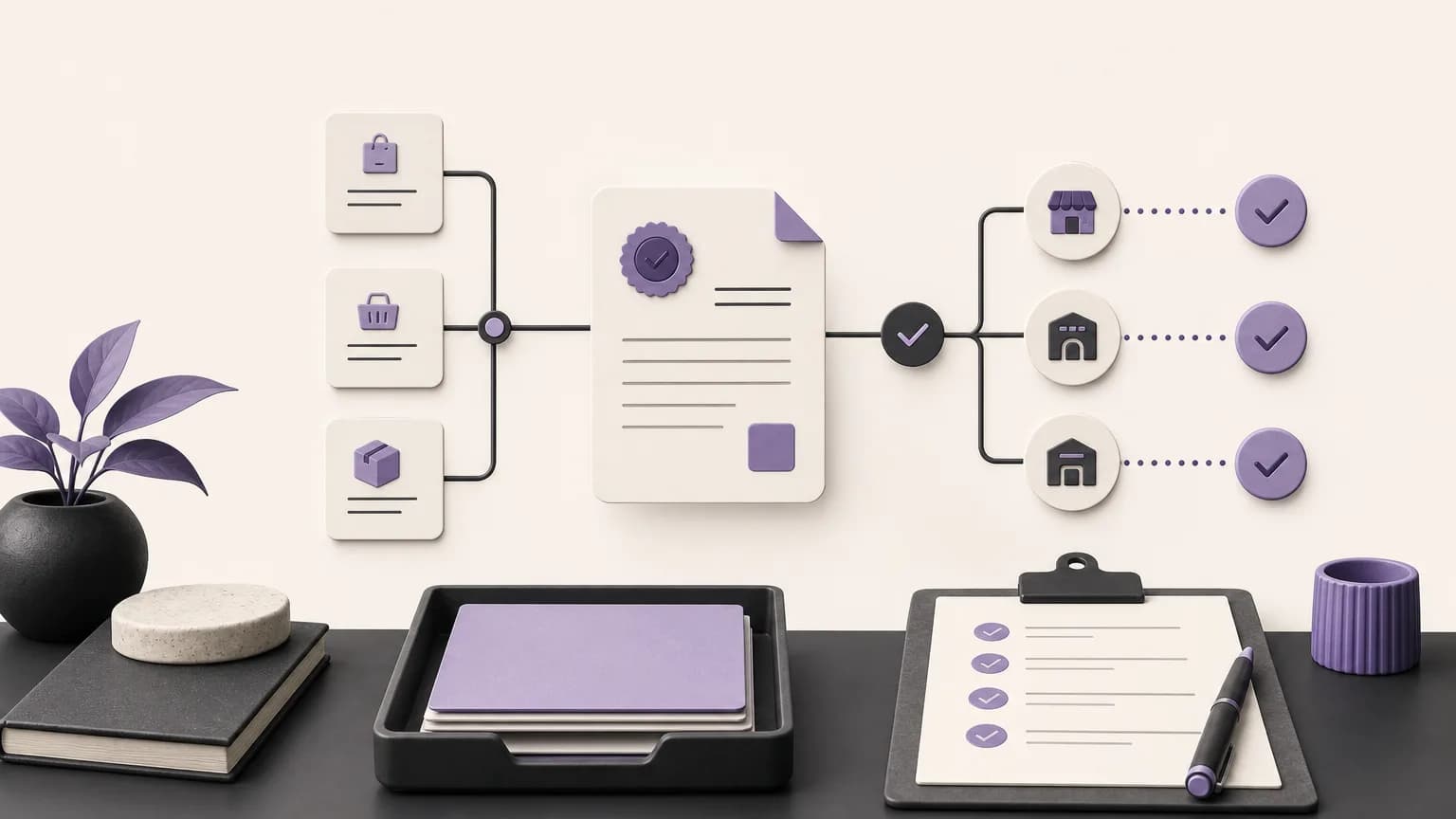
Daily sales closing is more than recording a sales total at the end of the day. It is a structured review that helps sales and accounting teams confirm whether issued invoices, recorded collections, and completed orders reflect what actually happened during the period. When the information is spread across files, messages, and separate records, it becomes difficult to tell what is complete and what still needs attention. By organizing this information in one operating space such as OrdertechERP, teams can work from a shared view that connects sales, orders, inventory, accounting, reporting, and branches.
This shared view does not mean that every discrepancy disappears automatically. The quality of the outcome depends on data completeness, company configuration, permission settings, and consistent recording practices. The practical goal is to make closing clearer and easier to trace while reducing repetitive manual work for sales and accounting.
What to review before closing
Start by defining the review scope: the day, shift, branch, or sales channel, according to the company’s operating process. Then gather the records that need to be compared in OrdertechERP:
- Orders that reached a stage requiring an invoice or a recorded sale.
- Invoices created during the period, including their current status.
- Collections recorded during the period, including the payment reference and related branch or team where applicable.
- Cancellations, amendments, or returns that require a separate review.
- The information needed by accounting and reporting teams to review the day.
Use the company’s approved definition of “complete.” An invoice is not necessarily a collection, and a recorded collection does not necessarily prove that every order detail is complete. Keeping the order, invoice, and collection stages distinct makes it easier to locate the gap instead of treating the entire day as one unexplained difference.
A practical invoice-to-collection review
1. Fix the review period and data basis
Set the start and end of the review period, and identify the relevant branch or team. Use the reports and records available in OrdertechERP according to the company’s configuration. The team should agree on which date controls the review: the order date, invoice date, or collection date. If different teams use different date definitions, an apparent discrepancy may simply reflect timing rather than an actual error.
2. Follow the path of each transaction
For each order or transaction, ask a consistent sequence of questions: Is the order recorded? Are the required details complete? Was an invoice created when needed? Was the collection recorded? Do the branch, amount, reference, and date align with the transaction? This approach isolates the incomplete step instead of forcing the team to manually recheck every record in the day.
3. Classify discrepancies before escalating them
Use clear review categories, such as an invoice with no recorded collection, a collection with no clear reference, a transaction requiring an amendment or cancellation, a timing difference, or missing information from the responsible team. Do not treat an unverified explanation as a fact. Record what the data shows, identify the question that needs an answer, and assign it to the person or team authorized to verify it.
4. Separate closing from correction
It may be better to complete the review with a controlled pending list than to change records simply to make totals match. For each open item, record the transaction, the reason it is pending, the owner of the next step, and whether approval is required. Corrections should follow company procedures and permissions rather than being made to force a quick match.
Clarifying responsibilities across teams
Closing works better when each team understands its role. Sales can review whether orders contain the necessary commercial details and whether any transaction stopped before the next stage. Accounting can verify invoices and collections against the approved financial process. Branch teams can review activity associated with their location, while reporting teams can use the approved data to produce a consistent daily view. This division of work does not mean that every team can edit every record. Permissions determine who can review, approve, and correct.
OrdertechERP includes an AI operational assistant that connects order data to the next step according to the company’s configuration and team permissions. In a closing workflow, it may help direct attention to a transaction requiring review or indicate the appropriate follow-up path. The team remains responsible for validating the information and taking only the action it is authorized to take. An assistant suggestion should not replace verification or override a control.
Handling incomplete transactions
Use one review format for every pending transaction. Begin with a short description of what is present, such as an order without an invoice or an invoice without a recorded collection. Then identify the missing information, the owner of the answer, the required action, and the internal follow-up point. If the transaction belongs to a particular branch or sales team, assign it clearly instead of sending a general request to everyone.
After a correction, review the same transaction again rather than simply removing the discrepancy note. Confirm that the change reflects the actual event and that its effect appears in the relevant records and reports according to the approved configuration. If the difference is caused by posting timing or an internal business rule, document that reason so the same item is not reopened at every closing.
Controls that reduce manual work
- Use consistent names and statuses for orders, invoices, and collections.
- Define when a transaction is ready for review and who can approve a correction.
- Use a consistent daily closing report instead of rebuilding totals in several separate files.
- Distinguish between discrepancies that need an explanation and those that need a correction.
- Review data quality and company settings periodically, especially when branch responsibilities or team roles change.
Conclusion
OrdertechERP brings sales, orders, inventory, accounting, reporting, and branches into one operating space, giving sales and accounting teams a shared basis for reviewing invoices and collections. The practical value appears when closing becomes a defined workflow: set the period, trace each transaction, isolate discrepancies, assign ownership, and complete the next step within approved permissions. The accuracy of the result still depends on data quality, company configuration, and disciplined execution. The system supports the process; it does not replace sound controls or human verification.