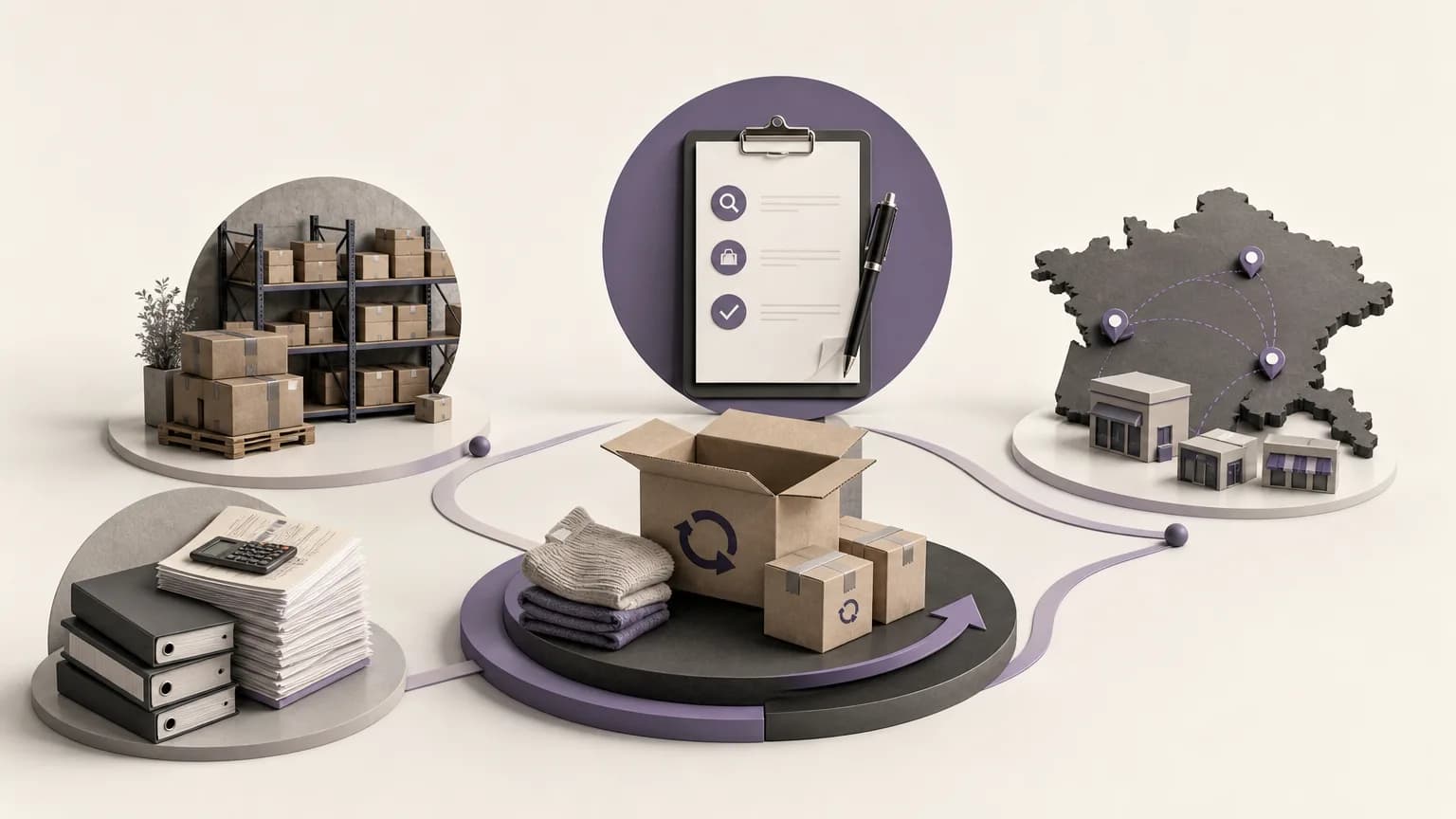
A return is not necessarily complete when goods arrive at a warehouse or when a request is recorded. The item may still be awaiting inspection, the inventory balance may not reflect the physical movement, or the related accounting treatment may remain unfinished. When these steps are handled separately, the business can end up with gaps between the movement of goods and the records used for financial and operational decisions.
Reviewing unsettled returns turns those open cases into a controlled workflow: confirm the facts, understand the operational and financial effect, and assign the next appropriate action. OrdertechERP connects sales, orders, inventory, accounting, reporting, and branches in one operating workspace, giving teams shared context for this review. The quality of the outcome still depends on accurate data, company configuration, and team permissions.
Why open returns need regular review
Every unsettled return represents an unanswered operational question. Did the goods actually arrive? Were they inspected? Should they go back into sellable inventory, remain isolated, or be handled under the company’s policy for damaged or otherwise non-sellable goods? Has the treatment connected to the original sale been completed?
Without a shared review path, different teams may work from different interpretations. Sales may consider the order returned, inventory may still be waiting for inspection, and accounting may be treating the financial step as a separate pending item. This does not mean that every open return is an error. It does mean that delays, duplicate work, and inconsistent balances become harder to detect.
Start with a consistent review list
Bring open returns into a list that can be filtered and reviewed. Depending on the company’s configuration, useful fields may include:
- The reference to the original order or transaction and the responsible branch.
- The return creation date and its current recorded status.
- The returned items and quantities, distinguishing physically received goods from quantities not yet verified.
- The inspection outcome: fit for sale, requiring isolation or further handling, or still undecided.
- The expected effect on inventory and the accounting treatment connected to the original sale.
- The owner of the next action and whether approval or an additional permission is required.
The goal is not to collect every possible field. It is to prevent a return from moving to settlement before its essential facts are available. If the received quantity has not been confirmed, keeping the case under review is safer than changing a balance based on an assumption.
Connect the return to the inventory movement
A return review should answer two different questions: what happened to the goods, and what should happen to the inventory balance? Receiving an item in an inspection area does not automatically mean that it is available for sale. The appropriate treatment depends on its condition and the company’s policy.
Teams can use the following practical sequence:
- Confirm receipt: Verify that the stated quantity arrived and that the item is connected to the correct order.
- Record the inspection result: Identify whether the item can return to sellable stock, must be isolated, or still needs a decision.
- Compare the balance: Check whether the receipt or adjustment appears in the appropriate inventory record. Do not treat every difference as proof of a particular cause.
- Choose the permitted treatment: If the physical quantity and recorded balance differ, route the case to an authorized action, such as an inventory correction under company policy.
This approach makes the inventory decision depend on documented information rather than treating it as an automatic consequence of opening a return.
Connect the return to accounting treatment
The financial effect should be reviewed alongside the movement of goods. Once receipt and inspection are understood, accounting needs to know whether the return has been approved, what treatment is connected to the original transaction, and what remains pending under company policy.
Not every return should follow the same financial path. The next step may depend on the order status, the company’s approval process, the item’s condition, accounting configuration, and user permissions. A useful review can therefore ask:
- Has the return been matched to the original transaction?
- Has the physically received quantity been confirmed, or is verification still pending?
- Does the case require approval before the financial treatment can continue?
- Is there a difference between what has been handled financially and what appears in the inventory movement?
- Who is authorized to approve a correction or complete the settlement?
Making these links explicit helps reduce the gap between the goods record and the accounting record. It does not replace the company’s accounting policies or its approved controls.
Define the next action instead of leaving the case open
After the facts are reviewed, every case should have a clear next action, an owner, and a reason. Common operational paths include:
- Approve the return: When the transaction, quantity, and inspection result are complete and the responsible user has the required permission.
- Correct the balance: When a documented difference exists between the physical movement and the recorded balance, and the correction is allowed by company configuration.
- Complete the settlement: When the inventory movement is clear but the related order or accounting treatment is not yet complete.
- Send the case back for review: When information is missing or teams disagree, rather than closing the case on an unverified assumption.
OrdertechERP includes an AI operational assistant that can connect an order and its data to the next step according to company configuration and team permissions. Any suggested action should still be checked by the responsible user, especially when quantities differ or the case has a financial effect. The usefulness of the suggestion depends on the quality of the underlying data and the way the company has configured its process.
Coordinate responsibilities across teams
Return review works best as a coordinated process rather than a case being passed from one department to another without context. Sales follows the customer and order context. Inventory confirms receipt, inspection, and operational status. Accounting reviews the related financial treatment. Reporting helps identify aging cases and recurring gaps. When a return involves a branch, that branch should be visible as part of the follow-up path.
To keep cases moving, each review item should answer three questions: Who owns it now? What evidence is needed? What condition allows it to move to the next step? Permissions should also be clear in advance, so the person reviewing data is not confused with the person authorized to approve a correction or complete a settlement.
Use recurring reviews to prevent accumulation
Teams should not wait until period-end to discover a growing list of unsettled returns. Schedule a recurring review of open cases, starting with the oldest or those most likely to affect inventory, reporting, or accounting. Look for repeated reasons for delay, such as missing receipt information, late inspection, unclear ownership, or a mismatch between branch activity and the central treatment.
The practical measure is not only the number of open cases. It is whether each case has an understandable status, a traceable inventory effect, and a defined path to closure. If the same gap appears repeatedly, review the workflow, company configuration, and permission design before adding more manual work.
Conclusion
Reviewing unsettled returns is an exercise in connecting three views of the same event: what the customer requested, what happened to the goods, and what was processed in the accounts. The process begins with a consistent review list, continues with receipt and inspection checks, compares inventory and accounting impact, and ends with a defined action: approve, correct, complete the settlement, or return the case for review.
OrdertechERP gives teams a shared operating workspace that connects sales, orders, inventory, accounting, reporting, and branches. Its AI operational assistant may help relate an order and its data to the next step within the company’s configuration and permissions. The actual result still depends on accurate data, clear policy, suitable configuration, and clear ownership for every return.