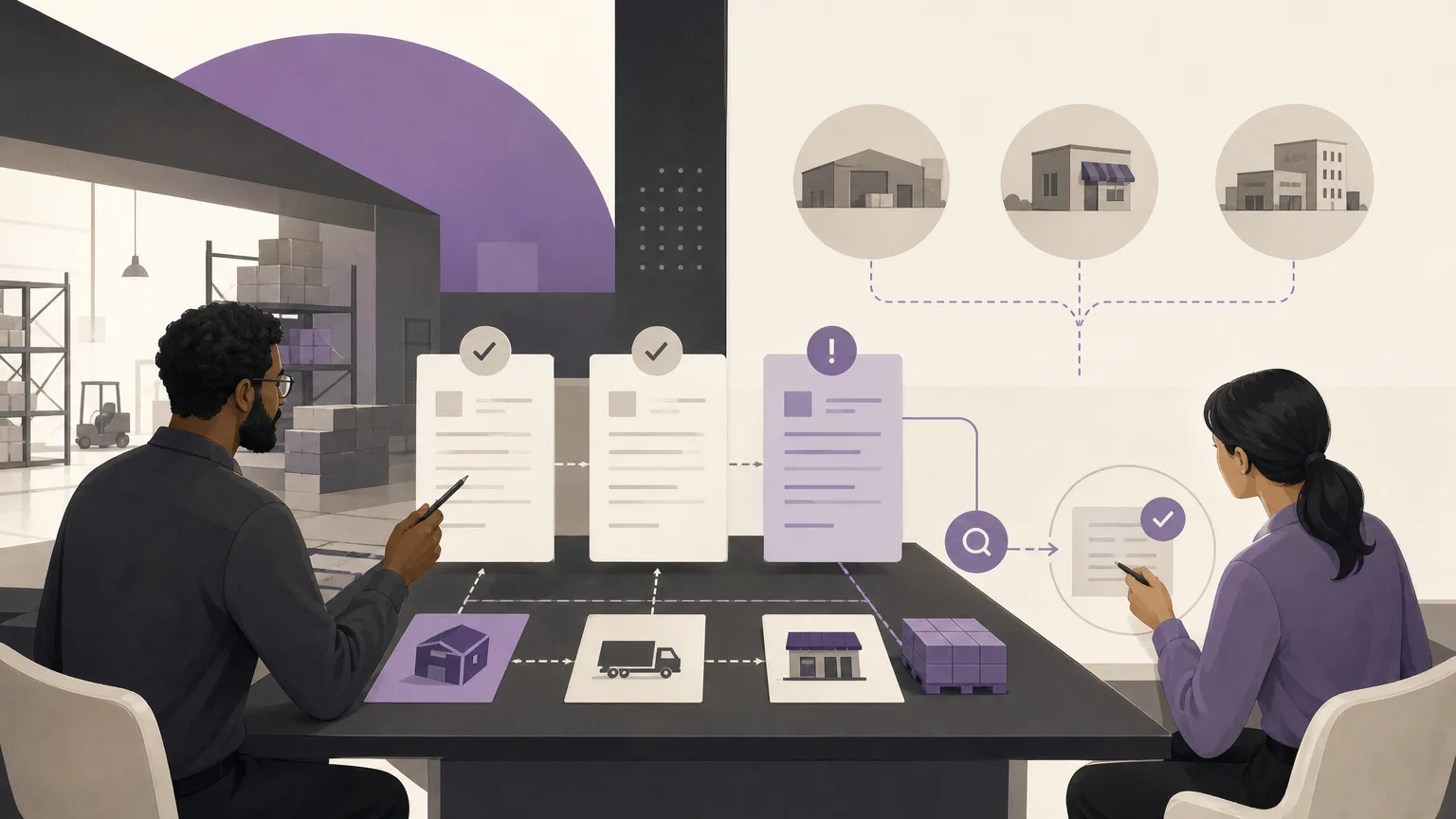
A purchase invoice may reach accounting before the receiving picture is complete. The goods may not have arrived, the receipt may have happened but not been recorded, the invoice may reference a different purchase request, or the quantities and dates may not align with the available records. In each case, the right response is not automatic approval or automatic rejection. The first task is to understand the gap and define the verification it requires.
OrdertechERP connects sales, orders, inventory, accounting, reporting, and branches in one operating workspace. When invoice review is organized alongside receiving records and related data, accounting and inventory teams can work from a shared view instead of relying on scattered messages or separate spreadsheets. The quality of the outcome still depends on data quality, company configuration, workflow design, and each team member’s permissions.
Why compare an invoice with a receiving record?
An invoice shows that a supplier is requesting payment, but it does not by itself prove that the goods were received or added to inventory. A receiving record shows what was entered into the inventory process according to the available data. Comparing the two helps separate three different questions:
- Was there a purchasing transaction? Is the invoice linked to a purchase request or an internal reference that can be traced?
- Did receiving take place? Is there a recorded receipt, or is the delivery still pending or missing from the records?
- Do the details align? Do the items, quantities, dates, and values reasonably correspond to the invoice?
This distinction matters because each gap calls for a different response. An invoice without a receiving record is not necessarily an error, but it is a condition that needs an explanation before the liability is approved or the period is closed.
Read the invoice and receiving status together
Do not begin with the invoice value alone. Start by identifying the operational status of both sides and the reference that is supposed to connect them. Depending on the company’s workflow, an invoice may be under review, ready for verification, partially received, or missing a recorded receipt. The receiving side may likewise be complete, partial, or absent from the available data.
Before deciding what to do, check:
- The supplier and the branch or business unit involved.
- The invoice number, date, and purchase reference, if one exists.
- The items, quantities, and units of measure shown on the invoice and receiving record.
- Whether the delivery was received in one shipment or across multiple shipments.
- The user or team responsible for recording the receipt or reviewing the invoice.
- The accounting period that could be affected by approval or postponement.
The purpose is not to collect unnecessary information. It is to form a specific verification question: what does not align, and who owns the data needed to explain it?
Common gaps that require follow-up
| Scenario | What it may indicate | Verification step |
|---|---|---|
| Invoice with no receiving record | The goods have not arrived, the receipt was not recorded, or the wrong reference was used. | Review the purchase status and confirm with the receiving owner or branch before approval. |
| Partial receipt against a full invoice | The supplier invoiced before completing delivery, or the deliveries and invoices relate to separate batches. | Match each batch and determine what can be approved and what must remain under review. |
| Item or quantity difference | A recording error, a substitution, or a delivery variance that needs documentation. | Compare the available records and route the exception to the authorized owner. |
| Date or reference mismatch | The receipt was recorded under another purchase or branch, or entry was delayed. | Check the correct record and correct the reference according to company procedure. |
These are general operating examples, not mandatory statuses or rules for every organization. The names and available actions will depend on company configuration and the approved workflow.
Turn the gap into an answerable question
Effective review does not stop at labeling an invoice “unmatched.” Describe the reason in operational terms. For example: Is the receipt missing? Is the invoiced quantity greater than the received quantity? Does the invoice belong to another branch? Is a receiving record present but not linked to the displayed reference?
Once the question is clear, collect the minimum supporting evidence available in OrdertechERP or in the company’s approved operating records. Do not draw a conclusion from the invoice value alone, and do not alter a receiving record simply to remove a difference. If the record is wrong, the authorized team should correct it through the company’s defined process.
Choose the next step according to permissions
The next action can vary by organization. In one workflow, the invoice may be returned for review until receiving is confirmed. In another, it may be held as an exception with a clear note and follow-up owner. What matters is that the action is explicit and that the responsible team knows what is required to move the case forward.
- Accounting: decide whether the invoice can be approved, should be held, or needs additional authorization.
- Inventory: verify that receiving occurred and was recorded with the correct quantity and reference.
- Branches: confirm what was physically received and report any difference with the supplier.
- Reporting: surface pending invoices and recurring gaps so follow-up can be improved.
OrdertechERP’s AI operational assistant can help connect an order and its data to the next available step according to company configuration and team permissions. It does not remove the need to review the underlying data or obtain an authorized decision, and it cannot guarantee a correct outcome when records are incomplete or inaccurate.
A checklist before approval or close
- Is the invoice linked to a clear purchasing reference?
- Is there a receiving record, and is it complete or partial?
- Do the recorded items and quantities align with the invoice?
- Are differences documented and assigned to the responsible person?
- Does the proposed action comply with company configuration and user permissions?
- Could approval affect an accounting period or a branch that needs additional review?
- Will the invoice status remain clear for the next person responsible for it?
Conclusion
Reviewing purchase invoices without receiving records is not a search for a superficial match. It is a way to prevent an unexplained gap from moving into accounting, inventory, or reporting. When the invoice status is read together with the receiving status, the gap is classified, and a clear verification step is assigned to an accountable team, the process becomes easier to trace and less dependent on repetitive manual follow-up. OrdertechERP provides a shared operating space for the relevant data, while the quality of the result depends on complete records, workflow configuration, and the permissions granted to each team.