A return is not complete simply because a customer has reported it or a return request has been logged. The item may have reached a branch without the inventory record being updated. Sales may have reviewed the request while the related accounting work is still pending. Or the case may be waiting for a decision because no one is clearly responsible for the next step.
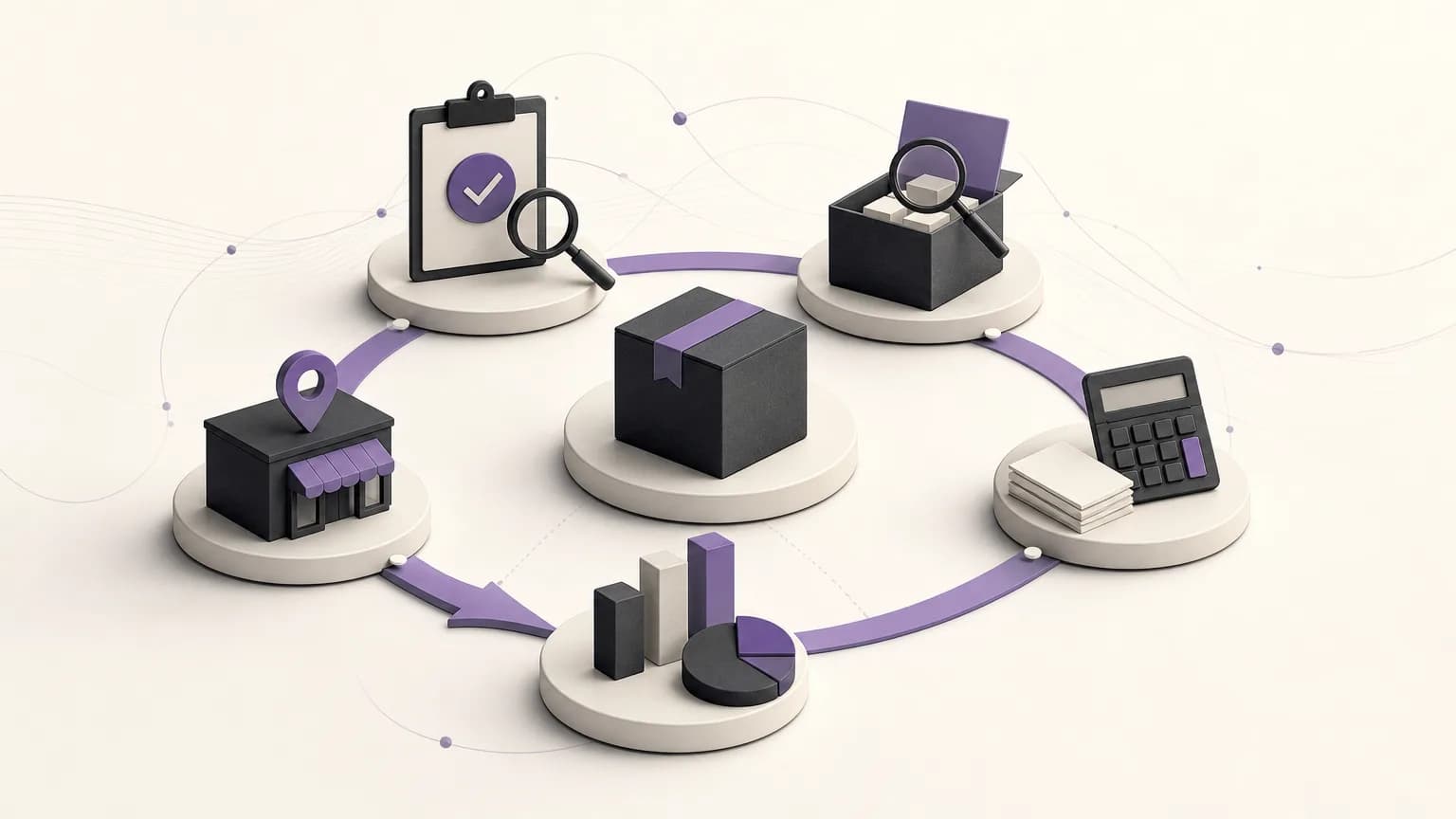
OrdertechERP connects sales, orders, inventory, accounting, reporting, and branches in one operational workspace. This makes it possible to treat a return as a workflow with a status, an operational effect, and an assigned next action rather than as an isolated note. The outcome still depends on data quality, company configuration, and the permissions assigned to each team.
What makes a return incomplete?
An incomplete return is a case that has started but whose operational trail has not yet been completed. Common examples include:
- A return request has been logged, but the item has not been received or inspected.
- The return has been approved, but the inventory effect has not been recorded according to the company’s process.
- The sales or order record has been updated while the related accounting treatment is still pending.
- The item has moved between branches without a clear owner for the next action.
- The customer conversation has ended, but an internal step remains open without an owner or review point.
A pending status does not always mean something went wrong. The item may need inspection, or a decision may require a user with a specific permission. The important thing is to make the status visible and distinguish completed work from the work that remains.
Start with the status, not an assumption
Before reviewing a return queue, agree on statuses that reflect the company’s actual process. A workflow might move from return logged, to awaiting receipt or inspection, to an approval decision, then to completion of the inventory and accounting effects, and finally to closure. These are practical examples, not a fixed product template. Each company should configure its process around its policies and permissions.
For every open case, ask four basic questions:
- What actually happened, and when was it recorded?
- Which effect has been completed, and which effect is still open?
- Who has permission to perform the next step?
- What information or supporting record does that person need?
This approach separates verified facts from assumptions. A label such as “in progress” is not enough. The team should know why the case is waiting and what must happen for it to move forward.
The role of sales and order teams
Sales teams usually begin with the order context: what was returned, why the customer requested the return, and what is known about the original order. Record the available information clearly and avoid turning an unverified explanation into a final decision. If inventory inspection is required, show that in the case instead of treating the return as already approved.
When communicating with the customer, the team can explain the specific step currently in progress, such as product verification or an internal review. This is more reliable than promising a result or date that has not been confirmed. The inspection outcome should then be recorded against the return or order so that the process does not depend on private messages or individual memory.
The role of inventory and branches
Once the item arrives, the inventory team should record what was received and what was inspected according to the company’s internal procedure. The item may be suitable for return to inventory, may need temporary isolation, or may require a decision from another authorized person. Inventory should not be updated merely because someone expects the item to have arrived; the update should follow a recorded receipt and inspection.
In a multi-branch operation, identify the item’s location and the branch responsible for the next action. A return being physically present at a different branch from the one that recorded the order should not make ownership unclear. Record the handoff and check that the assigned user has the appropriate permission to carry out the action.
Completing the accounting effect
A return may affect financial records or sales documentation, but the appropriate treatment depends on the company’s configuration, policies, and team permissions. A user who is not authorized to make an accounting decision should not do so based on a general note. Instead, the case should show whether the accounting treatment is complete, awaiting review, or blocked by missing information.
Connecting order, inventory, and accounting information supports a practical check: does the inspection outcome agree with the treatment recorded? If the item is accepted, has the company’s defined accounting step been completed? If it is incomplete or does not meet the company’s criteria, has the case been routed to the authorized owner? The purpose is not to bypass controls, but to make gaps visible and actionable.
Use reporting to find recurring gaps
Reports are most useful when they do more than count returns. They should help teams identify cases that have been open for too long, stages where work repeatedly stalls, and branches or teams that need clearer operating instructions. Review returns by status, branch, owner, or delay reason, within the visibility allowed by the company’s permissions.
When a pattern appears, do not assume the tool is the first problem to solve. Check data quality first. Are statuses used consistently? Are receipt and inspection dates recorded? Does every team know when ownership changes? Do the settings give users the access they need without granting unnecessary permissions?
Where the AI operational assistant can help
OrdertechERP’s AI operational assistant can connect order and data context to the next step according to the company’s configuration and team permissions. In practice, it may help draw attention to an unfinished case or indicate information the responsible user needs before proceeding. It does not replace human review, repair missing data, or grant permissions that have not been assigned.
To use it responsibly, maintain clear statuses, current records, and well-defined permission boundaries. The clearer the company’s rules and ownership model, the easier it is to review a suggested next step. If the data is inconsistent or the configuration is incomplete, treat the suggestion as a prompt for review rather than an automatic decision.
A practical checklist before closing a return
- Confirm that the return is connected to the correct order or operational record.
- Review the item’s status and confirm whether receipt and inspection were recorded.
- Verify that the inventory update follows company policy rather than an unverified assumption.
- Check the accounting treatment and identify the authorized owner if it is still pending.
- Record the next-step owner and any information that is still required.
- Review the return’s effect on reporting and the relevant branch before closure.
- Close the case only when the required steps are complete or an approved decision has been documented.
Conclusion
Reviewing incomplete returns is not just a matter of finding overdue cases. It is a way to ensure that the return’s effect moves from the order to inventory, then to accounting and reporting, while ownership remains clear at every stage. OrdertechERP provides a shared operational workspace for connecting these areas. The practical value, however, depends on accurate data, suitable company configuration, and appropriate team permissions. Define the statuses, make the next action visible, and review recurring gaps before they become manual work or conflicting records.