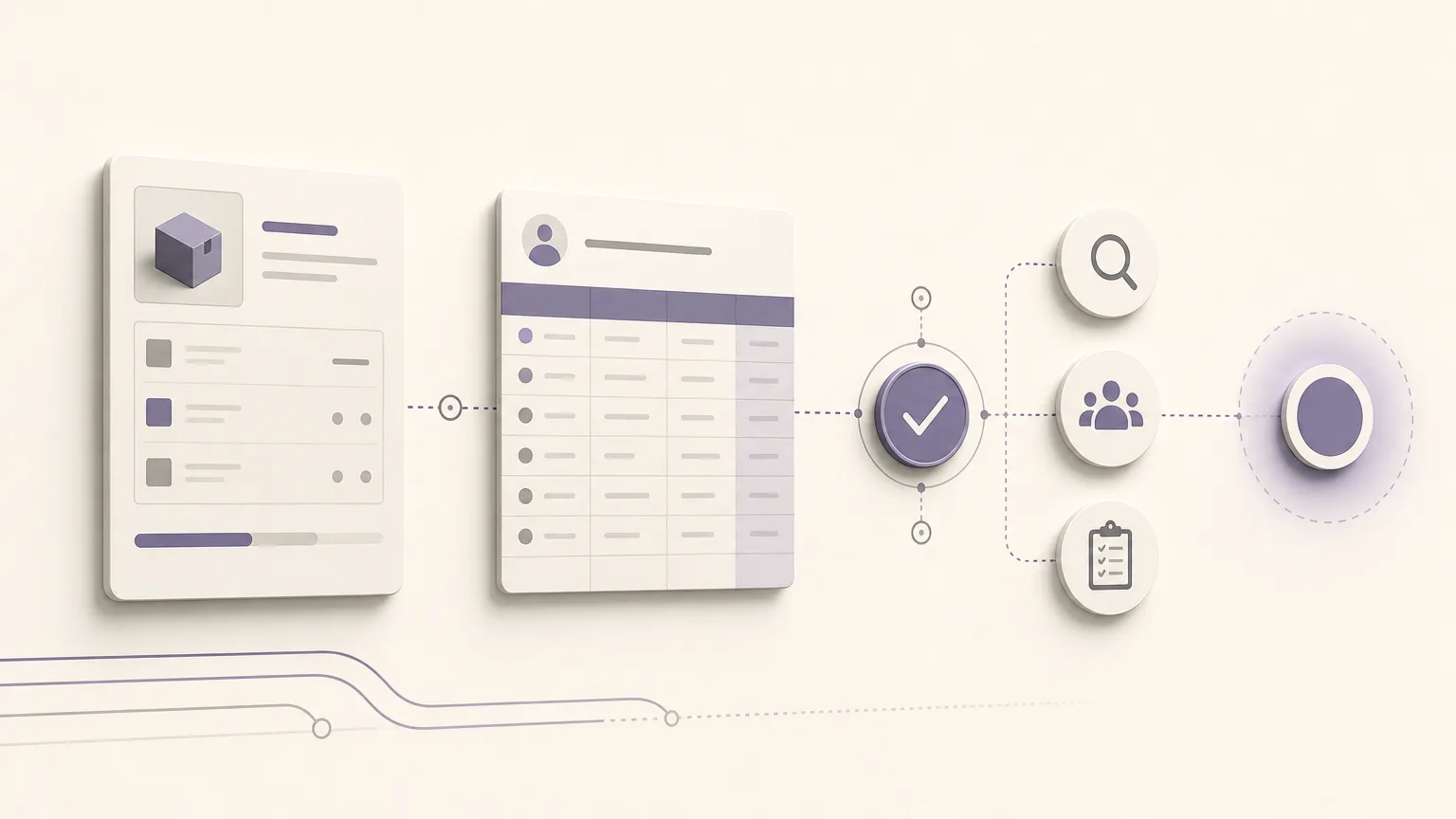
A sales team may see an order that is ready for the next operational step, while the customer’s balance suggests that a financial review is needed first. The challenge is not simply knowing that an order and a balance exist. It is bringing both facts together, identifying which cases deserve attention, and clarifying who is authorized to decide what happens next.
OrdertechERP connects sales, orders, inventory, accounting, reporting, and branches in one operating space. This gives teams a shared view of an in-progress order alongside the customer’s financial information, rather than requiring them to reconcile scattered messages or manual spreadsheets. It does not, by itself, mean that an order is automatically stopped or approved. The usefulness of the view depends on data quality, company configuration, credit-limit settings, and user permissions.
Why connect the order to the outstanding balance?
The order answers an operational question: what did the customer request, and how far has fulfillment progressed? The outstanding balance answers an accounting question: what amount remains unpaid according to the recorded information and company rules? Reading both together gives the team a better basis for review.
- Sales: can see when a financial check may be needed before making a final commitment about the order.
- Orders and inventory: can avoid treating every in-progress order as if it carried the same operational context.
- Accounting: can verify whether the displayed balance reflects recorded invoices, payments, and adjustments.
- Branches: can work from a shared view instead of applying different approaches to similar cases.
- Management and reporting: can focus on cases requiring intervention, not only on the count of open orders.
Build a shared operational view
Start by defining the cases that should be reviewed: an order in progress, a customer with an outstanding balance, or an order that falls outside a credit limit configured by the company. Then bring the relevant context together, such as order status, responsible branch, order value, outstanding balance, and the applicable credit limit when it is enabled and visible to the user.
Having fields available is not enough. They must be current and consistent. An unrecorded payment, an order assigned to the wrong customer, or inconsistent branch settings can distort the apparent priority. Assign clear ownership for updating orders and payment information, and establish a data check before the information is used in an operational decision.
Prioritize cases before continuing execution
Not every case needs the same level of attention. A practical review sequence may look like this, subject to company policy and user permissions:
- Orders outside the credit limit: review these first when the company has defined a limit and the user is allowed to view it.
- Large new orders for customers with significant balances: compare the balance with the order value to identify cases that may need additional verification. This is a review signal, not a final decision.
- Incomplete or unclear records: include orders without a clear status, or balances that require reconciliation or accounting confirmation.
- Cases aligned with policy: continue through the normal path once the required review is complete.
This sequence should not turn indicators into automatic judgments. A customer may have an approved agreement, a payment that is still being recorded, or a company-approved exception. The practical outcome should therefore be a clear question for the team: what needs to be verified, and who is authorized to approve the next step?
Operational reading versus accounting review
Operational reading helps sales and order teams understand how a balance may affect the order’s path. It is useful for sorting cases, setting priorities, and requesting verification from the right owner. Accounting review is different: it involves checking the source and status of the balance, including relevant invoices, payments, and adjustments, according to company procedures.
| Dimension | Operational reading | Accounting review |
|---|---|---|
| Purpose | Identify orders that need attention before the next step | Verify the balance and its status in the records |
| Typical users | Sales, orders, inventory, and branches within their permissions | Accounting or users authorized to perform the review |
| Output | A priority and a follow-up item | Confirmation, correction, or accounting explanation |
| Decision | Does not by itself stop or approve an order | Made according to company policy and assigned permissions |
Keeping these roles distinct prevents two opposite mistakes: ignoring the balance while moving an order forward, or treating an operational indicator as an accounting decision without sufficient verification.
The role of the AI operational assistant
OrdertechERP includes an AI operational assistant that can connect order and customer data to the next step according to the company’s configuration and team permissions. In practice, it may help direct a user to a case requiring review, highlight the relationship between an order and a balance, or indicate the type of verification needed within the permitted workflow.
The assistant does not remove the team’s responsibility. Do not assume that it can approve credit or stop an order unless the company has configured that workflow and granted the relevant permission. Data quality and accounting context should also be checked before any action is taken.
A practical team checklist
- Define what “in progress” means and which situations require review.
- Check credit-limit settings and user permissions before creating the priority list.
- Agree on a common definition of an outstanding balance across sales, accounting, and branches.
- Assign an owner to each case: who verifies it, who approves it, and who follows up on execution.
- Record the reason and outcome of the review instead of using a generic label such as “pending.”
- Review recurring cases to identify issues with payment recording or order updates.
Conclusion
Connecting in-progress orders with outstanding customer balances gives teams a shared view for prioritizing review and reducing the manual work involved in searching across separate sources. The practical benefit appears when each team understands what it can see, what requires accounting verification, and who owns the next step. The connection alone does not determine the decision. Accuracy depends on data quality, company configuration, credit limits, and permissions. The system can organize the view and the workflow, while approval remains the responsibility of the authorized team.