A low stock balance is not automatically a reason to replenish an item immediately. The decision becomes more useful when the balance is read alongside actual demand. An item with limited movement may not require urgent action, while an item that appears repeatedly in orders and has little available stock may deserve prompt verification.
OrdertechERP brings sales, orders, inventory, accounting, reporting, and branches into one operating space. This gives sales, inventory, accounting, reporting, and branch teams a shared view before they decide what to do next. The practical benefit is not an automatic or guaranteed decision. It is a clearer way to find cases that require checking and coordination, based on the company’s data quality, configuration, and team permissions.
Define the signal you are looking for
The review focuses on items that combine two conditions:
- Relatively high demand: repeated orders or sales activity during the review period selected by the company.
- Relatively low stock: an available quantity that does not fit expected demand or normal operating needs.
There is no universal threshold for every business. A low balance may be acceptable for a slow-moving item, but it can create a service risk for an item that appears frequently in orders. Before reviewing the data, agree on the period, the definition of high demand, and what the company means by available stock.
Connect order activity with inventory balance
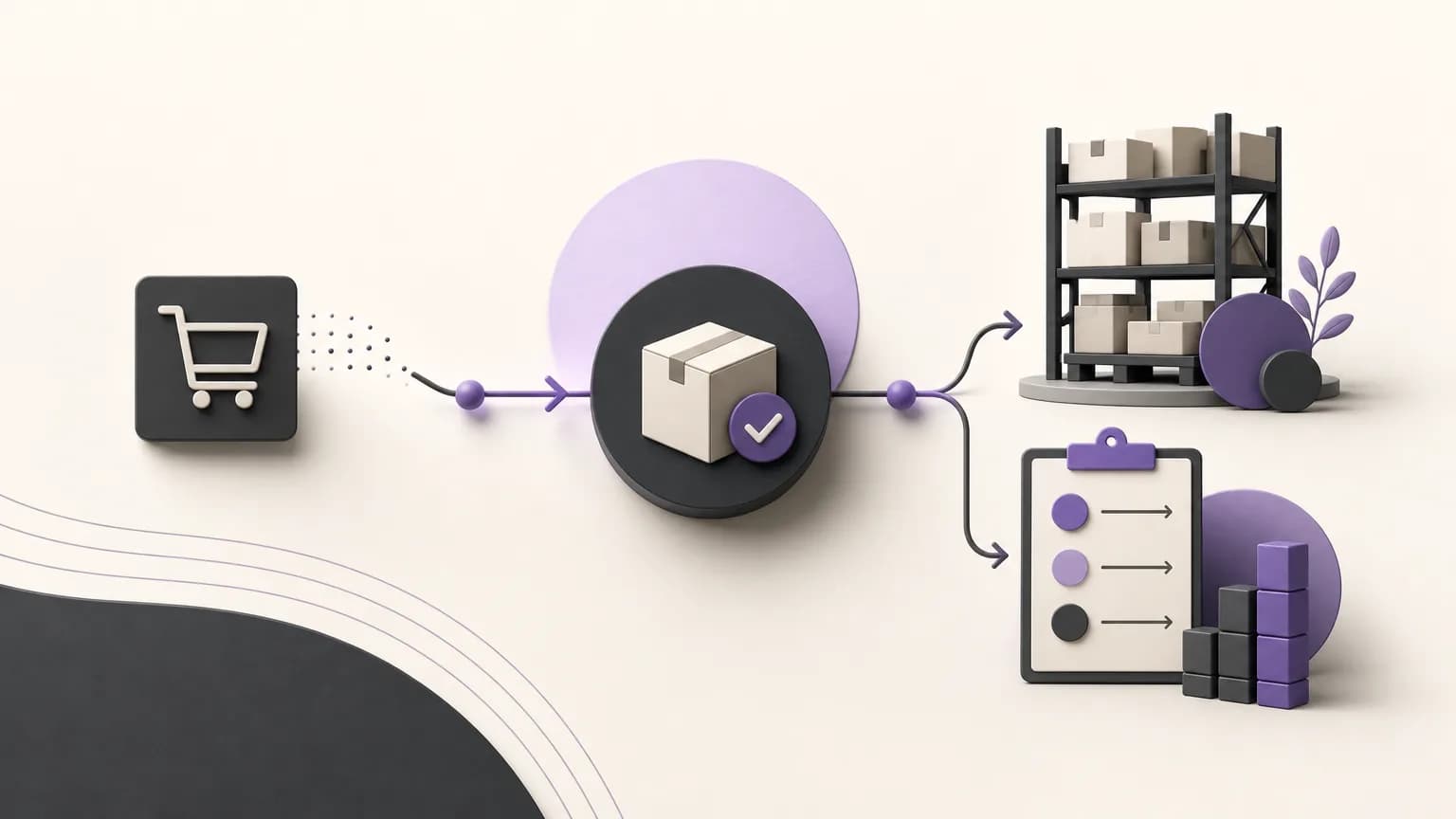
Start with order or sales data and identify the items with the most repeated activity during the chosen period. Then review the inventory balance for those items instead of treating the inventory list as a separate exercise. This changes the question from “Which items are out of stock or nearly out of stock?” to “Which items could affect order fulfillment if we do not verify them now?”
A shared review table can help different teams use the same operating language:
| Review element | What to check | Next question |
|---|---|---|
| Item | The item name or approved code | Are we reviewing the correct item? |
| Demand signal | Order frequency or sales activity during the period | Is demand persistent or linked to a temporary event? |
| Stock balance | The quantity shown under company rules | Is this quantity actually available for allocation or sale? |
| Priority | The item’s position compared with other cases | Which case should be verified or followed up first? |
Confirm that the balance is usable
The balance shown in a report is not enough on its own. Before increasing an item’s priority, the inventory team should confirm what the quantity means in the company’s operating context. Is it simply recorded stock? Is some of it reserved for open orders? Does the company review stock by branch? Are there movements that still require internal review?
These are operating checks, not assumptions about additional product functions. The company should define them through its procedures and configuration. Item names, codes, and quantities should also be entered consistently and updated through the agreed process. Incomplete or delayed data can make an item appear less available or more in demand than it really is.
Rank cases instead of treating them as one list
Once demand and stock have been compared, group the cases into practical levels. An item with repeated demand and a very low balance may need urgent verification. An item with high demand and an adequate balance may only need monitoring. An item with low stock but little activity may require a review of the data or the business reason for replenishing it.
- High verification priority: repeated demand and low stock, with a need to confirm the available quantity and related orders.
- Follow-up priority: noticeable or increasing demand, while the balance still requires monitoring during the review cycle.
- Review priority: low stock without a clear demand signal, requiring a check of data accuracy or replenishment rationale.
- No immediate escalation: limited demand and sufficient stock according to the company’s own standard.
OrdertechERP’s AI operational assistant can help connect order and data signals to a next step according to the company’s configuration and team permissions. It may support a team in identifying a case for verification or follow-up, but it should be treated as operational assistance rather than an automatic purchase order or a substitute for human review. What a team can see or do depends on the company’s setup, data quality, and assigned permissions.
Turn priority into a specific next action
For each high-priority case, assign an owner and a review time. The next action may be to confirm the balance, compare quantities across branches, review open orders, or submit a replenishment recommendation to the authorized person. The presence of a signal in a report does not mean replenishment should happen immediately; the decision may require approval or a check against the company’s operating constraints.
It is also useful to feed the review outcome back into the appropriate work process. If the stock is confirmed to be genuinely low, the case can move to the team responsible for replenishment. If the quantity is reserved or the demand is unusual, the note can prevent an unnecessary escalation. If the data is unclear, correcting the source or configuration should come before making a new replenishment decision.
Give branches and teams the same operating view
When a business has multiple branches, teams should agree on how demand and stock are interpreted. Is the review performed per branch or across the company? Who owns the decision to change a priority or request replenishment? Clear rules reduce repeated manual checks and make conversations between sales, inventory, accounting, and reporting teams easier to follow.
Sales teams can use the view to understand which items may affect order fulfillment. Inventory teams can focus attention on the most relevant cases. Accounting and reporting teams can review the decision within the company’s approved operating cycle, while responsibilities and approvals remain governed by the company’s configuration and permissions.
A checklist before confirming priority
- Is the demand period appropriate for the item’s behavior?
- Are item names and codes consistent between orders and inventory records?
- Does the displayed balance match the company’s definition of available stock?
- Have open orders and reserved quantities been checked according to company procedures?
- Has an owner and a clear follow-up time been assigned?
- Does the user have the required permission to view, recommend, or approve the next step?
Conclusion
Identifying high-demand, low-stock items is not just a matter of producing a list. It is a process that starts with order data and ends with a clear verification or follow-up priority. OrdertechERP provides one operating space connecting sales, orders, inventory, accounting, reporting, and branches, while its AI operational assistant can support the link between data and the next step within company configuration and team permissions. The quality of the outcome still depends on accurate data, clear definitions, stock verification, and an authorized human decision. When teams agree on these rules, repetitive manual work is reduced and replenishment priorities become easier to understand and follow.