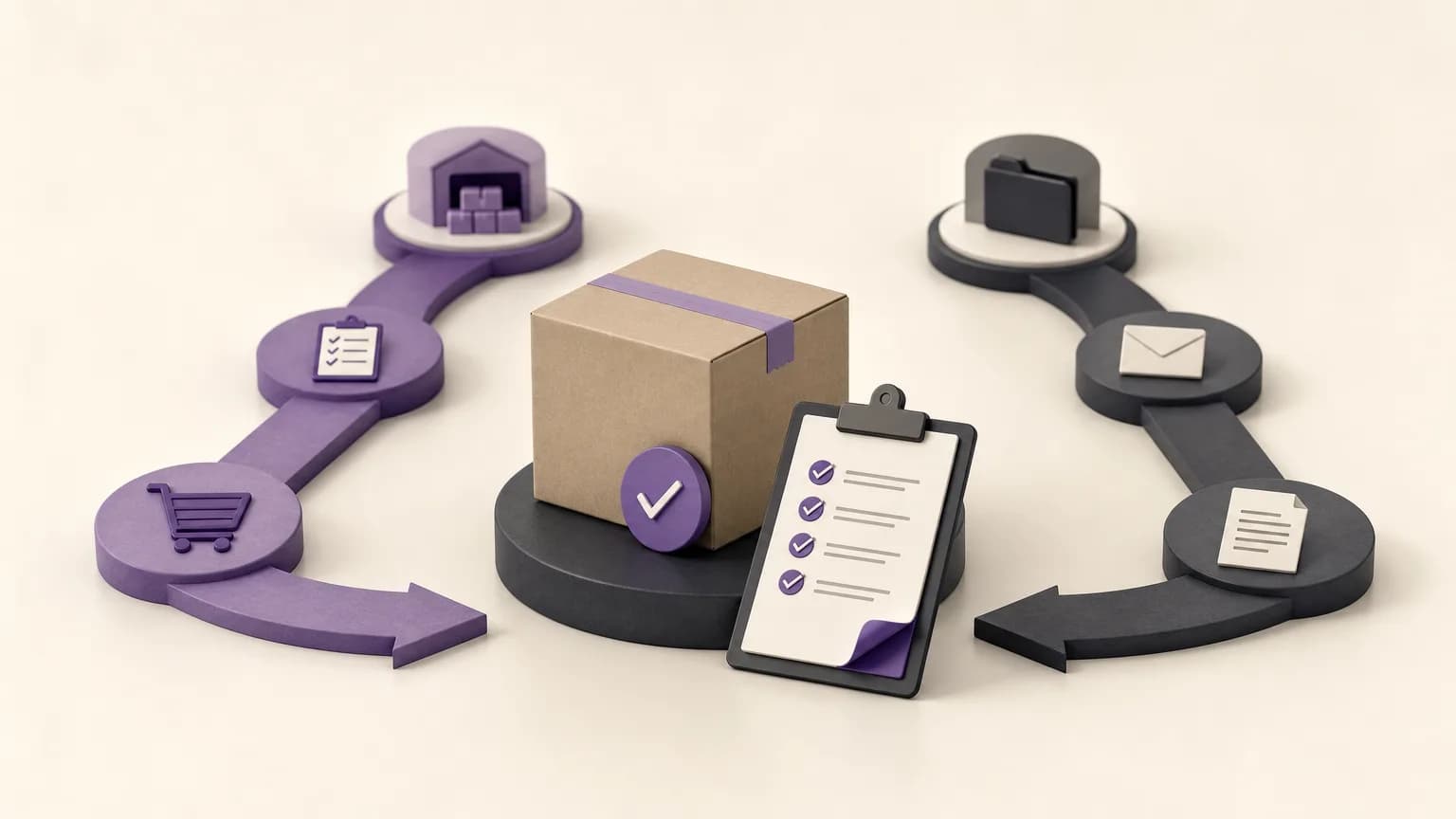
An order may be marked as delivered and still be operationally incomplete if the related invoicing step has not reached the point required by company procedures. The gap between what was delivered and what was invoiced may reflect missing data, a status that was not updated, an internal review, or an exception that requires an authorized decision.
A regular review gives sales and accounting a shared way to follow up instead of relying on separate lists or scattered messages. OrdertechERP connects sales, orders, inventory, accounting, reporting, and branches in one operating space. That shared context can make it easier to compare order and invoice states, while the quality of the result still depends on data accuracy, company configuration, and team permissions.
What is the delivery-to-invoice gap?
The gap is any case in which an order appears to have been delivered, while no issued invoice is visible or the invoice status does not match the company’s expected process. The presence of a gap does not automatically mean that an accounting error occurred. A legitimate review or exception may be pending. The purpose of the review is to identify cases that need verification and a documented next action, not to assume a cause.
Before running the review, agree on which cases belong in the working list. These may include:
- An order recorded as delivered with no matching issued invoice.
- A partially delivered order that requires a quantity check before invoicing.
- An order whose key details appear to match, but whose status needs confirmation or updating.
- An order with a note or exception that prevents an immediate action.
Start with one shared report
The review needs a list that sales and accounting can interpret in the same way. Use the relevant order or status report available in the company’s setup, and define the review period, branches, owners, and statuses to be examined. Then compare each record with the invoicing path. Do not change a status simply to remove a case from the list.
A working view may include the order number, branch, owner, delivery date, order status, invoice status, delivered quantity, recorded amount, and latest action or note. The available fields will depend on the company configuration, so teams should use approved information rather than assume that a particular field or workflow exists.
| Review area | Practical question | Team that starts the follow-up |
|---|---|---|
| Order status | Does the record confirm delivery, or does the status need correction? | Sales or order operations |
| Delivery details | Do the quantity, branch, and date match what was carried out? | Sales or inventory |
| Invoice status | Is an invoice issued, or is an allowed invoicing action still needed? | Accounting |
| Exception or note | Does the case require review or approval before any change? | The authorized owner |
Classify the gap before choosing an action
Classification prevents every case from becoming the same generic task. After checking the record, place it in a clear path:
- Incomplete data: Required information is missing, such as delivery detail or a clear owner. Return the case to the team that can complete the information.
- Status requires updating: The available evidence indicates that the work happened, but the recorded status does not reflect it. Update it only through the approved process and permission.
- Invoice not yet issued: The relevant information is consistent and no known blocker appears. Accounting can take the permitted invoicing action.
- Partial delivery or discrepancy: The ordered and delivered quantities differ. Confirm the quantity and review the appropriate treatment before invoicing.
- Exception requiring a decision: A commercial, operational, or accounting issue requires interpretation or approval. Document the reason and route it to the authorized decision-maker instead of bypassing controls.
Make the next action specific
A useful follow-up record says more than “under review.” Assign a specific next action, an owner, a short reason, and a review point consistent with company policy. The action might be completing order data, confirming the delivered quantity, reviewing invoice readiness, requesting approval, or keeping the case on hold with the reason documented.
Sales or order operations can verify that delivery is recorded correctly and that known notes are clear. Inventory can check quantities or delivery movement when the discrepancy concerns what was actually delivered. Accounting can assess invoice readiness and any internal requirements before issuing an invoice. Reporting can consolidate open cases and show what remains unresolved. Branch teams need visibility into the cases associated with them and the team responsible for the next step.
Practical rule: do not change a status merely to close the gap. First establish what actually happened, then take the action allowed by the company’s data, configuration, and permissions.
Where the operational assistant fits
OrdertechERP includes an AI-powered operational assistant that connects the order and its data to the next step according to the company’s configuration and team permissions. In this workflow, it can help direct attention to the relevant record or organize a proposed follow-up. It should not be treated as a replacement for human verification or accounting controls.
Before approving an action, confirm that the data is complete, the status reflects reality, and the user has the required permission. If the data is outdated or the configuration does not reflect the company’s process, a suggested next step may not be appropriate. Do not assume that the assistant issued an invoice or changed a status unless the approved record clearly shows that action.
Controls that reduce repeat gaps
- Set a regular review cadence that fits the company’s operating cycle.
- Use shared definitions for statuses across orders, sales, accounting, and branches.
- Require a short note whenever a case is held, including the reason and next step.
- Separate delivery verification from accounting approval when the permission model requires it.
- Review recurring cases to identify a training or configuration issue, without claiming a cause that has not been verified.
- Keep a clear record of what was checked and what still needs a decision.
Conclusion
Reviewing delivered but unbilled orders is not simply a search for a missing invoice. It is a disciplined comparison between delivery reality, order status, and invoicing status, followed by a controlled next action for each exception. When sales, inventory, accounting, reporting, and branches work from a shared list, the gap becomes easier to understand and the next step easier to assign.
OrdertechERP supports this operating model by bringing sales, orders, inventory, accounting, reporting, and branches into one operating space, with an operational AI assistant that works within company configuration and team permissions. The practical outcome still depends on accurate data, sound setup, and consistent verification.