A data conflict can start with a small difference in interpretation. Sales may record an order as confirmed, inventory may still see it as incomplete, and accounting may treat it as ready for review. When teams do not share the same definition of an order status, it becomes difficult to know what has actually happened, who owns the next action, and which information should guide a decision.
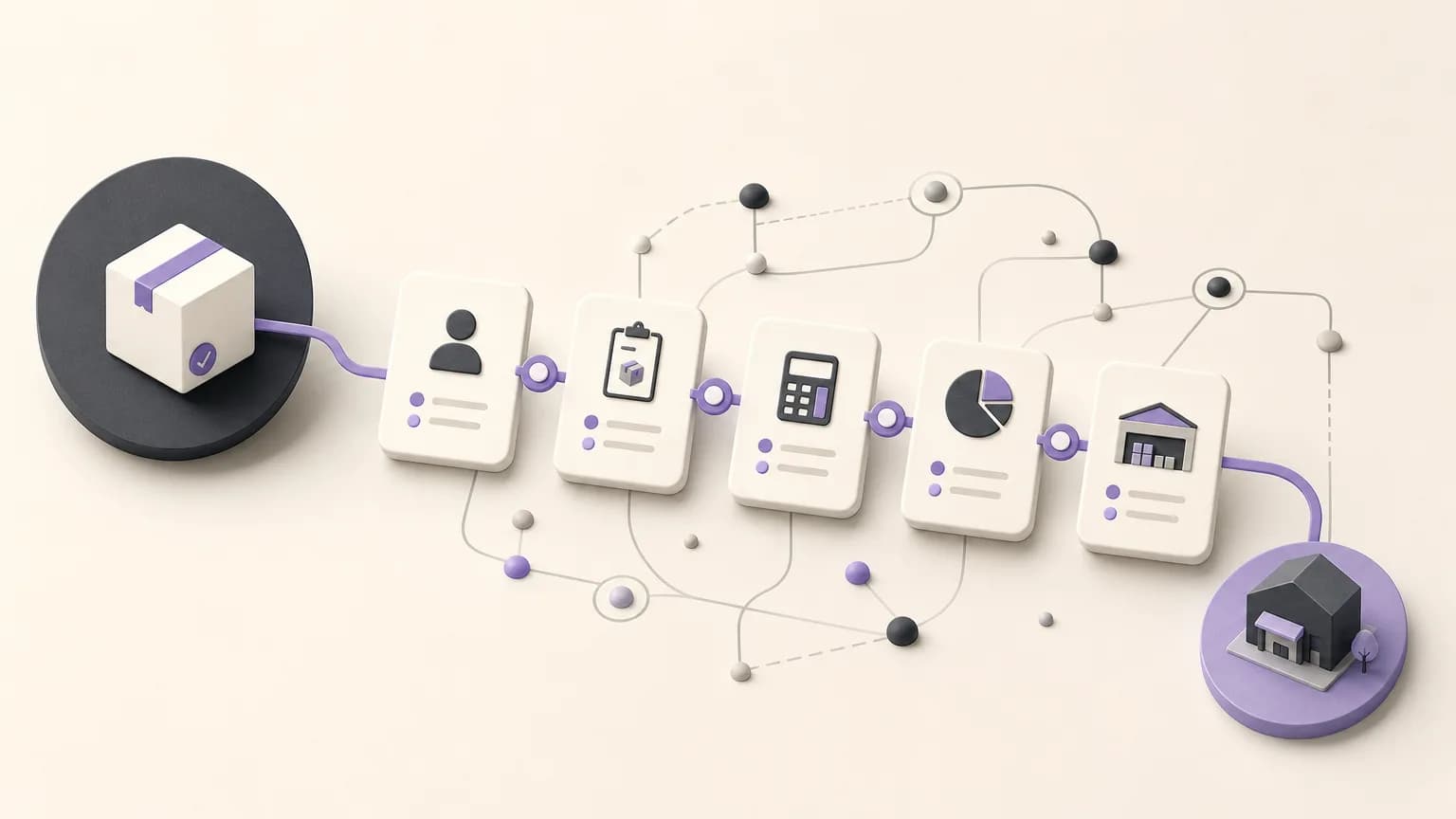
OrdertechERP connects sales, orders, inventory, accounting, reporting, and branches in one operating workspace. The goal is not to force every team to work identically. It is to give the company a shared operating language: what each status means, what data supports a transition, and which role has permission to update it.
Why a unified order status matters
An order status is more than a label on a record. It is an operational signal that explains what has happened and what should happen next. If Sales uses “confirmed” to mean that the customer approved the order, while Inventory uses it to mean that stock has been reserved, both teams may act on different assumptions.
That creates familiar questions: Is the order ready for fulfillment? Is the quantity genuinely available? Is the information ready for accounting review? Can another branch see the latest update? A shared status model reduces guesswork and keeps decisions tied to defined data and ownership rather than scattered messages or personal spreadsheets.
Design a clear order path
Start by defining the operating path that fits your company’s policies and setup. Then connect each stage to a required piece of information and a clear owner. Depending on the organization, the path may include the following stages:
- Order entry: Capture the customer, products, quantities, branch, and any required notes.
- Order review: Check that the information, sales conditions, and approval requirements are complete.
- Fulfillment: Track whether the order is waiting for preparation, delivery, or another agreed operational action.
- Inventory review: Check the order’s effect on available quantities according to the company’s operating method.
- Accounting review: Determine when the information is ready for accounting review or posting under the relevant policy and permissions.
- Closure or exception: Close the order when the required steps are complete, or move it to an exception state with a reason and a defined next action.
This does not mean every order must move through every stage automatically, or that every company must use the same names. The important part is to document the meaning of each status, the conditions for entering it, and the conditions that require a review.
Assign ownership across teams
To prevent conflicting updates, create a simple ownership map for each status. Sales may own the accuracy of order details and sales terms. Inventory or the operating team may verify readiness or shortages. Accounting may review the information required before the relevant accounting action. Reporting and branch teams need visibility into the same approved status rather than maintaining parallel definitions.
| Stage | Practical question | Update owner |
|---|---|---|
| Order entry | Are the essential details complete and reviewable? | Sales or the team receiving the order |
| Fulfillment check | What can be executed now, and what is blocking it? | Operations or Inventory, according to the setup |
| Accounting review | Does the information meet the company’s posting policy? | Accounting or the authorized role |
| Closure or exception | Are the steps complete, or is escalation required? | The designated process owner |
This division keeps each team from changing a status without the right context. It also helps managers see where an order is stuck, instead of simply seeing that it is “late.”
Make permissions part of the process design
Permissions are not a separate technical concern. They determine who can create an order, edit it, approve a transition, or handle an exception. Before adopting a status path, review roles by team and branch. Distinguish between the people who enter information, those who review it, and those who approve a change.
Keep sensitive status changes subject to an appropriate review, and avoid giving broad editing access merely to speed up work. At the same time, restrictions should be understandable. Each role should know the rule: who can change the status, at which stage, and based on which information.
What to do when statuses conflict
When two teams disagree about an order status, do not change it at random. Use a short, consistent resolution path:
- Pause uncertain progress: Do not treat the order as ready for the next step until the material issue is clear.
- Identify the source: Is the conflict about quantity, approval, branch, timing, or the user’s permission?
- Return to the status owner: Ask the authorized role to review the data and determine the approved status.
- Record the reason: Make the decision to keep or change the status understandable during later review.
- Check downstream impact: Review whether the conflict affects fulfillment, inventory, accounting review, or reporting.
OrdertechERP includes an AI operational assistant that connects order and business data to the next step according to the company’s setup and team permissions. Its guidance does not remove the need for human review, and it cannot compensate for incomplete data or unsuitable configuration.
Make reporting reflect the same status model
When Sales, Inventory, Accounting, and branches use the same status definitions, reports can provide a more consistent shared view of operations. Monitor the number of orders in each stage, orders that are waiting, exception reasons, and recurring differences that need review. Do not only count orders; ask where work repeatedly stops and who owns the next action.
The quality of this view depends on the quality of the data entered by the team, the company’s configuration, and the permissions assigned to each role. A shared workspace alone cannot produce a reliable decision when data is incomplete, statuses are undefined, or access is broader than the process requires.
Practical conclusion
Unifying order status starts with an operating agreement: a clear definition for every stage, a named owner for every update, role-appropriate permissions, and a known path for resolving conflicts. OrdertechERP brings sales, orders, inventory, accounting, reporting, and branches into one operating workspace, helping teams follow an order from entry through fulfillment and review. The practical value still depends on disciplined data, suitable company configuration, and permissions that match responsibility. Exceptions should be treated as decisions requiring review—not simply as a change to a label.