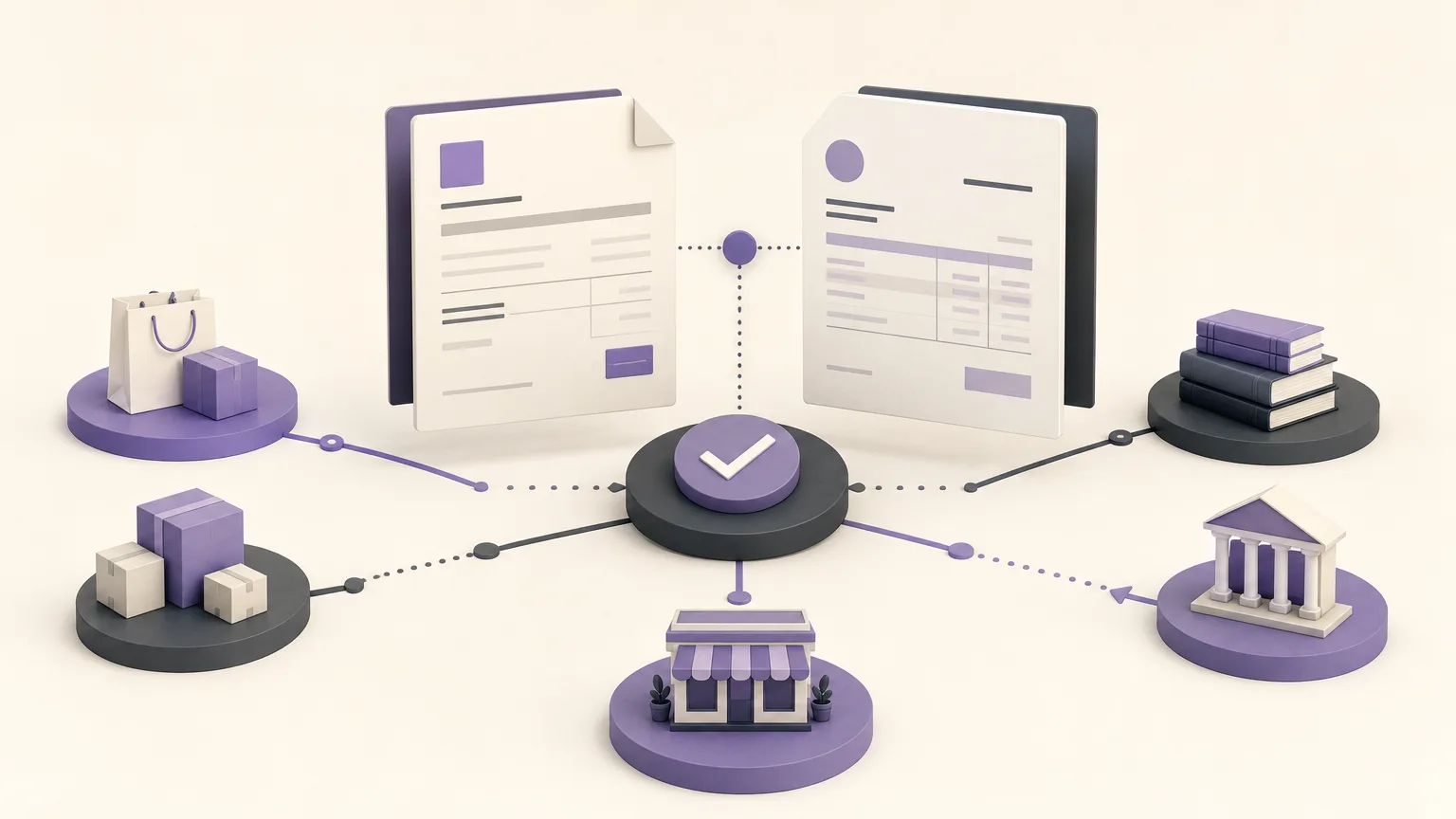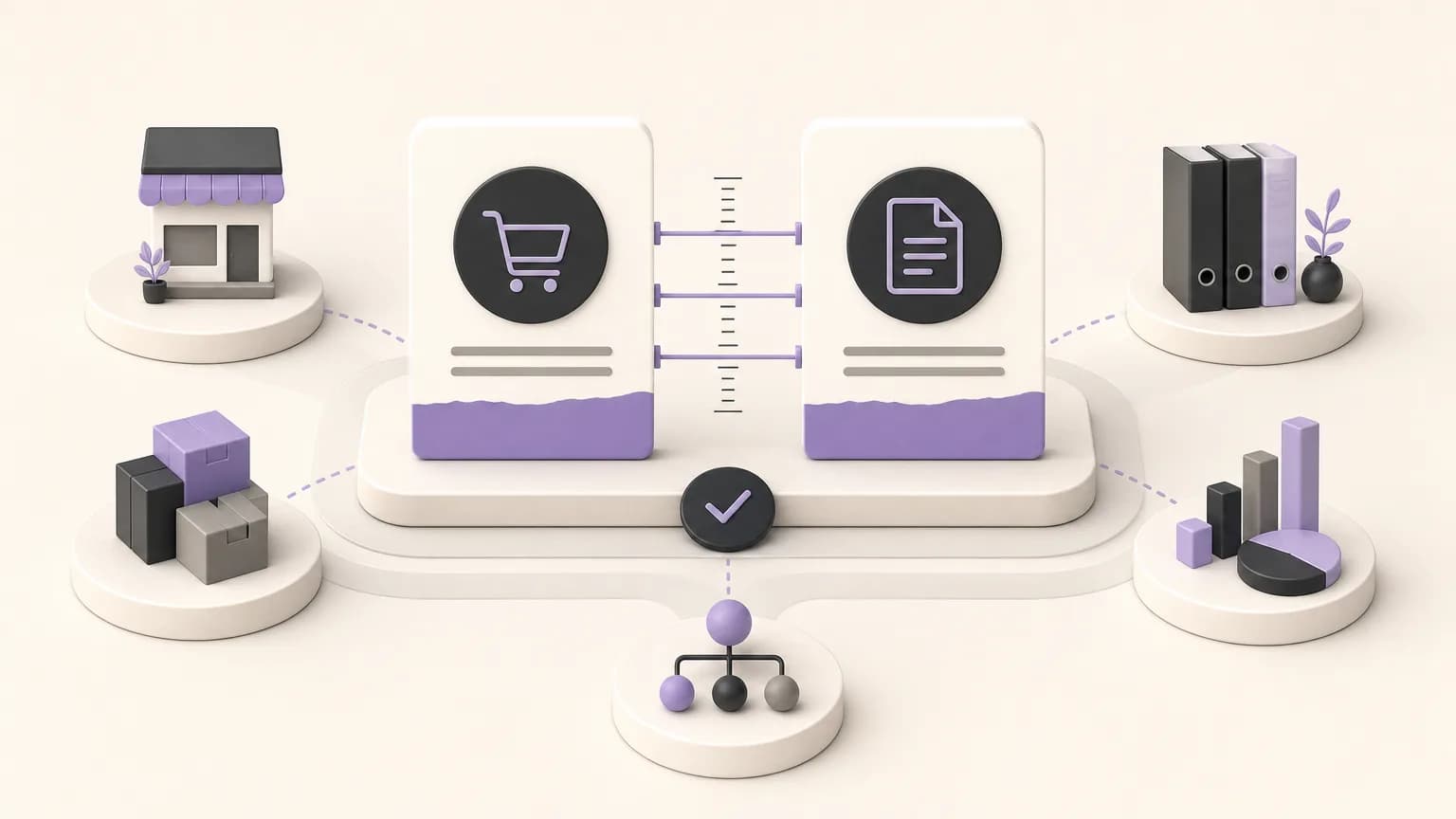
A difference between the quantity on an order and the quantity on an invoice may be minor, but it can point to several different situations: a partial fulfillment, an approved change, an entry error, or a gap between what was requested and what was recorded. If the difference is reviewed only after the transaction is closed, finding the cause becomes harder and the team may need to reconstruct the process from separate messages and records.
OrdertechERP connects sales, orders, inventory, accounting, reporting, and branches in one operating space. This gives teams a shared context for comparing order and invoice quantities and identifying cases that need verification before the transaction is completed or closed. The outcome still depends on data quality, company configuration, and each user’s permissions. The system does not remove the need to understand the cause and apply the company’s approval process.
Why Start with a Quantity Comparison?
Comparing the order quantity with the invoice quantity should be treated as a review starting point, not an automatic judgment that something is wrong. An invoice with a lower quantity may be correct when fulfillment is partial. A difference in the other direction may require review if the invoice includes a quantity that was not approved or properly recorded.
A useful comparison asks the same questions for every line:
- What quantity was requested and recorded on the order?
- What quantity appears on the invoice?
- Is the difference caused by partial fulfillment or an order change?
- Is there a note or operational record that explains it?
- Which person or team has authority to verify or approve the next step?
The goal is to turn a number that differs into a clear case for review, rather than treating it as an isolated warning.
Build a Clear Mismatch Review
Start by defining the fields each team needs. Sales may need the order identity, customer context, and transaction status. Inventory needs to understand what was prepared or issued and whether fulfillment was complete. Accounting needs to confirm that the invoiced quantity represents a transaction that can be closed under company policy. Branches and reporting teams need visibility into open cases by location or responsible team.
A simple internal review structure can look like this:
| Comparison status | Operational question | Suggested next step |
|---|---|---|
| Quantities match | Are the core records and transaction status complete? | Continue the standard review within the team’s permissions. |
| Invoice is lower than the order | Was fulfillment completed in stages? | Verify the fulfilled and remaining quantities before closing. |
| Invoice is higher than the order | Is there an approved change or an entry error? | Pause closing and verify the source of the increase and the authority to change it. |
| Information is incomplete | Can the difference be explained from the available record? | Return the case to the appropriate owner for clarification. |
This classification does not replace OrdertechERP configuration or company procedures. It provides a consistent way for teams to ask the right question before taking action.
Verify the Cause Before Closing
When a variance appears, the first response should not be to change a number simply to remove the discrepancy. The team should follow the transaction sequence. Confirm that the correct order is being compared with the correct invoice, review changes made to the order or fulfillment record, and determine whether the difference represents partial delivery or an unfulfilled line.
Different teams may contribute to the verification:
- Sales and order teams: confirm the quantity agreed with the customer and any approved change to the order.
- Inventory: verify what was prepared, issued, or fulfilled and whether execution was complete or partial.
- Accounting: confirm that the invoice represents a transaction the company is permitted to close under its policy and permissions.
- Branches: clarify differences associated with the execution location or the team that entered the data.
- Reporting: monitor repeated variance patterns rather than only counting individual cases.
Before closing, record a clear reason for the difference, such as partial fulfillment, an approved order change, or a data correction. If there is no reliable explanation, keep the case under review according to the company’s configuration and approval rules.
How OrdertechERP Supports Shared Visibility
When sales, orders, inventory, accounting, reporting, and branches work from connected operational data, teams rely less on manually copying figures between disconnected sources. This does not mean every variance is resolved automatically. It means that authorized reviewers can use a shared context when the relevant data is complete and available to them.
OrdertechERP also uses an AI operational assistant to connect the order and its data to the next step according to the company’s configuration and team permissions. In practice, this can help direct a reviewer toward a case that needs verification or toward the responsible team. It should not be treated as final approval or as a substitute for checking the cause. The quality of any guidance depends on accurate data and appropriate company settings.
A Pre-Close Verification Checklist
- Confirm that the intended order and invoice are being compared.
- Compare quantities line by line, especially when the transaction has multiple items.
- Classify the difference as partial execution, an approved change, or a possible data entry issue.
- Review available records and notes instead of relying on assumptions.
- Escalate the case to the authorized owner when a change or approval is required.
- Do not close the transaction until the reason for the difference is understood and acceptable under company policy.
- Review recurring variance patterns in reports to improve entry and verification practices.
Conclusion
Reviewing order and invoice quantity variances is not only a calculation exercise. It is a verification process that protects data quality and makes ownership clear before a transaction is closed. With OrdertechERP, teams can bring order, invoice, inventory, accounting, reporting, and branch context into one operating space and organize cases according to the review they need. The value of that process still depends on the quality of the underlying data, company configuration, user permissions, and the team’s discipline in verifying the cause before approving the next step.