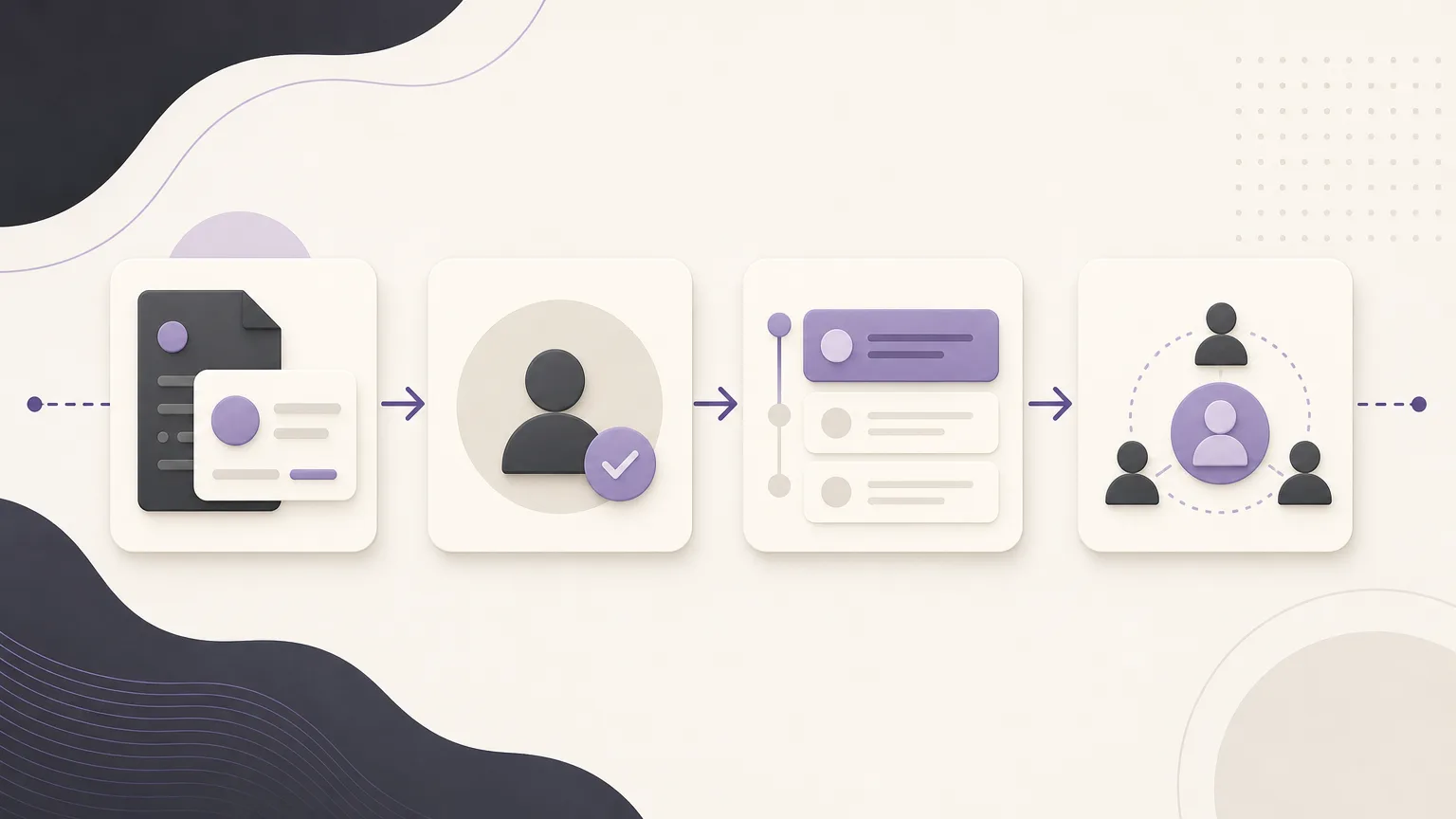
No new order does not automatically mean that a customer has stopped buying. The selected period may be too short, a transaction may not have been recorded yet, or the account may need a status review before anyone reaches out. A sound follow-up process starts by reading the available data carefully rather than guessing at the reason for inactivity.
OrdertechERP connects sales, orders, inventory, accounting, reporting, and branches in one operating workspace. Using the order and sales reports configured by the company, teams can identify customers with no recorded purchase activity during a defined period and turn that list into a follow-up process. The usefulness of the result still depends on data quality, company configuration, and each team member’s permissions.
Define the review period first
Before creating a list, agree on what “no purchase activity” means. Does it mean no order in the last month, no order since the customer’s most recent purchase, or no order during a company-defined seasonal window? There is no universal period. A retail customer’s buying cycle may be very different from that of a customer who orders in larger quantities less frequently.
Also define the scope of the review: which branches are included, which order types count, and which order statuses represent an actual purchase under the company’s rules. Clear definitions prevent different teams from producing different lists for the same account.
Use the report as a review list, not a final verdict
From the order and sales reports available under the company’s configuration, review customers with no recorded activity in the selected period. Keep the report result separate from the follow-up decision. A report can show that no activity appears within a specific scope; it cannot, by itself, explain what happened in the customer relationship.
As you review the list, check the account’s basic information and, where visible and permitted, the relevant branch or responsible team. Avoid inventing indicators or inferring customer value from personal impressions. If records are incomplete or inconsistent, flag the need for data correction before using the list for outreach.
Read the latest order before setting priority
The latest order is a practical starting point for each account. Review its date and whether its status is complete or still requires action, then compare it with the company’s chosen review period. Do not treat a missing new order as equivalent to an order that was canceled, remains incomplete, or is still being processed. The correct classification depends on the company’s definitions and configuration.
Next, review the account status using the information available to you. Is there a previous note, a recent contact record, a pending task, or an assigned owner? Do not assume that an empty note means no one contacted the customer; the issue may be an incomplete record or an inconsistent logging practice. When information conflicts, send it to the team responsible for the data instead of building a priority decision on an unverified detail.
Set a explainable follow-up priority
Priority is an operating order, not a permanent judgment about a customer. A company can use simple, explainable rules such as:
- Start with accounts that have clearly passed the approved review period and have usable contact information and a known owner.
- Bring forward accounts whose latest order requires a status check before a new message is sent.
- Group accounts that need data correction or branch and ownership confirmation before outreach.
- Route accounts with limited visibility to the appropriate person with the required permission.
Use additional factors only when the company has approved them and the supporting data is recorded and reviewable. Do not create a numerical score or assume a reason for inactivity without visible evidence. Where configured and permitted, the OrdertechERP operational AI assistant can connect order and data context to a suggested next step. The team should still review the suggestion before acting on it and record the decision.
Turn outreach into a record and a next step
Prepare a neutral, open question before contacting the customer. For example, ask whether their needs or ordering schedule have changed. Do not open with an assumption that the customer has stopped buying or is dissatisfied. The purpose is to confirm the situation and agree on a useful next action, not to fill a gap in the data with speculation.
After the conversation, record the outcome consistently and briefly. The note may include what was confirmed, whether a follow-up, data update, or other action is needed, who owns the next step, and when the account should be reviewed again, if a date was agreed. Use the categories approved by the company and avoid adding unnecessary or sensitive details.
- Open the customer or order record within your permission scope.
- Verify the latest order and its status before recording an outcome.
- Summarize the contact without presenting an unverified interpretation as fact.
- Assign the next step, owner, and review date when applicable.
- Recheck the list after actions are completed to avoid duplicate outreach or unattended tasks.
Coordinate sales, inventory, accounting, and branches
A follow-up priority may raise a question for more than one team. Sales may need to verify an order, inventory may need to review the ability to support an expected request, accounting may need to clarify an account status within its permission scope, or a branch may need to confirm local context. Keeping relevant information in a shared operating workspace can reduce handoffs between separate lists, provided each team records its part and respects access boundaries.
Shared visibility does not mean that everyone should see everything. Each person should work within the company’s approved configuration and permissions, and restricted information should be routed to the appropriate owner. Review data quality regularly: Are order dates accurate? Are statuses current? Are duplicate accounts present? Are outreach outcomes being recorded in the agreed location?
Conclusion
Reviewing customers with no recent purchase activity becomes more useful when the process begins with a clear time definition, moves through the latest order and account status, applies understandable priority rules, and ends with a recorded outcome and next step. OrdertechERP brings sales, orders, reporting, and branch context into one operating workspace, while its operational assistant may help connect data to the next action according to company configuration and team permissions. The result still depends on accurate data, human review, and the operating rules the company has chosen.