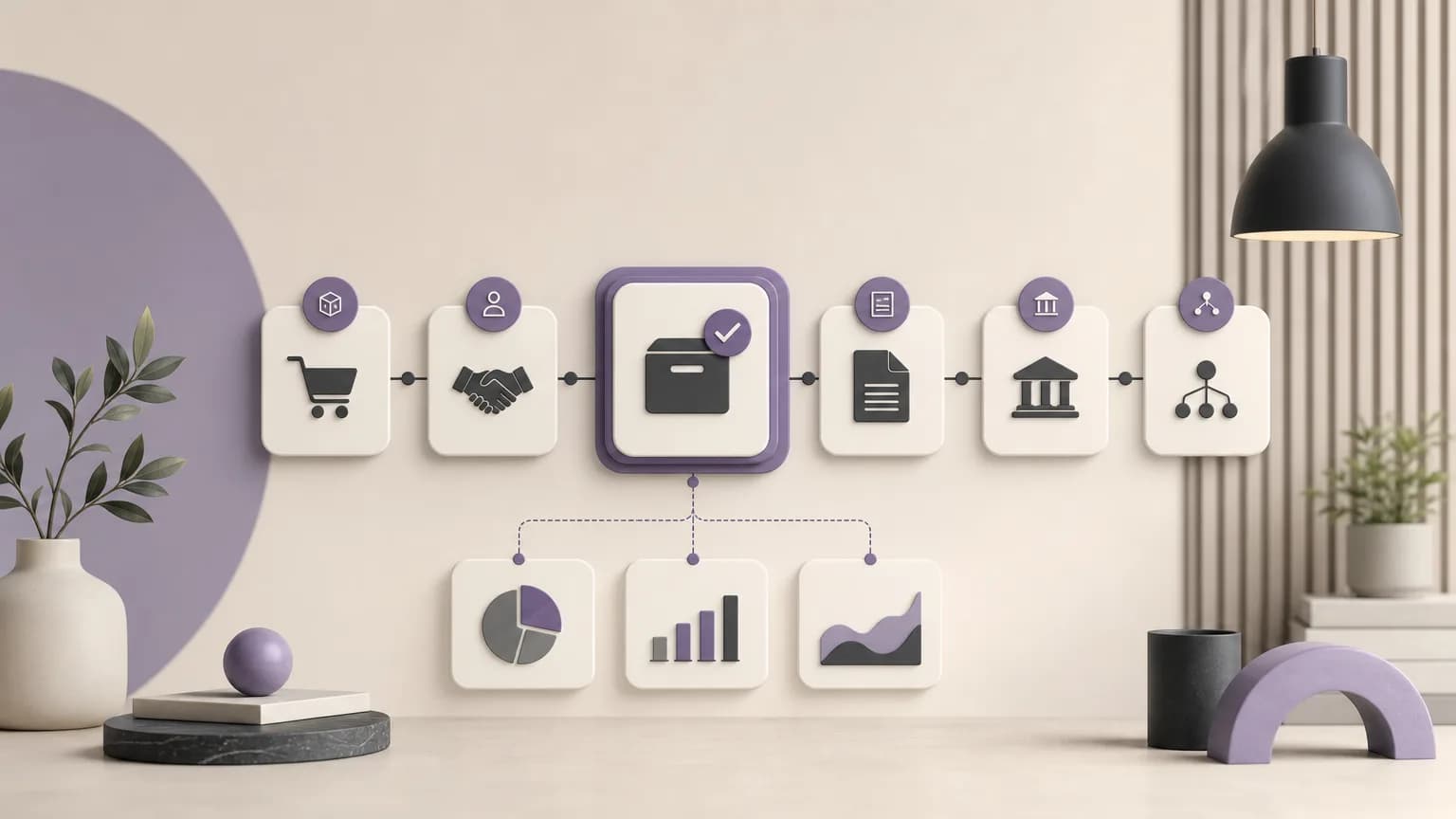
Reviewing uninvoiced sales starts with a practical question: which orders are recorded as fulfilled, while no clearly related issued invoice appears in the available data? That mismatch does not automatically prove an error. The record may need additional information, a timing check, or review by a user with the appropriate company and accounting permissions. Still, organizing the comparison in one shared operating space gives sales, order, accounting, branch, and reporting teams a common view instead of separate lists.
OrdertechERP connects sales, orders, inventory, accounting, reporting, and branches in one operating space. Teams can use the available records to follow the process from order entry to fulfillment, verify the invoice status, and identify the next step within approved permissions. The quality of the review depends on the completeness and accuracy of the data, as well as the company setup and each team member’s access rights.
Define the review scope first
Before examining individual records, agree on the period, branches, and order statuses included in the review. The scope might cover a period approaching close, a list of fulfilled orders with no visible issued invoice, or a group requiring collection follow-up. A clear scope prevents recently completed orders from being mixed with older cases and gives the results a consistent operational context.
Use the fields available in the order, invoice, and reporting records rather than inferring a cause that the data does not show. Depending on the company setup, a working list may include the order number, branch, status date, fulfillment status, invoice number when available, invoice status, and the team or user responsible for the next step.
Compare the fulfilled order with the issued invoice
The comparison is not just a search for a missing invoice number. It is a check of the relationship between the order record and the invoice record. Start with one order or a small sample to confirm the review method, then apply the same method to the rest of the defined scope.
| Check | Practical question | Next step |
|---|---|---|
| Order status | Does the order appear as fulfilled within the selected period and scope? | Confirm that it belongs in the review list. |
| Invoice status | Is an invoice linked to the order, and what status is recorded? | Compare both records before requesting issuance or follow-up. |
| Shared references | Do available references, such as order number, branch, or customer, align? | Send unclear records to the appropriate team for review. |
| Timing | Do the fulfillment and invoice dates fall within the review scope? | Separate timing-related cases instead of combining them. |
If a fulfilled order appears without an issued invoice, classify it as a case requiring review—not as proof that an invoice must immediately be issued. First check the available data, the operational context, and the user’s permissions. If an invoice is present, confirm that its relationship to the order is clear and that its recorded status is suitable for the accounting or operational purpose of the review.
Turn findings into actionable priorities
After comparing the records, create a worklist grouped by required action rather than by an assumed cause. Useful categories may include:
- Data verification needed: the relationship between the order and invoice is unclear, or information is incomplete.
- Accounting review needed: the case is ready for examination by the team authorized to review the invoice or period.
- Order or branch follow-up needed: fulfillment status or operational information must be confirmed.
- Complete for the current review: the order and invoice records are connected within the defined scope.
Priorities can be ordered by the proximity of period close, branch, or data completeness, provided the rule is visible to the team and applied consistently. Priority is not a conclusion that an error or omission occurred. It is a way to organize work and direct attention to cases with a clearer next step.
Connect the next step to permissions and setup
Not every user should perform the same action on every case. One team member may be able to inspect a record, while creating or approving an accounting step may require different permissions under the company setup. Each follow-up item should therefore identify the responsible role or team, the requested action, and whether escalation or confirmation is needed.
OrdertechERP’s operational AI assistant can connect the order and related data to the next step according to the company setup and team permissions. Use that assistance to guide the review and organize cases, while checking the underlying records before taking action. If the data is incomplete or the required permission is not available, the appropriate path is to request review from the authorized team—not to fill in the missing explanation by assumption.
A pre-close review sequence
- Set the period, branches, and statuses included in the review.
- Compare fulfilled orders with issued invoice records using the available references.
- Separate clear matches from cases requiring verification or additional information.
- Record the next step and responsible team according to permissions.
- Recheck changed records before approving the close list or beginning collection follow-up.
The purpose of the review is not to guess why an invoice is missing. It is to make the relationship between the order, the data, and the next action easy to examine.
Conclusion
Comparing fulfilled orders with issued invoices turns an unclear list into an organized workflow: verify the record, classify the case, set a priority, and route it to the user or team with the right permission. OrdertechERP provides a shared operating space that connects sales, orders, accounting, reporting, and branches, along with an operational AI assistant that links data to the next step within the company setup and team permissions. The outcome still depends on data quality and on how accurately and completely the company is configured, so human review and reference to the underlying records remain essential when closing a period or following up on collections.