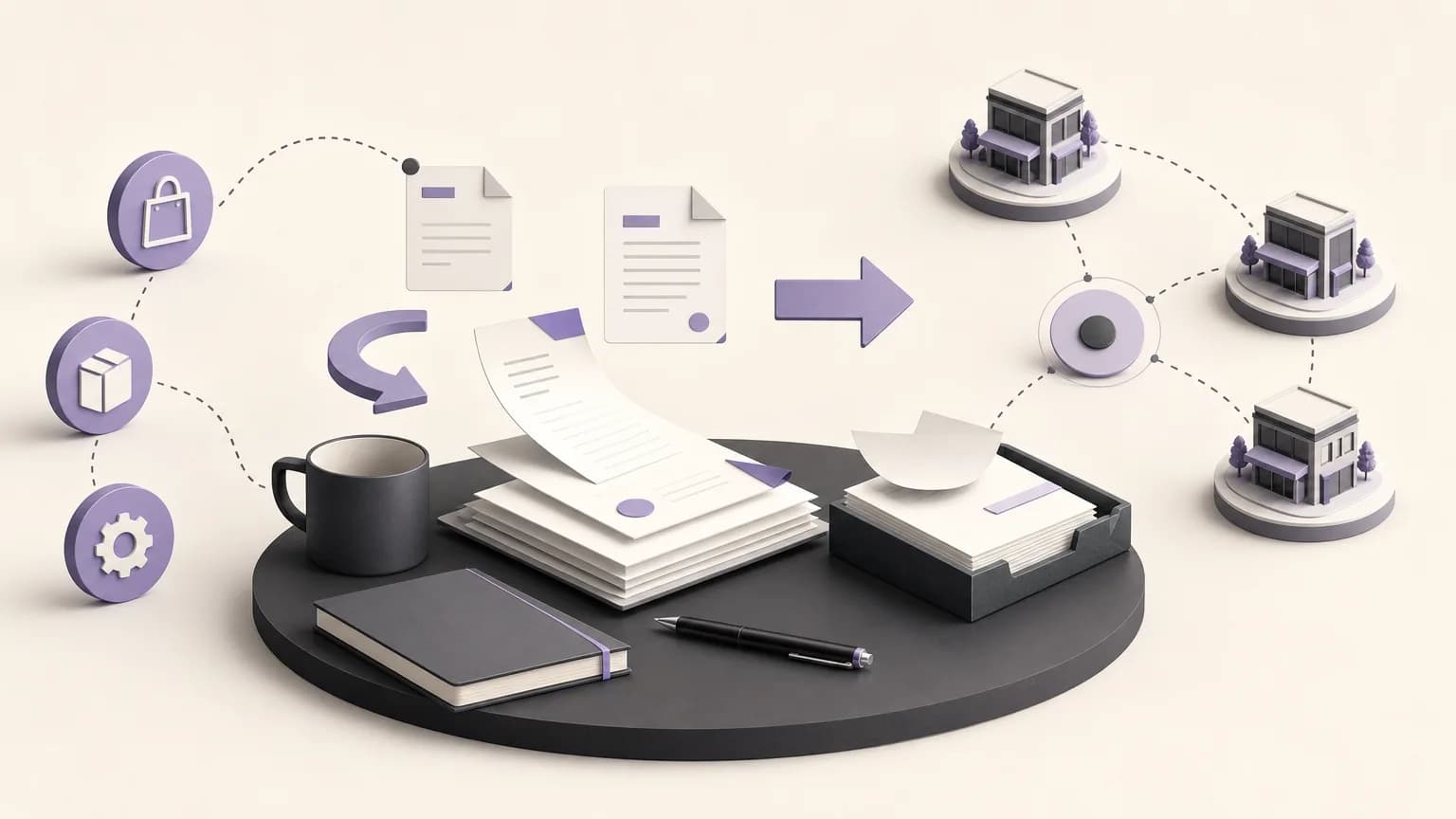
Month-end close is not only a ledger exercise. Before the period is finalized, accounting teams need confidence that invoices were recorded in the right period, returns were handled clearly, and collections can be connected to the relevant records. When information is scattered across sales, orders, inventory, branches, and accounting, a small unresolved difference can be postponed or reviewed more than once.
OrdertechERP connects sales, orders, inventory, accounting, reporting, and branches in one operating workspace. Teams can use its reports to organize the close review, while its AI operational assistant can, within the company’s configuration and team permissions, connect an order and its data to an appropriate next step. This does not remove the need for judgment. Outcomes depend on data quality, company setup, and user permissions.
Set the close scope and ownership first
Before running reports, agree on the period under review, the branches or business units included, and the cutoff for receiving changes. Create a simple ownership list for accounting, sales, order teams, inventory, and branches where relevant. The goal is not extra administration; it is to prevent an unresolved item from having no clear owner.
- Accounting: coordinates the review, consolidates variances, and identifies items requiring approval or correction.
- Sales and order teams: clarify invoice-to-order relationships and incomplete transactions.
- Inventory: reviews the operational impact of returns and related records.
- Branches: clarify transactions created or left pending at the branch, within their available permissions.
Use consistent filters for every report, such as period, branch, and transaction status. This makes comparisons easier to interpret. If a user does not have permission to change a record, the next action should be escalation to the authorized owner—not an attempt to work around the control.
Invoice review checklist
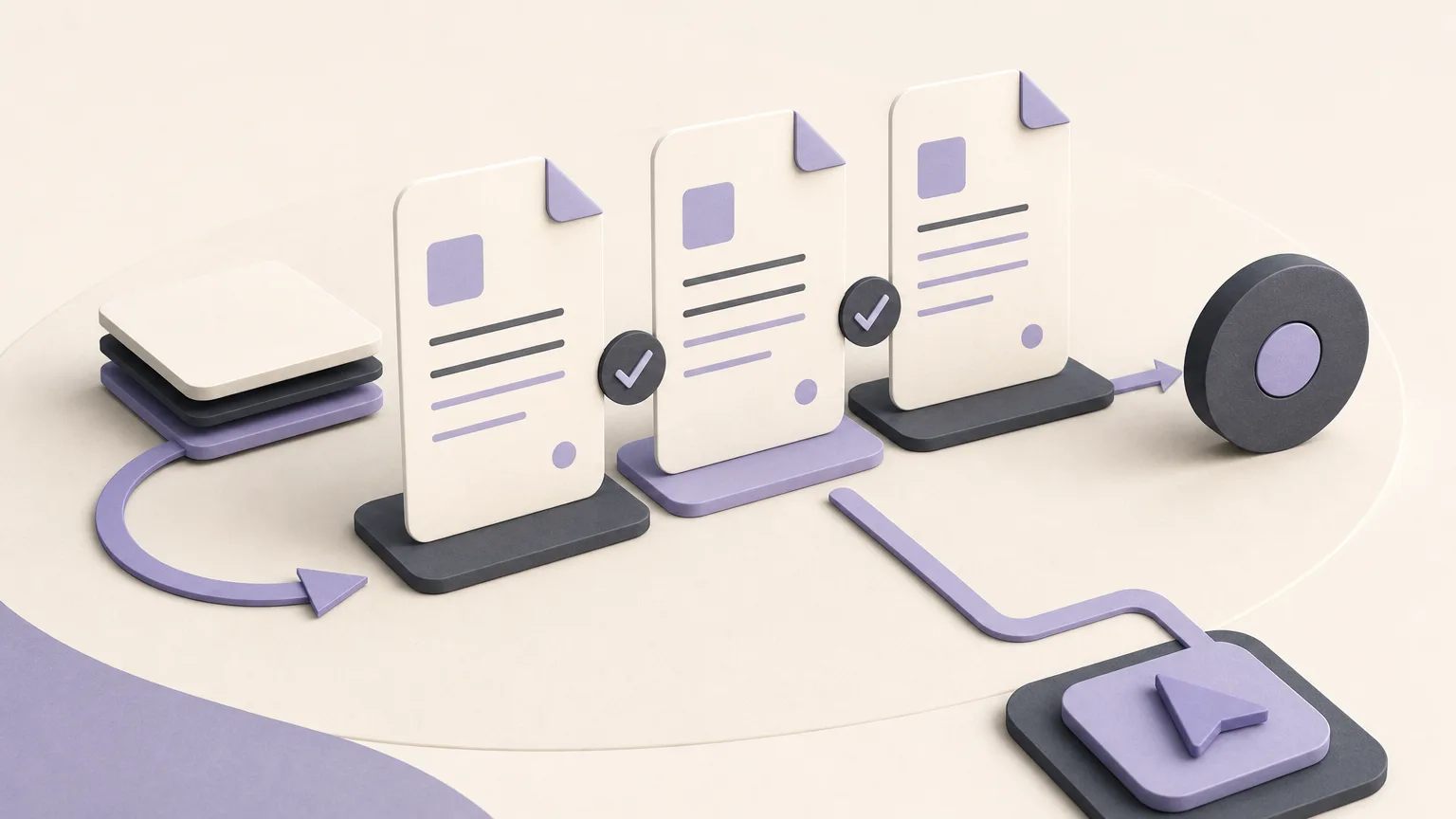
- List the invoices: Review the period’s invoice reports and confirm that the list covers the agreed scope. Flag incomplete invoices or records whose connection to an order or sale is not clear.
- Review dates: Look for transactions that appear to belong to a different period than the date on which they were carried out or approved under company policy. Do not move a transaction simply because a difference appears; document the question and request a decision from the appropriate owner.
- Check for duplicates and gaps: Compare available records for a repeated reference, an order with no visible invoice, or an invoice with insufficient information for review. These are review indicators, not automatic proof of an error.
- Assign open items: Give each item a reference, short description, owner, next action, and status. Record when the action requires a higher permission level.
Sales or order teams may be best placed to explain an incomplete invoice, while accounting evaluates its closing impact. The decision should be based on the available record and company policy, not an informal verbal assumption.
Review returns with their related records
A return can affect an invoice, a collection, and inventory movement at the same time. Review return reports alongside their related records, and confirm that the return’s reason, status, and next owner are clear.
- Match the return to its related order or invoice when that information is available.
- Identify whether the next review belongs to sales, inventory, or accounting under the company’s workflow.
- Flag cases where a return appears without a corresponding financial or operational treatment, and record them as variances requiring verification.
- Do not assume that a return automatically means a correction or refund. Leave that decision to the approved process and the appropriate permission.
A separate open-returns list can include the date identified, related record, required verification, owner, and review date. Inventory then knows what needs inspection, accounting knows what needs financial review, and management can see which items may delay close.
Review collections and connect them to invoices
After reviewing invoices and returns, examine collection reports for the period. Focus on collections without a clear invoice or account reference, collections whose status differs from expectations, and items requiring clarification from a branch or sales team.
- Classify collections as clearly matched, requiring matching, or pending information.
- Ask the owning team for the available reference, such as an order or invoice number, according to the company’s accepted records.
- Record the difference between the collection report and the invoice record without changing original data without approval.
- Define the next action: match, request clarification, apply an authorized correction, or escalate to a permitted user.
Do not hide unknown items simply to make the collection list look complete. It is better to show pending items with a clear owner and reason so the close owner can assess them under company policy.
A practical way to document variances
Use one variance log, whether it is maintained through the company’s approved workflow or a designated report. Each item should ideally include the period, branch or unit, transaction reference, variance type, short description, information source, possible close impact, owner, next action, status, and last update date.
Use verifiable descriptions such as “invoice has no visible order reference” or “collection requires matching” instead of broad labels such as “incorrect data.” When the status changes, record why and who approved the change according to company procedures. This turns scattered notes into a traceable decision list.
Final checks before close approval
- Confirm that invoices, returns, and collections were reviewed using the same scope.
- Separate completed, pending, and approval-required items.
- Ensure every variance has an owner, a next action, and a reference.
- Check user permissions before requesting a correction or approval.
- Document exceptions that will remain open, including the reason and follow-up plan.
The AI operational assistant can help guide a user from an order and its data to a next step when the company configuration and team permissions allow it. The team should still review the context and records before approving an action, because the usefulness of the result depends on data quality, configuration, and internal policies.
Conclusion
Period close becomes more consistent when invoices, returns, and collections are reviewed through a shared view, and every variance has a clear description, owner, and next action. OrdertechERP provides an operating workspace that connects these areas and reports that help structure the review. The quality of the outcome still depends on data quality, company setup, and team permissions. Start with a defined scope and ownership, then work through traceable variances before approving the close.