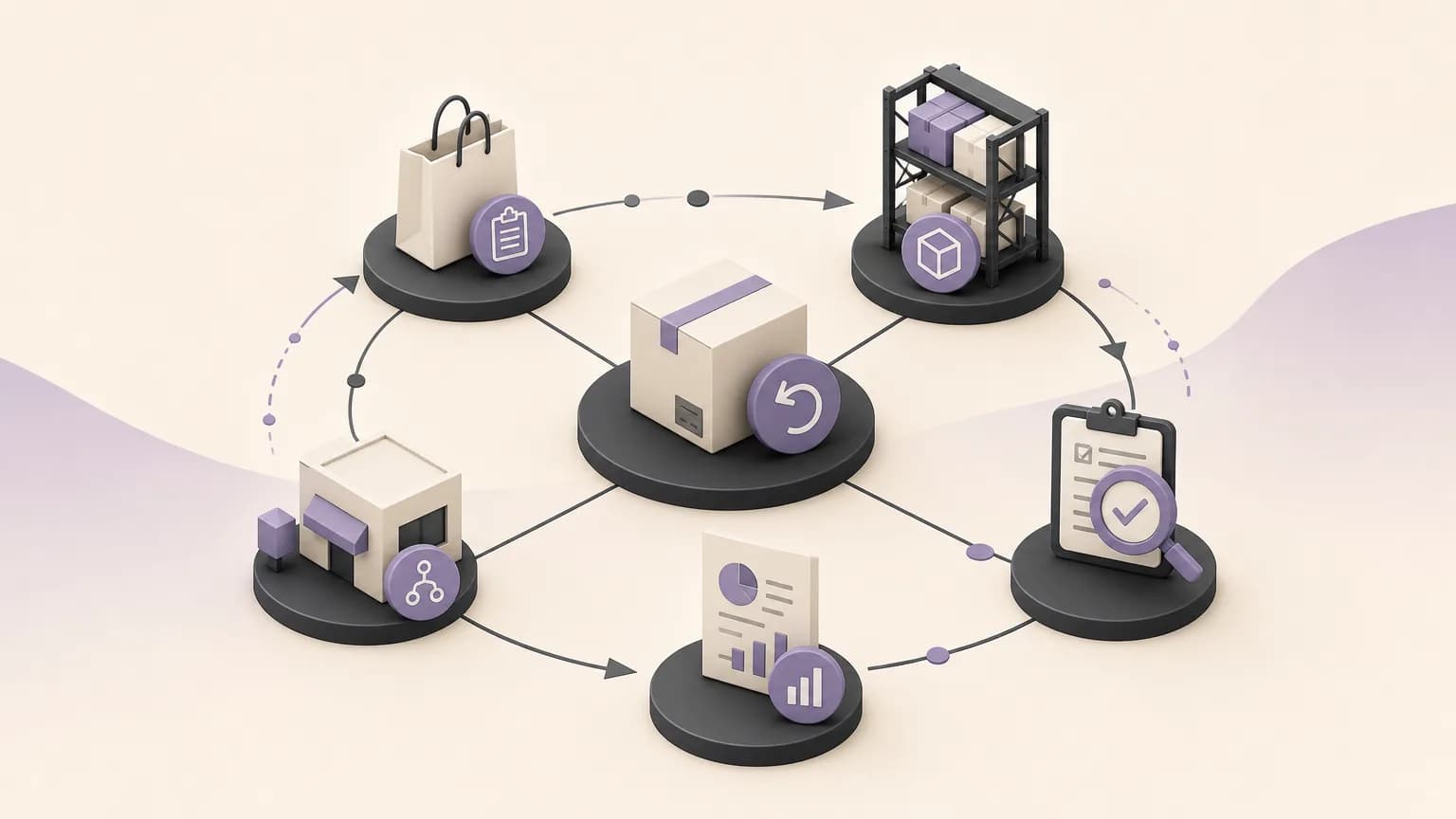
A return is not simply the reverse of a sale. It is an operational decision that starts with a customer or sales request and continues through item review, disposition, quantity updates, accounting follow-up, and reporting. When these steps are recorded in separate places, sales, inventory, and accounting may each work from a different version of the same return.
OrdertechERP connects sales, orders, inventory, accounting, reporting, and branches in one operating space. This makes it easier to establish a clear return workflow. Its AI operational assistant can also connect an order and its data to the next step, based on the company’s configuration and the team member’s permissions. That does not mean every decision is made automatically. The quality of the result depends on the quality of the data, the way the company is configured, and the access granted to each team.
Why returns need a shared workflow
The same return affects several functions. Sales needs to know whether a request is awaiting review, approved, or closed. Inventory needs to know whether the item can go back into available stock or needs inspection or another disposition. Accounting needs a clear reference and decision so it can review the financial treatment according to company policy.
The practical problem appears when the reason is kept in a message, the quantity is changed in a separate file, and accounting receives incomplete information later. A shared return workflow reduces repeated data entry and gives each team a common operational view instead of forcing people to reconstruct the status from scattered conversations.
A practical return workflow
1. Record the request against the original sale
Start by recording the return with a reference to the original order or sale, the relevant item or items, the quantity, the reason, and the branch or business unit where applicable to the company’s setup. These details give sales, inventory, and accounting a common starting point.
It is also important to distinguish a newly submitted return from one that has been reviewed, approved, or closed. A clear status prevents an incomplete request from being treated as a completed transaction and makes follow-up more reliable.
2. Define the next step before changing available stock
Recording a customer’s return request should not necessarily place the item back into available inventory immediately. The company may need to inspect the item, confirm the quantity, review the reason, or decide on a different disposition. Each status should therefore have a responsible team and a visible next step.
The OrdertechERP AI operational assistant can connect the order data to that next step within the company’s configuration and the team’s available permissions. Its usefulness depends on complete and accurate information and on the rules the company has established. It does not remove the need for human review when the decision requires it.
3. Update inventory according to the inspection result
Once the decision is made, record what actually happened to the item. If it is fit for resale, the company may reflect it in available quantity according to its policy. If it requires inspection, isolation, or another treatment, its status should remain clear so it is not presented as sellable too early.
The goal is not merely to increase or decrease a number. It is to preserve the meaning of that number. When sales can tell whether a quantity is genuinely available, it can communicate more accurately with the customer. When inventory can see the source and reason for a change, it spends less time searching for an explanation.
4. Review the accounting impact
A return may affect the sale value, the amount due, or other accounting treatment, depending on company policy and configuration. The return record should therefore reach accounting with a clear reference to the original sale, the inspection result, and the quantity actually accepted.
Not every return should be assumed to follow the same accounting treatment. The appropriate handling may vary by sale type, return reason, item condition, or company rules. The system supports a shared view of the data and workflow, while the final accounting treatment should follow approved settings, permissions, and the responsible finance review.
How teams can work from the same return status
| Team | What it needs to see | Practical follow-up question |
|---|---|---|
| Sales | The original order, return status, and next decision | What can be communicated to the customer now? |
| Inventory | The item, quantity, inspection result, and disposition | Is the quantity available, or is it still under review? |
| Accounting | The sale reference, accepted quantity, and impact to review | What treatment applies under the company’s setup? |
| Reporting and branches | Status, reason, period, and related branch | Where are returns recurring, and which data is missing? |
Operating practices that improve return data
- Standardize return reasons: Use a clear, shared list instead of several descriptions for the same issue.
- Separate status from decision: Submitting a request does not mean it is approved, and accepting an item does not necessarily make it available for sale.
- Record the actual quantity: Distinguish the quantity requested from the quantity received and accepted.
- Assign the next owner: Every open return should have a responsible team and a step that can be verified.
- Review discrepancies: Compare the request, inventory update, and accounting review before closing the process.
- Control permissions: Give each team the access it needs while keeping sensitive decisions with authorized roles.
What should return reports show?
Reports can help management view returns by period, branch, reason, or item, provided that the underlying data is entered consistently. Useful views may include open return requests, items awaiting inspection, the difference between requested and accepted quantities, and cases whose accounting review is not complete.
These indicators do not explain the cause on their own. A rise in returns may relate to a sales policy, unclear product information, a recording issue, or a delay in inspection. Use the report as a starting point for investigation, not as a final judgment detached from operational context.
Conclusion
Effective returns management connects the sales decision to what happens afterward: recording the request, defining the next step, inspecting the item, updating inventory, and reviewing the accounting treatment and report. OrdertechERP brings that view together across sales, orders, inventory, accounting, reporting, and branches. Its AI operational assistant can help connect the order and its data to the next step according to the company’s configuration and team permissions.
The outcome still depends on data quality, clear procedures, accurate configuration, and well-defined access. When the workflow is consistent and each status is traceable, teams can reduce manual work and make clearer decisions without relying on conflicting or incomplete information.