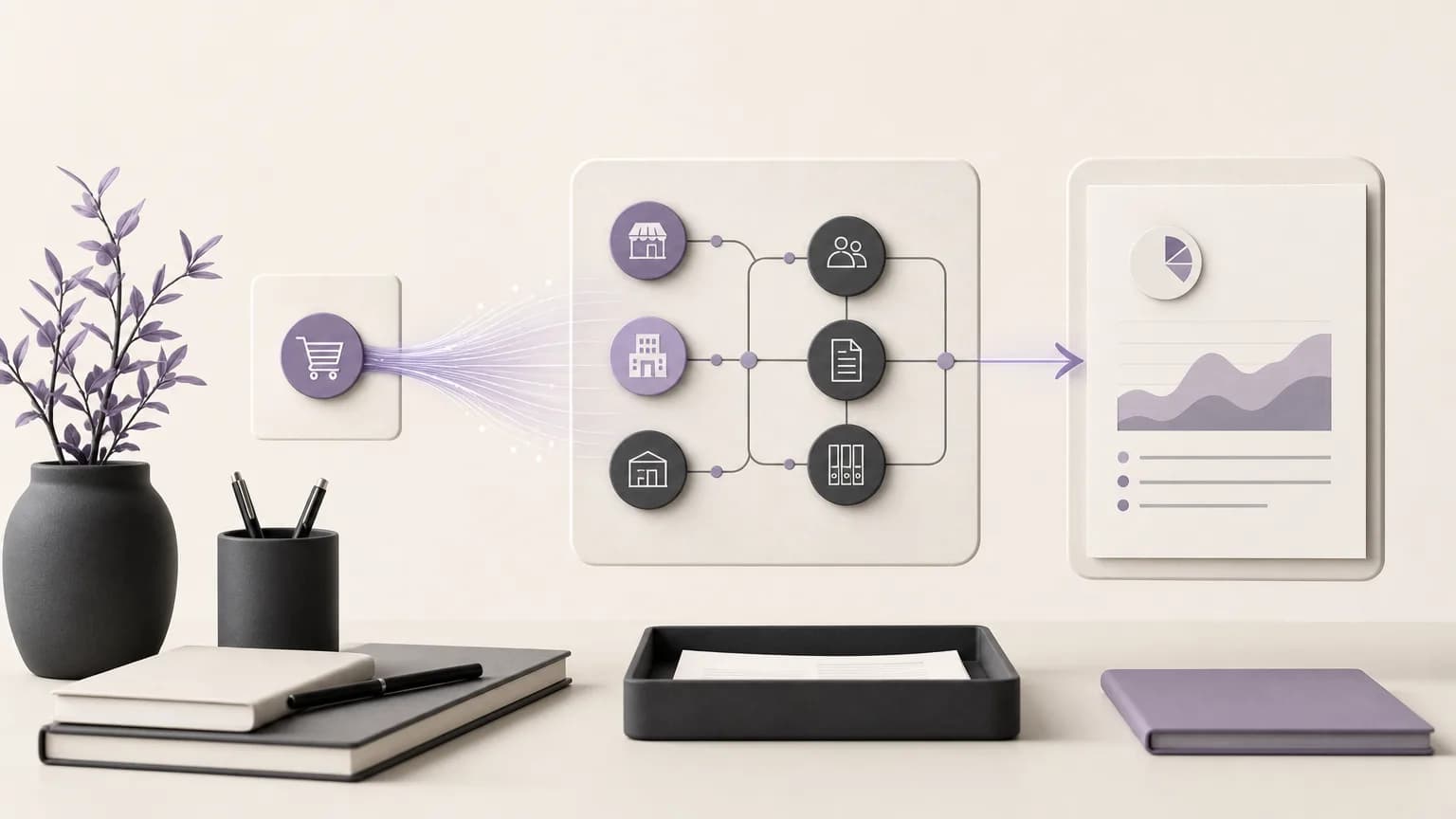
Effective receivables follow-up starts with a clear reference point: what was sold, when the sale was recorded, and what status the transaction is currently in. When accounting teams search for these details across separate lists, review takes longer and it becomes harder for sales, branches, and accounting to share the same view. Organizing sales data in one operating space helps teams move more clearly from recording a transaction to verification, review, and the appropriate next action.
OrdertechERP connects sales, orders, inventory, accounting, reporting, and branches in one operating space. Accounting teams can use recorded sales data as the basis for receivables follow-up and review statuses through reports, subject to the company’s configuration and each user’s permissions. This does not mean every action is automated or that results are guaranteed. The quality of the outcome depends on data quality, company setup, and the access granted to the team.
Why Start Receivables Follow-Up with the Sale?
Accounting needs a reference that can be reviewed consistently. A recorded sale provides that reference because it ties follow-up to the transaction that created the receivable, rather than to separate lists or informal updates exchanged between teams.
- Clear source: An accountant can review the recorded transaction before assessing its status or requesting missing information.
- Shared visibility: Sales, branches, and accounting can discuss a case from the same record, within the limits of their permissions.
- Less manual handling: Teams spend less time re-entering sales information across separate lists when the data is organized in one operating space.
- More consistent review: Reports give the team a common way to identify cases that require verification or follow-up.
A Practical Workflow from Sale to Follow-Up
1. Record the sale
The process begins by recording the sale in OrdertechERP according to the company’s approved setup. At this stage, the team should review the core information associated with the transaction, such as the relevant branch or party, order details, date, and any information required for accounting review under the company’s configuration.
Recording the sale is not the end of the process. It is the starting point for receivables follow-up. If the data is incomplete or inaccurate, the issue may appear later in a report or during verification. For that reason, the responsibility for entering information should be clear, and users should understand what they are allowed to edit or review.
2. Verify that the data is complete
After the transaction is recorded, accounting reviews whether it is ready for follow-up. This is not an assumption of undocumented automation. It is a clear operational review: Does the transaction appear where expected? Is it associated with the correct branch or order? Is the information needed to understand the receivable present? Is there a note or status that requires clarification from sales or a branch?
The company can create an internal checklist that fits its process and apply it to new or flagged cases. This helps separate a data-quality issue from a follow-up issue. If a transaction is not displayed correctly, the first action may be to correct the data or request completion before taking another step.
3. Review status through reports
Accounting teams use reports to understand recorded cases and compare them according to the company’s configuration. Depending on the available setup and user permissions, the review may group transactions by branch, sales period, status, or responsible party.
The practical value of a report is not limited to displaying figures. It turns recorded information into a reviewable worklist. The team can identify transactions that need additional verification, cases that require communication with sales, and items that should remain under observation. Each report should make clear what it covers, which period it uses, and who is permitted to view or act on the underlying information.
4. Choose the next action
Once the transaction has been verified and reviewed, the next action will not be the same for every case. A record may need missing information, an internal review, communication with the responsible team, or a follow-up decision recorded according to company procedures. Organized data supports a decision based on the recorded sales status rather than guesswork.
| Review observation | Possible operational action |
|---|---|
| The transaction is incomplete or unclear | Request completion or correction from the authorized party |
| The transaction exists but needs verification | Review its details against company procedures before proceeding |
| The case requires sales or branch input | Identify the responsible team and ask for the missing information or current status |
| The status is clear from the record and report | Record the follow-up decision or move to the next internal step |
How Teams Can Work Together on Receivables
Accounting does not operate in isolation. It may need sales to clarify transaction details, a branch to confirm the context of a movement, the orders team to explain the order status, and reporting to group cases for review. Keeping these areas in one operating space can reduce repeated questions and manual data transfer, but it does not remove the need for clear ownership or human review.
A company can establish a recurring review meeting or a shared follow-up list, defining who reviews, who corrects, who approves, and who has read-only access. Permissions are important here: not every user needs access to every record or the ability to perform every action. Permissions should be tested against practical cases so each role has the visibility appropriate to its responsibilities.
The Role of the AI Operational Assistant
OrdertechERP uses an AI operational assistant to connect an order and its data to the next step according to the company’s configuration and team permissions. This can support the team in understanding what may need attention within the available context. Its usefulness still depends on accurate records, complete setup, and access boundaries. Users should review the information and context before approving a step, and should not treat the assistant as a replacement for accounting policies or human verification.
A Checklist for Better Follow-Up
- Define the fields that must be completed when a sale is recorded.
- Clarify each team’s responsibility for correction, review, and follow-up.
- Build reports that match the company’s classifications, periods, and branches.
- Review user permissions to ensure they match each role.
- Use consistent meanings for statuses and next actions across the team.
- Set aside time to review data quality and identify incomplete records.
Conclusion
OrdertechERP helps accounting teams organize receivables follow-up around recorded sales data and connect review with reports and shared visibility across sales, orders, branches, and accounting. The workflow starts with a well-recorded sale, continues through data verification and status review, and ends with an appropriate next action. The quality of the result still depends on data quality, company configuration, and user permissions. When those elements are clear, teams can turn sales activity into a reviewable operating process without assuming undocumented automation or integrations.