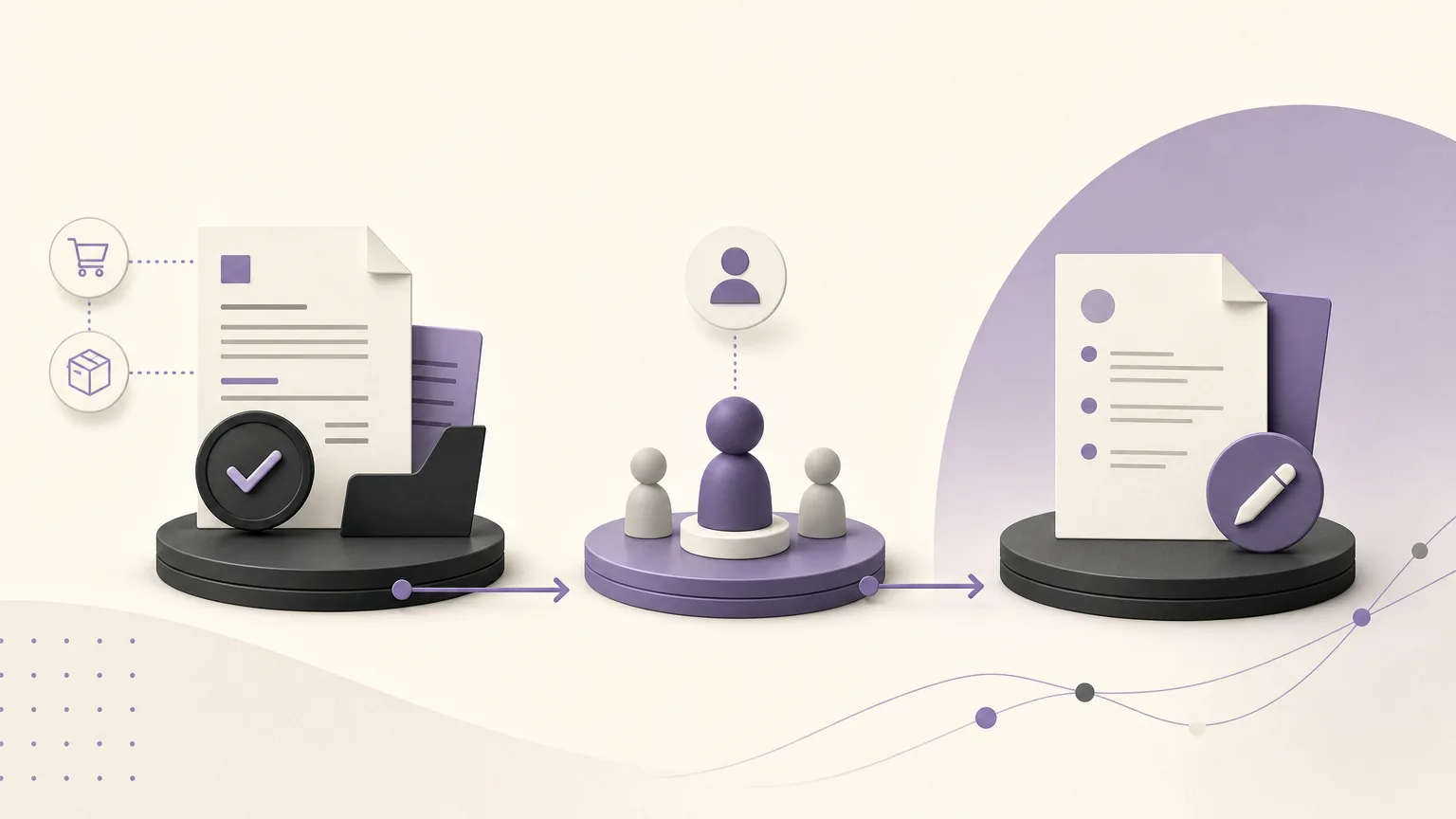
Reviewing uncollected invoices should not begin with a random reminder. It should begin with a shared view of what was issued, what has been collected, and what still needs attention. When sales, accounting, and branches work from separate records, the same customer may be contacted twice, an invoice discrepancy may remain unresolved, or no one may know who owns the next step.
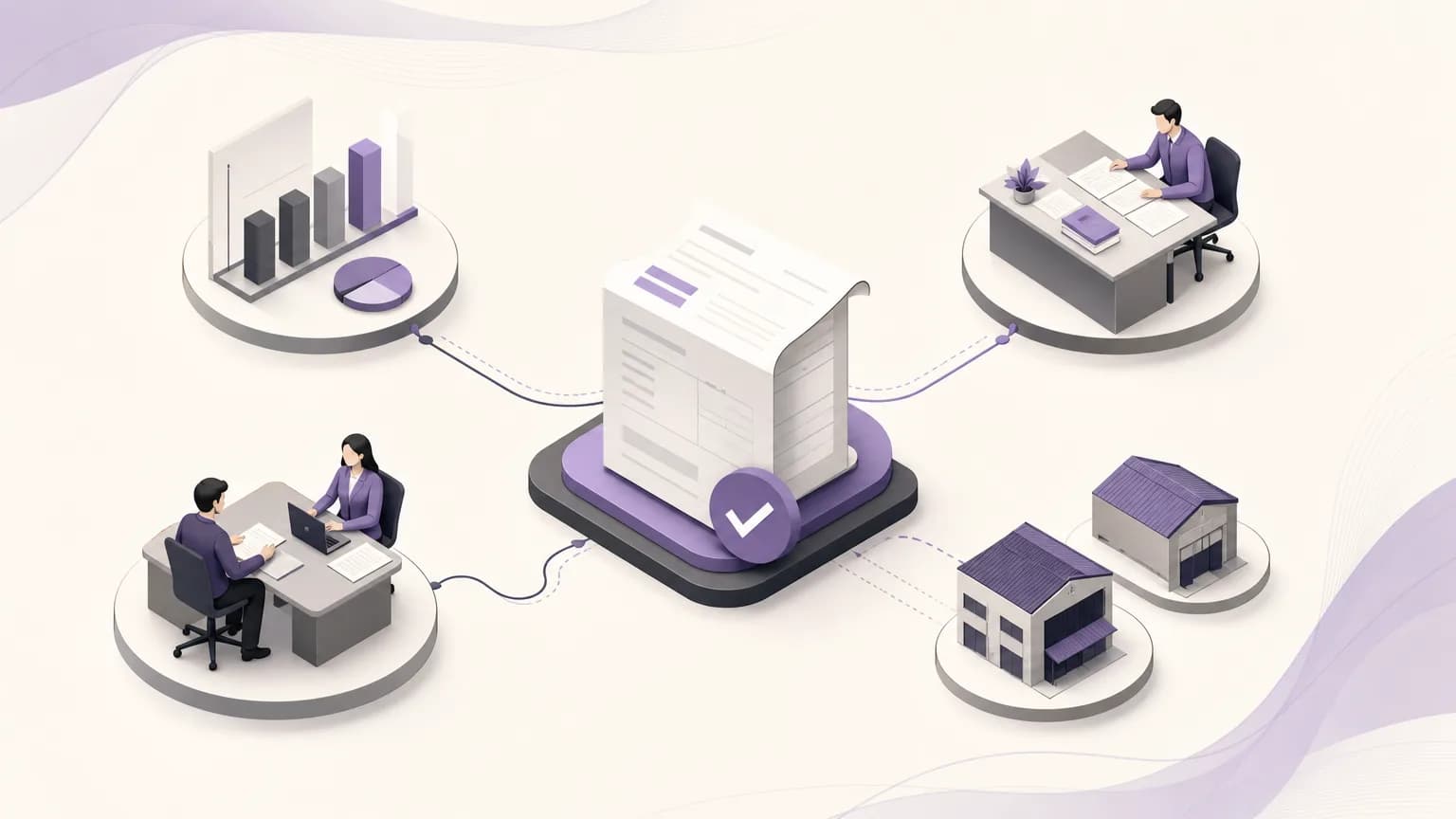
OrdertechERP connects sales, orders, inventory, accounting, reporting, and branches in one operating space. This gives teams a way to organize invoice review around the business data available to them, then move each case toward a defined action and owner. The quality of the result still depends on data quality, company configuration, and the permissions assigned to each team.
What does an uncollected-invoice review involve?
A review is more than producing a list of open invoices. The practical goal is to turn that list into documented operating decisions: Does the customer need a collection follow-up? Is there a discrepancy in the order or delivery? Is an internal approval still pending? Should sales, accounting, or a specific branch handle the next step?
Before starting, agree on what “uncollected” means for your business. It may refer to an invoice with no recorded payment, a remaining balance, or a transaction that still needs matching or clarification. The fact that an invoice appears in a report is not, by itself, enough to explain why it remains unresolved.
Step 1: Start with the sales report, then review the context
Define the period or scope you will review, then use the available sales and invoice data in OrdertechERP to create a working list. Depending on the company’s process, the review may include the invoice number, customer, branch, issue date, invoice value, collection status, and follow-up owner.
Next, avoid treating every record the same way. Group the list into practical cases such as:
- An invoice that needs a clear collection follow-up.
- An invoice that needs customer or payment-term information reviewed.
- An invoice connected to a discrepancy in the order, quantity, or delivery.
- An invoice that requires accounting review before customer contact.
- An invoice that should be escalated to a branch manager or another authorized role under the internal process.
This distinction prevents sales from chasing a case that has not been cleared by accounting. It also prevents accounting from rechecking every invoice without knowing why it was included in the review.
Step 2: Connect the invoice to the order and relevant data
An invoice should not be reviewed in isolation from the transaction that produced it. Compare the invoice with the available operating context: the related order, sales details, branch, and any information the team needs to interpret the case. If the customer’s order and the invoice do not appear to match, the priority is not a reminder. The priority is identifying the source of the discrepancy and the role responsible for resolving it.
This step separates two different problems: a genuine collection issue and a data or order-cycle issue. It also gives sales and accounting a shared reference point for discussing the same record instead of relying on disconnected messages or personal spreadsheets.
Step 3: Assign ownership and define the next action
For every invoice that needs attention, record a simple, understandable decision:
- What is the status? Late collection, partial balance, data discrepancy, or internal review.
- Who owns it? A sales representative, accountant, branch owner, or authorized manager.
- What happens next? Contact the customer, review documentation, confirm the order status, or escalate the case.
- When will it be reviewed again? Set an internal review point according to company policy, without presenting it as a promise to the customer.
- What evidence is needed? A note, status update, or record of the agreed action in the approved work record.
OrdertechERP includes an operational AI assistant that connects the order and data to the next step according to the company’s configuration and team permissions. Its suggested direction does not replace human review, expand a user’s authority, or prove that the underlying data is correct. The responsible person should review a suggestion before applying it, especially when it concerns a financial change or escalation.
Divide the work across sales, accounting, and branches
Accounting’s role
Accounting verifies the invoice status, balance, and information that affects collection. It distinguishes between an amount that has not been collected and an amount that needs matching or explanation. When information is incomplete, the team records what is missing instead of automatically classifying the case as overdue.
Sales’ role
Sales uses the available commercial context to identify the right contact and timing for follow-up. The team should explain what needs clarification without presenting unconfirmed information as fact. If the issue concerns the order or delivery, sales should route it to the appropriate owner rather than closing the case with a generic message.
Branches’ role
When a transaction belongs to a branch, identifying the branch helps direct the review to people familiar with the local execution. However, permission boundaries must remain clear. Not every user should be able to change a financial status or approve an accounting treatment.
Reporting’s role
Reports make the review repeatable and comparable across the business. Rather than focusing only on the number of records, monitor whether each case has an owner, a next action, and a reason for being unresolved. A useful report answers an operating question: What needs action now, who owns it, and what is blocking closure?
Make the review auditable
Adopt a consistent review cycle, such as a short meeting or a weekly review, depending on the nature of the business. Before the cycle, the team checks the available data and removes records that do not meet the review criteria. During the review, ownership and the next action are confirmed. Afterwards, statuses are updated within the company’s configuration and permission boundaries.
Use consistent language for statuses and notes. “Followed up” is often too vague; a stronger record explains the type of follow-up, the outcome, and the next step, without storing sensitive information outside approved channels. Review access permissions regularly as well, because unnecessary access can lead to unintended changes or unclear approval responsibility.
Common mistakes to avoid
- Treating every uncollected invoice as the same type of collection problem.
- Contacting the customer before checking the related order and data.
- Assigning follow-up to an entire team without naming an owner.
- Changing an invoice status simply to make the list look complete.
- Assuming the operational assistant’s suggestion replaces the responsible person’s review.
- Drawing a firm conclusion from incomplete data or outdated configuration.
Conclusion
Uncollected-invoice review creates more value when it becomes a clear operating flow: a report to start from, context to explain the case, a named owner, a next action, and documentation of what happened. OrdertechERP brings sales, orders, accounting, reporting, and branches into one operating space, with an operational AI assistant that connects data to the next step according to company configuration and team permissions. The quality of the decision still depends on complete data, sound configuration, clear ownership, and appropriate human review.