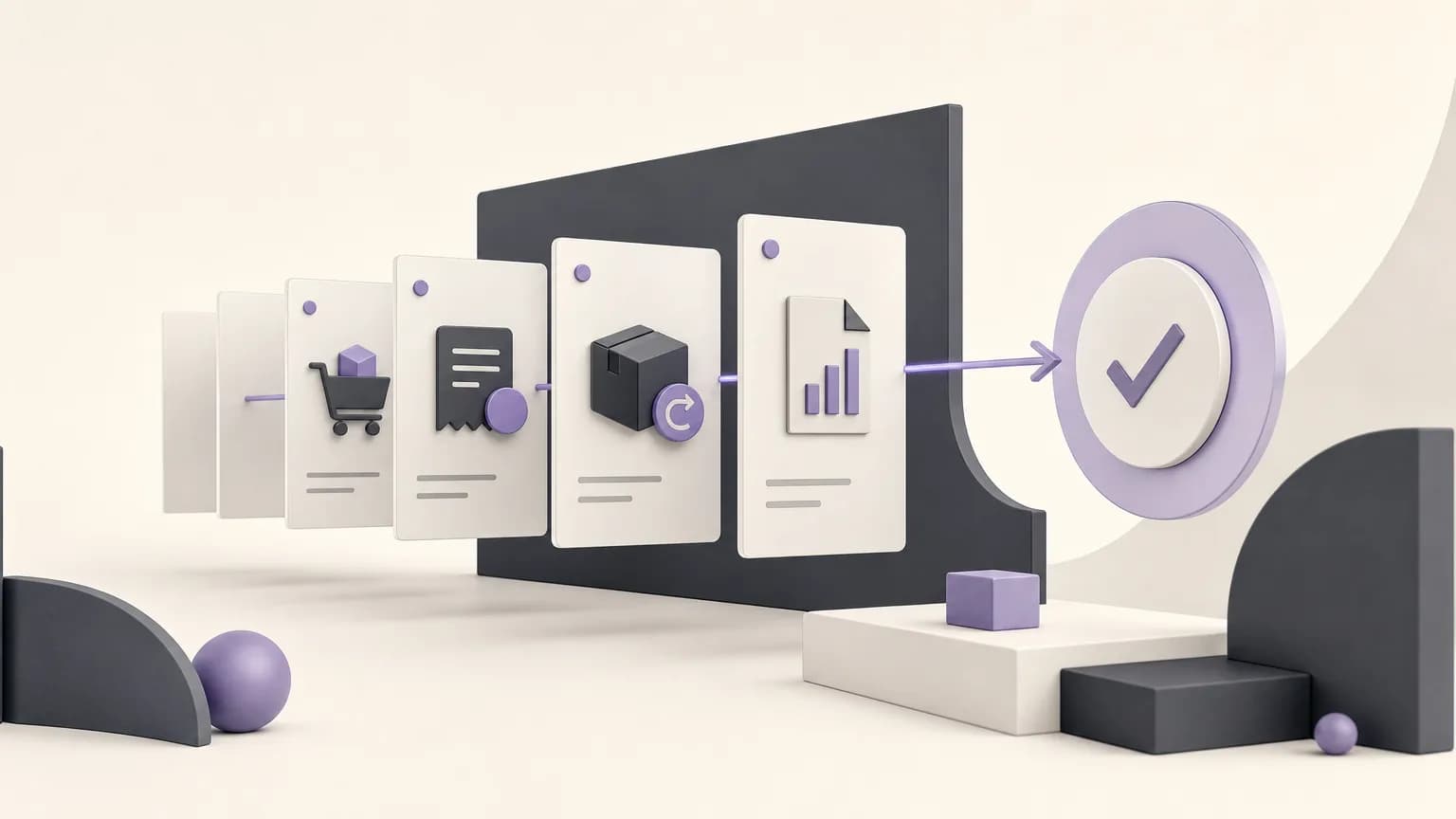
A transaction does not always stall because of a major problem. An order may be waiting for review, an invoice may be missing information, or a return may still need a decision. When the details are spread across messages, spreadsheets, and files, teams spend time asking for updates without knowing who owns the next action.
OrdertechERP connects sales, orders, inventory, accounting, reporting, and branches in one operating space. This gives teams a shared way to read a transaction’s status and decide what needs attention next. The outcome still depends on data quality, company configuration, and user permissions. A shared system cannot compensate for an outdated status or an undefined owner.
Define what “stalled” means
Start by agreeing on a practical definition. A transaction may be stalled when it remains in one status longer than expected, has a required step with no clear owner, or depends on missing information or an approval. The definition does not need to be identical for every document type.
- Order: It may be waiting for confirmation, preparation, or a review related to availability.
- Invoice: It may need information or an accounting action under the company’s process.
- Return: It may require a quantity or condition check before a decision can be made.
- Report: It may appear incomplete because source data is missing or the reporting period is not ready.
The purpose is not to create rigid rules. It is to make sure that calling something “stalled” leads to a specific action rather than another vague follow-up.
Turn a status into an operating question
For every stalled transaction, ask four questions: What is the current status? What is preventing progress? What is the next step? Who has the authority to perform or approve it? These questions separate a process issue from a people issue. The status may be correct while the data is incomplete, or the data may be ready while the relevant branch user lacks the required permission.
A simple internal worklist can include the document type, reference, branch, current status, last update, reason for the delay, next step, owner, and required approval. If the reason is unknown, do not assign the item at random. Make the first action a data check or an ownership check.
Use each document type to locate the work
Sales and orders
For an order, compare the current status with what has actually happened in the operating process. If the status no longer reflects reality, the sales or order team can verify the document and related information, then decide whether the next action is a status correction, an availability review, or an escalation to an authorized user. Do not move a status simply to make a queue look shorter; the update should represent a real event.
Invoices and accounting
For invoices, connect the status to the information accounting needs. Is the invoice waiting for review, missing data, or an approval? With a clear owner, the accountant can request the missing item from the right team instead of repeatedly rechecking the entire transaction. Define who can edit information and who can approve a transition, especially when branch and head-office permissions differ.
Returns
A stalled return benefits from a clear path between the team that received the request, the team that verifies it, and the person authorized to decide the treatment under company policy. Record the actual reason for waiting: Has the inspection not happened? Does the quantity need verification? Is a higher-level decision required? This turns an unclear return status into an assignable task.
Reports and branches
Reports can reveal delayed follow-up when they are read alongside operational context rather than as isolated figures. Review transactions by status, branch, and document type, then look for repeated accumulation at one point in the process. The pattern may indicate incomplete data entry, permissions that do not match local work, or a step that has not been defined clearly enough.
Assign the next step by permission
The person who notices a stalled transaction is not necessarily the person who should resolve it. Assign ownership based on the action and the authority it requires. An order employee may collect missing information, while an authorized user approves a change. A branch may begin the review and escalate it to head office when the decision falls outside local permissions.
Review company settings before changing responsibilities. Make sure statuses are understandable, role names match the actual workflow, and users can access what they need without receiving unnecessary permissions. Clear ownership reduces message exchanges that do not produce a decision.
Where the AI operational assistant fits
OrdertechERP uses an AI operational assistant to connect the order and its data with the next step according to company configuration and team permissions. In practice, this can help direct attention to what should be reviewed or identify a possible next action within the available context. It does not replace document verification, change permissions, or override company policy. The quality of its result depends on complete data, sound configuration, and clearly defined team permissions.
A repeatable follow-up routine
- Review transactions that have remained in the same status, using a suitable time frame for each document type.
- Check the last update and missing information before labeling an item stalled.
- Describe the reason for the delay and the next step in actionable language.
- Assign the step to the role or user with the appropriate permission.
- After action is taken, update the status so it reflects reality rather than simply removing the item from a follow-up list.
- Review recurring buildup with sales, inventory, accounting, branch, and reporting teams to identify the underlying process issue.
Conclusion
Document follow-up becomes a shared operating process when every status is tied to a reason, every next step has an owner, and every owner has the right permission. OrdertechERP provides one operating space for orders, invoices, returns, reports, and branches. The practical benefit is better visibility and less repetitive manual follow-up, but it depends on accurate data, appropriate configuration, and disciplined status updates. Used this way, the system and its AI assistant support operational judgment rather than replacing it.