Two invoices can look alike because they share the same customer, value, or date. Similarity alone, however, does not prove that one invoice is a duplicate. The records may relate to separate orders, different branches, or a documented correction. A reliable review process therefore separates an initial warning signal from the decision to take action.
OrdertechERP connects sales, orders, accounting, reporting, and branches in one operating workspace. When the company’s data and settings support it, this shared context helps sales and accounting teams review an invoice alongside the business activity behind it instead of treating each record in isolation. The quality of the outcome still depends on data quality, company configuration, and team permissions.
Why a Repeated Invoice Number Is Not Enough
A duplicate-looking transaction may have a different invoice number because it was entered again or created through a separate process. Conversely, different invoice numbers do not automatically indicate an error. Two invoices can share a customer and total while representing two valid orders or two branches.
For that reason, similarity should be used to create a review queue, not to make an accounting decision. The reviewer needs to check the relationship between the invoice, order, customer, branch, and accounting record before choosing a correction or cancellation path.
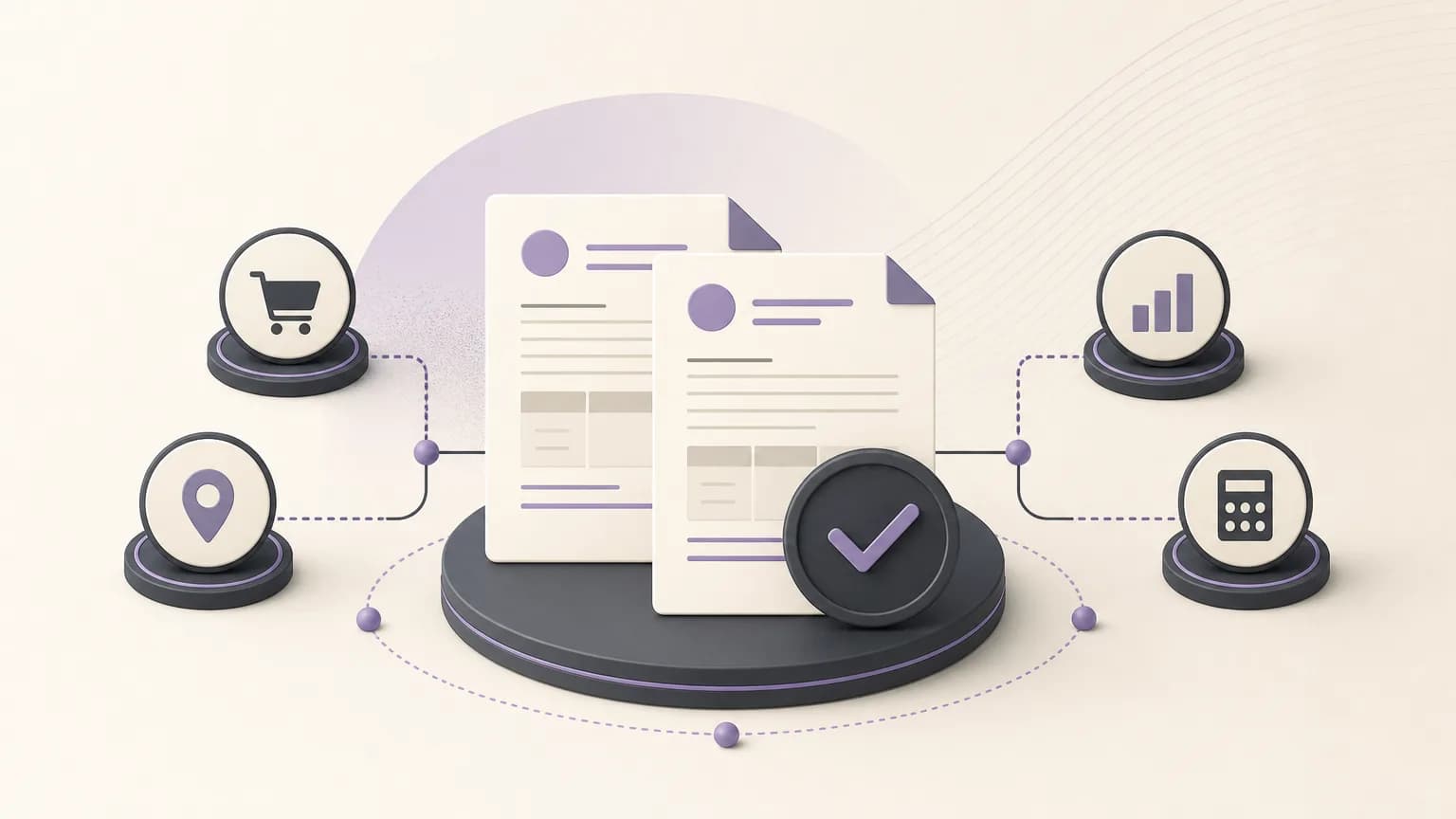
Build a Set of Review Signals
Start by identifying the fields available in the company’s sales and accounting data. Useful signals may include:
- Customer: the same customer appearing repeatedly within a short period. Confirm that the customer does not have more than one legitimate order.
- Value: an identical or closely matching total. Compare line items, discounts, and taxes rather than relying on the total alone.
- Date: invoices issued on the same day or close together. Date is a supporting signal, not conclusive evidence.
- Order: more than one invoice connected to the same order, or an invoice with no clear order reference where one would normally be expected.
- Branch: a transaction appearing under an unexpected branch or across multiple branches. Check whether the company uses centralized sales or billing.
- Lines and descriptions: matching products, services, and quantities, while looking for legitimate differences such as returns, installments, or corrections.
The weight of each signal should reflect the operating model. A multi-branch organization may need to prioritize branch and transaction context, while a business with recurring orders may place more emphasis on the order reference and billing cycle.
Turn a Signal into a Review Record
When two invoices appear similar, do not simply flag them and move on. Create a concise review record that explains why they were flagged and what was checked. It can include:
- The invoice numbers, dates, customer, and branch associated with each record.
- The order reference for each invoice, when available in the company’s configured records.
- Totals, line items, discounts, and visible differences.
- The status of each invoice in the company’s accounting workflow, such as draft or approved where those statuses are used.
- The responsible role or permission, the reviewer’s notes, and the final review outcome.
Keeping this context in one operating workspace can reduce manual re-entry between teams and make reporting more consistent. It does not replace checking the source records or following the company’s accounting policy.
Define the Verification Path
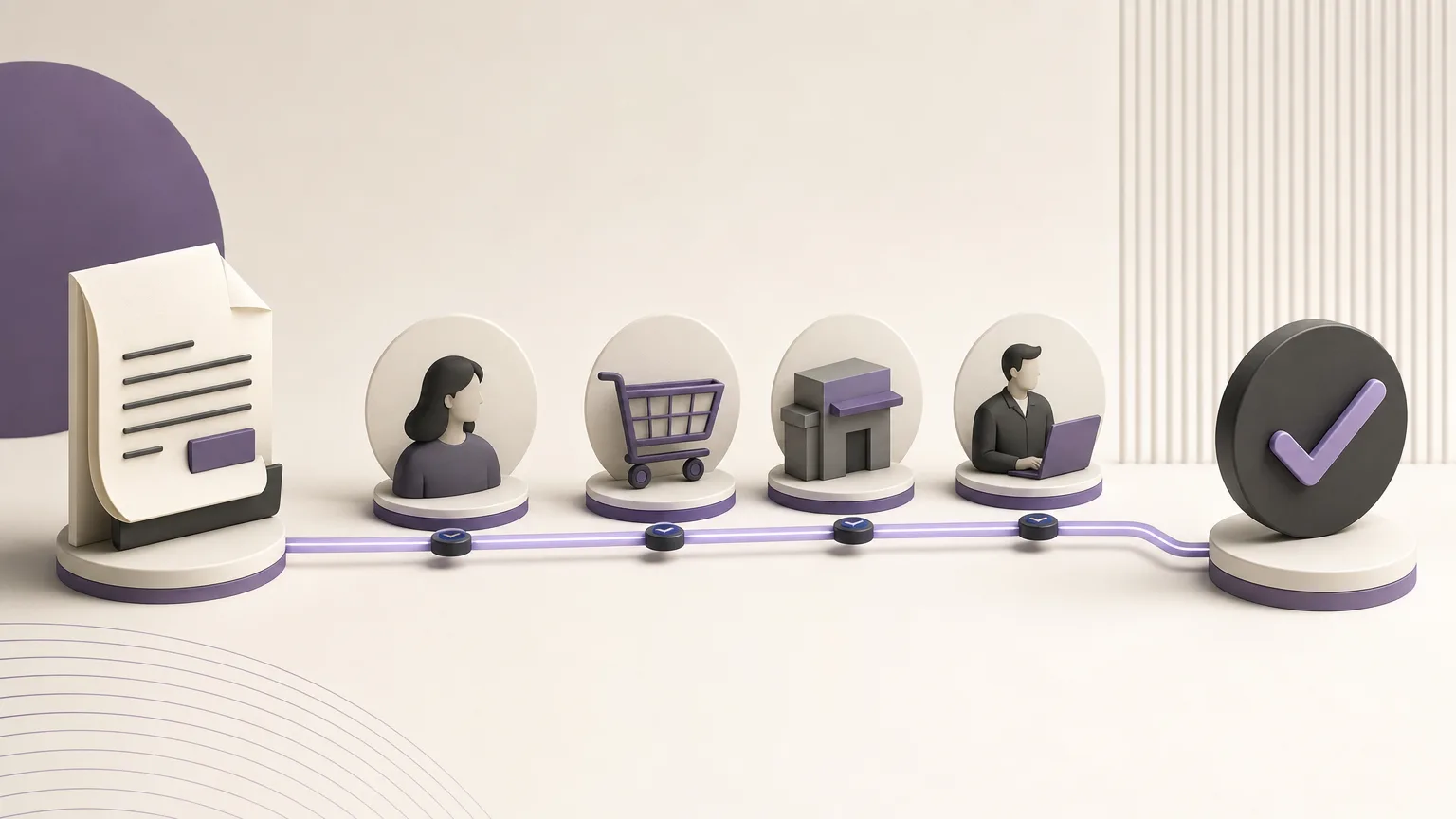
The review often starts with sales or the orders team, which can confirm the commercial event: Was there one order or more than one? Was the transaction fulfilled once? Is there a return or amendment that explains the similarity? The result can then move to accounting for a review of the invoice’s accounting impact under the company’s configuration.
A branch may need to participate when the transaction originated locally. The reporting team may also be involved if an operational report does not match the accounting record. The key is to assign an owner for each step rather than leaving a similar invoice in an unassigned queue.
Similarity starts the investigation; it does not authorize cancellation or correction before the source, impact, and responsible permission have been confirmed.
When Should an Invoice Be Corrected or Cancelled?
Do not choose cancellation or correction merely because two invoices have the same customer and value. After verification, the outcome may be one of the following:
- Both invoices are valid because they relate to separate orders or business events.
- One invoice is a duplicate and should follow the action allowed by company policy and its accounting status.
- One invoice needs a partial correction because a line, amount, or date is wrong.
- The available evidence is insufficient, so the case returns to the responsible team for a missing reference or clarification.
The company’s configuration should define who can cancel or correct an invoice, which approvals are required, and how the reason is recorded. If an invoice has already reached an accounting stage where direct editing is not allowed, the approved path may be different. The same action should not be assumed to fit every company or every invoice state.
The Role of the AI Operational Assistant
OrdertechERP includes an AI operational assistant that connects an order and its data to the next step according to the company’s setup and team permissions. In an invoice review process, this can help route a case to the appropriate role or organize the information needed for review when the relevant data and settings are in place.
This should not be presented as guaranteed automatic duplicate detection or as a replacement for accounting judgment. The usefulness of any suggested next step depends on complete, consistent data, company configuration, and the permissions granted to the team. The authorized role remains responsible for approving a correction or cancellation under internal policy.
A Checklist Before Closing the Case
- Have the customer, value, date, order, branch, and line items been reviewed?
- Has every material difference between the invoices been explained?
- Has the conclusion been compared with the available operational and accounting records?
- Has the responsible role and required approval been identified?
- Has the reason and resulting action been recorded?
- Will the outcome remain consistent in the relevant reports?
Conclusion
Reviewing similar-looking invoices is not a search for superficial matches. It is a verification path that begins with signals such as customer, value, and date, then connects the invoice to the order, branch, and accounting impact. OrdertechERP gives teams a shared operating workspace connecting sales, orders, accounting, reporting, and branches, which can reduce repeated manual entry and improve shared visibility. Its usefulness still depends on data quality, company configuration, and team permissions. When every case has a defined path and an accountable role, correction or cancellation decisions become more consistent and easier to explain.