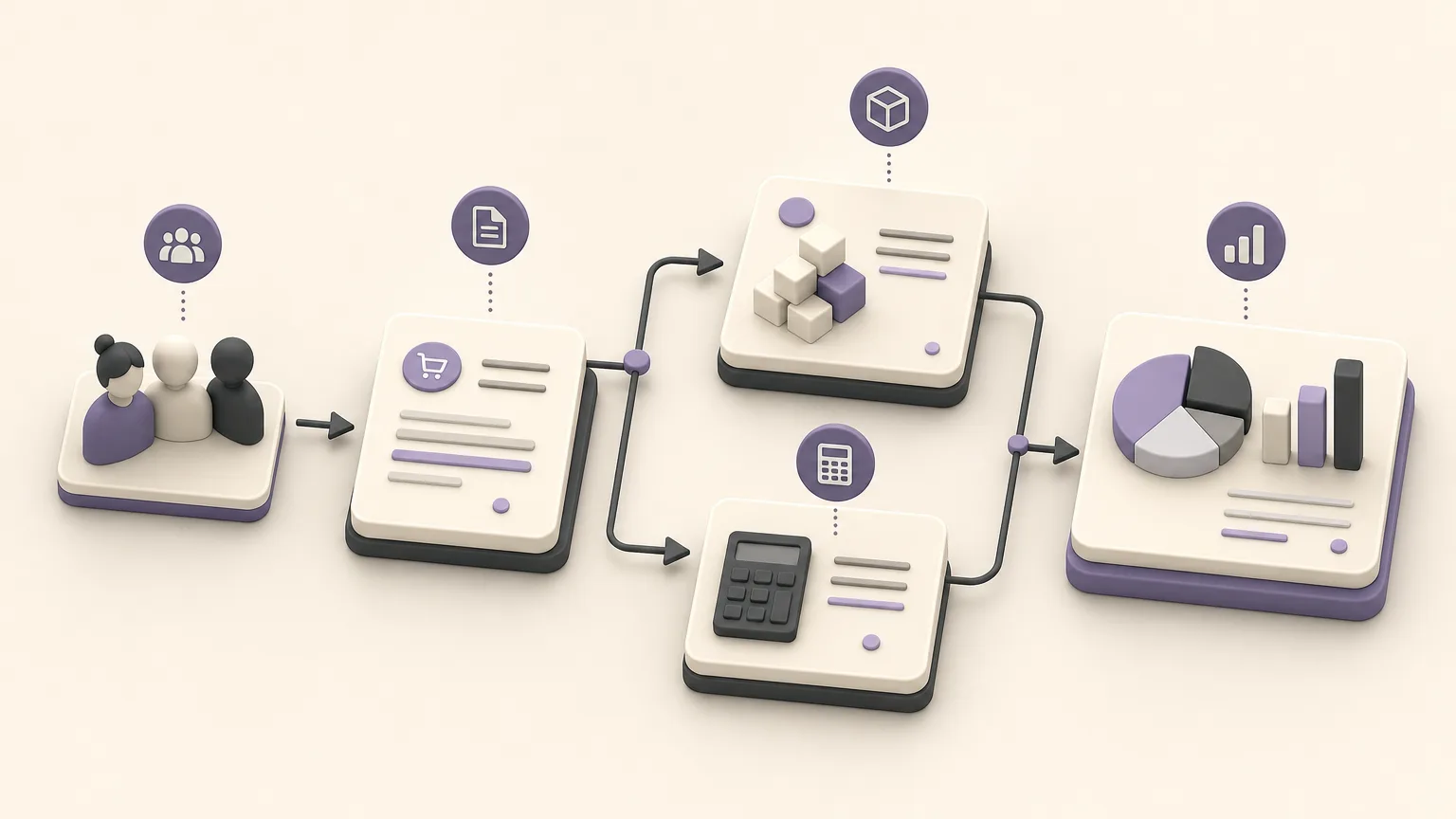
Branch operations become harder to manage when each team works from a different record or when information moves slowly between sales, inventory, accounting, and management. Sales may know the latest details of an order, while inventory is waiting for another update and accounting is reviewing figures that are difficult to connect to the original operational record.
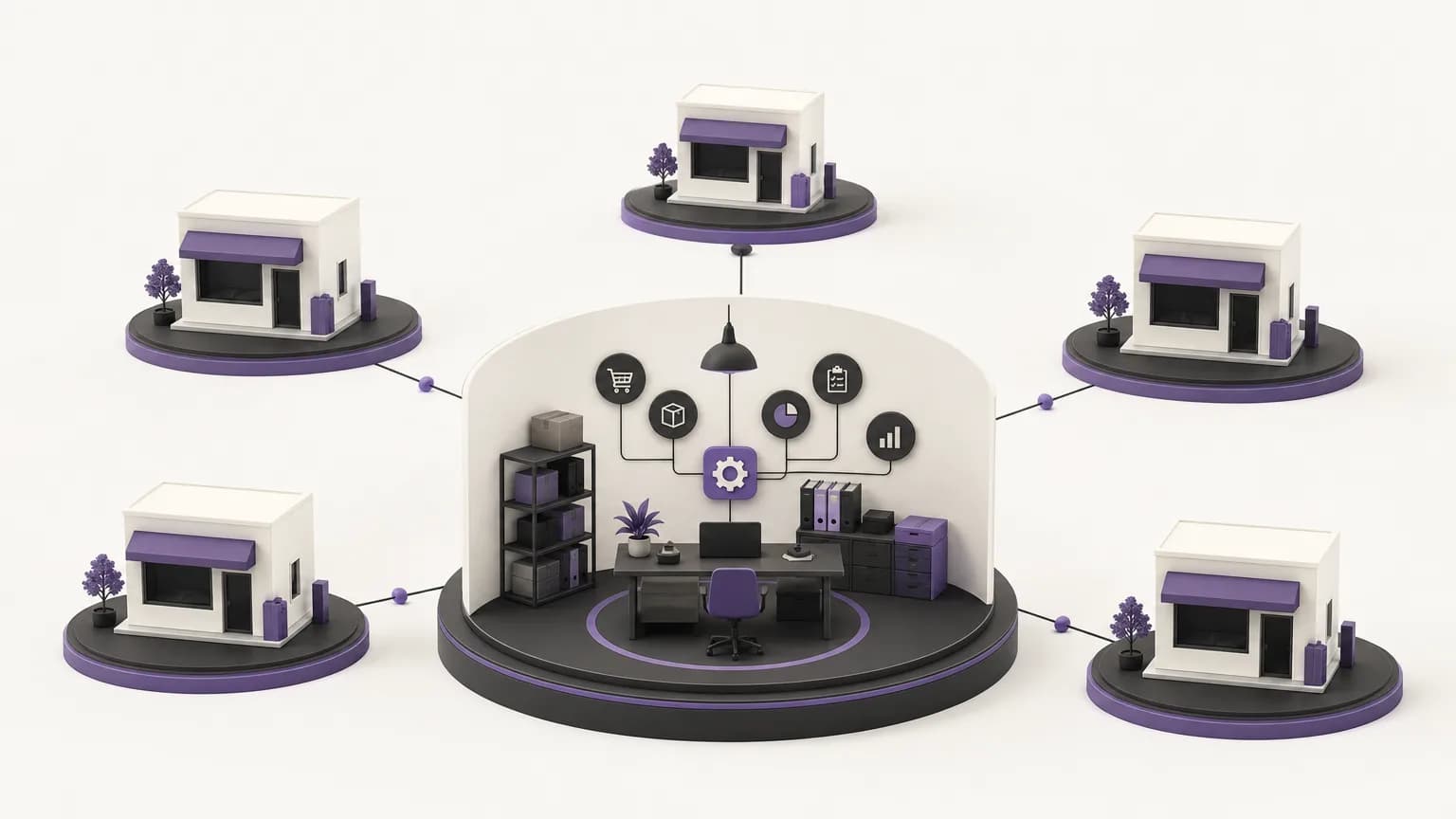
OrdertechERP connects sales, orders, inventory, accounting, reporting, and branches within one operating space. That shared space can reduce fragmented work, but visibility should not mean that every employee can view or change everything. The practical value comes from combining connected records with clear permissions, defined ownership, and an agreed operating process.
What shared branch visibility means
Shared visibility means that the relevant teams can work from a common operational context instead of collecting information manually from separate files and conversations. When reviewing an order associated with a branch, the responsible team can refer to the available record, then coordinate with sales, inventory, or accounting according to its role.
This does not remove the need for human review. It helps teams ask better questions earlier: Is the order complete? Is the information needed for accounting available? Does the branch need support from another team? Does the current user have permission to take the next action, or should the issue be assigned to a specific approver?
Connect each record to an owner
Branch management works more consistently when the team agrees in advance who owns each step. A simple operating framework can look like this:
| Area | Review question | Responsibility |
|---|---|---|
| Sales | Are the order or opportunity details complete and current? | Enter and review the information before follow-up |
| Orders | What is the next required step, and who owns it? | Confirm the status and direct the follow-up |
| Inventory | Do the available records support the operational need? | Review the data and flag shortages or inconsistencies |
| Accounting | Does the record contain what is needed for financial review? | Validate the financial information within the approved access level |
| Reporting and management | Can branches be compared using a consistent basis? | Review indicators and focus on exceptions |
This division does not require every team to perform another team’s work. It clarifies where ownership begins, when a task moves to another group, and what a branch manager can approve locally versus what requires central review.
Use permissions to support accountability
Permissions are not a barrier to collaboration. They protect records and define the boundaries of a decision. Before putting a process into daily use, document the user roles, the information each role needs, and the actions it may perform. A sales employee may need to record and follow up on order information. Accounting may need to review the same record from a financial perspective, while management may need a broader view for comparison and decisions.
Review permissions when an employee changes branches or responsibilities. Avoid shared accounts, because they make ownership harder to establish and weaken the review trail. At the same time, permissions alone do not guarantee a good process. Results depend on how access is configured and applied within the company’s internal procedures.
Practical examples from daily operations
An order requiring coordination between branches
When an order associated with one branch requires information from another team, the employee can first review the available record instead of retyping the details in a separate message. The next step and its owner should then be made clear, along with whether the action is within the employee’s permission or requires approval. The operating question shifts from “Where is the information?” to “What happens next, and who owns it?”
Reviewing inventory before making a decision
When a team discusses item availability or a branch’s operational need, it should not rely on memory or an outdated file. Review the recorded information and decide whether it is sufficient for the decision. If the data is incomplete, the appropriate action is to complete or escalate it, not to assume that the current figure reflects reality.
Coordinating with accounting and reporting
Accounting and reporting benefit from a record connected to the original operation because the review stays closer to the source of the work. However, teams still need agreed fields, validation rules, and a review schedule. A shared report is not automatically reliable simply because it combines branch data; it also requires common definitions and disciplined data entry.
Use the operational assistant with appropriate review
OrdertechERP includes an AI-powered operational assistant that connects an order and its data to the next step according to the company’s setup and team permissions. This can help direct attention to a relevant follow-up or connect a record with the available context. It does not replace data validation or the decision of an authorized user.
It is therefore best used to reduce searching and repetitive manual work, not as a substitute for operating rules. Review the suggested next step when information is incomplete or inconsistent, and confirm that the proposed action belongs within the appropriate permission level.
A practical branch-management checklist
- Define the branches, teams, and roles involved in the workflow.
- Specify the core information that must be recorded for each order or operation.
- State who reviews the record and who approves the next step.
- Configure permissions by role and test them with realistic operating scenarios.
- Use shared terms and definitions across branches in reports and reviews.
- Schedule regular checks for missing or conflicting information.
- Focus first on exceptions instead of treating every record as if it required the same follow-up.
Conclusion
One operating space gives branch teams a shared foundation for coordinating sales, orders, inventory, accounting, and reporting. Its value becomes clearer when each record is tied to a specific owner, permissions match the user’s role, and data quality is reviewed consistently. The operational assistant can help connect a record to the next step, but the quality of the outcome still depends on the company’s setup, the accuracy of its data, the team’s permissions, and how the system is used.