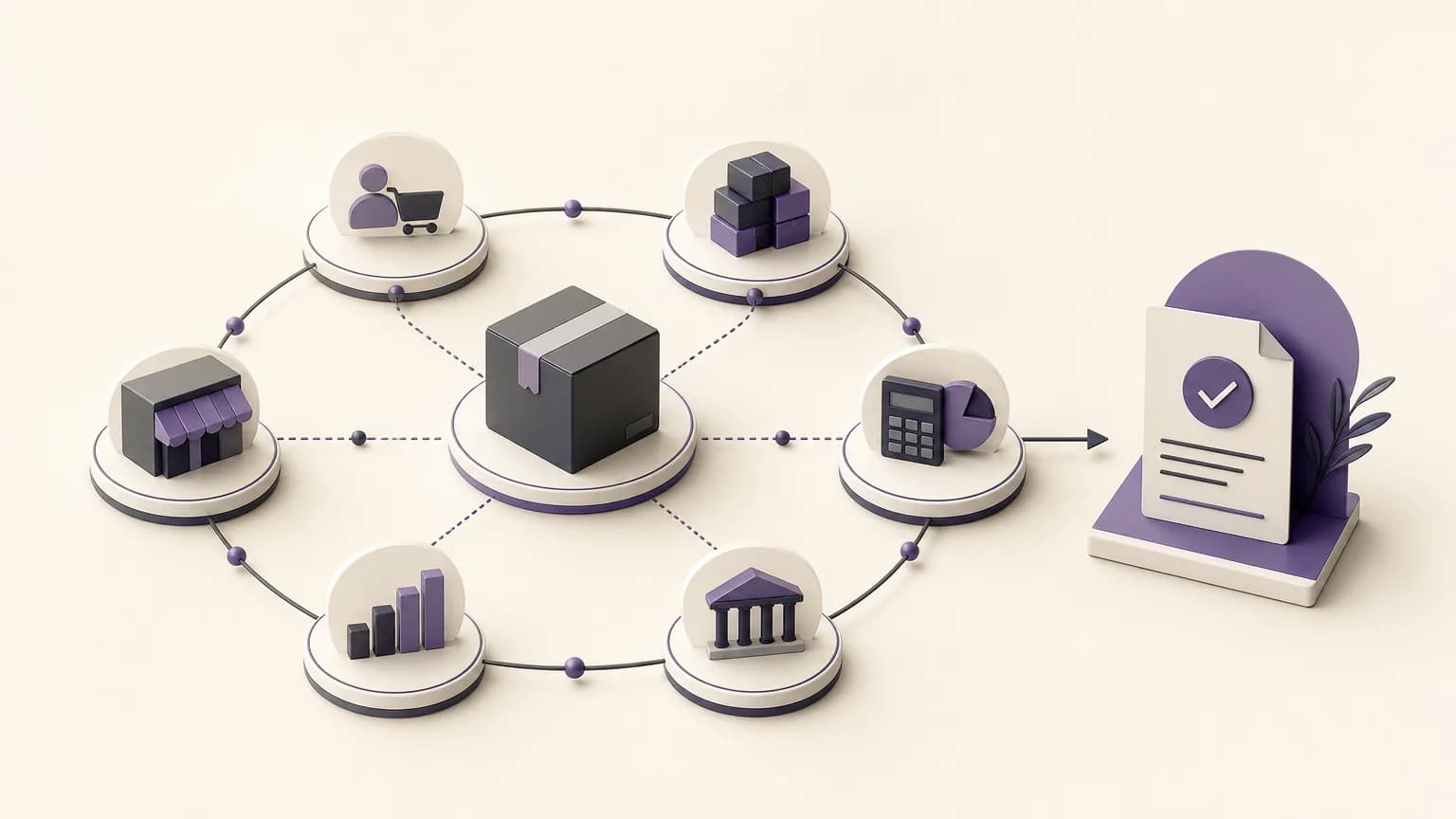
An order may begin with a sales conversation, but it does not end when the order is recorded. Sales needs to know what has been approved, inventory needs to understand what must be prepared, accounting needs information that can be reviewed, and management needs reports that reflect what actually happened. When these activities sit in separate processes, it becomes difficult to identify the current status or determine who owns the next step.
OrdertechERP connects sales, orders, inventory, accounting, reporting, and branches in one operating space. The practical value is not simply having information in one place. It is giving teams a shared context for the order journey, making completed work easier to trace, and reducing the need to re-enter information between stages. The quality of the result still depends on data quality, company configuration, and team permissions.
Start by defining the order journey
Before configuring a workflow, describe how an order actually moves through the business. The exact path will vary by company, but it may include intake, review, approval, preparation, delivery or closure, and financial or reporting review. The aim is not to create a long list of statuses. It is to make each status understandable and actionable.
For every stage, define four practical elements:
- Status: What does it mean for an order to be in this stage?
- Owner: Which team or role is responsible for moving it forward?
- Required information: What must be complete before the order can advance?
- Next step: What action is expected, and when should the issue be reviewed or escalated?
This prevents statuses from becoming vague labels. If an order is marked as being prepared, the inventory team should understand what needs to be checked, sales should know what can be communicated internally, and managers should be able to distinguish an order awaiting execution from one blocked by missing information.
Connect orders with sales and inventory
Sales needs visibility into whether an order is ready for execution. Inventory needs enough detail to review items, quantities, and availability according to the company’s configuration. A shared process reduces repeated messages and manual searches for the latest update.
A useful operating practice is to create a checklist before an order moves into preparation. The checklist may cover complete order information, the relevant branch or responsible party where applicable, item and quantity review, and any note that could affect execution. When the status changes, the meaning should be clear: is the order ready, waiting for information, or requiring a decision from another role?
For branches, shared visibility can reduce different interpretations of the same status. A central team and branches can work from common definitions while still respecting permissions that control what each role can view or change. Shared visibility does not mean that every user should access every record. Permissions should reflect responsibility and help prevent inappropriate changes.
Make accounting part of the workflow
When order information reaches accounting late or incomplete, manual effort increases and review becomes more difficult. It is therefore useful to define the point at which order data is ready for financial review, what information must be available at that point, and which role can approve or correct it.
Not every order has to follow exactly the same path. Some businesses may require a review before closure, while other situations may require a different treatment based on company policies and configuration. What matters is making the relationship between order status and financial review visible, rather than relying on separate messages or individual memory.
Teams should also agree on how changes are handled. If a quantity or order status changes, who needs to know? Which information must be checked again? These questions help prevent the operational record from diverging from the information used by accounting and reporting.
Turn statuses into useful reports
A useful report does more than count orders. It helps the business see where work is accumulating and what requires attention. Review reports through specific operating questions:
- How many orders are in each status?
- Which orders are waiting for action from a particular team?
- Where do missing information or repeated changes occur?
- Are there visible differences between branches or stages of the order journey?
- What information does management need for a decision, and what can the team resolve directly?
Before relying on a report, verify the meaning of its fields and statuses, the completeness of the underlying data, and access permissions. A report may appear precise while reflecting inconsistent entries or statuses that different teams use in different ways. Reporting improves visibility, but it cannot replace clear operating rules.
Use the operational assistant within clear boundaries
OrdertechERP uses an AI-powered operational assistant to connect an order and its data to the next step according to the company’s configuration and team permissions. This can help reduce manual searching and direct attention to the most relevant action. It should not be treated as a replacement for human judgment or for maintaining reliable data.
The assistant becomes more useful when statuses, roles, required information, transition rules, and permissions are clearly defined. If data is incomplete, configuration is unsuitable, or permissions do not match responsibilities, a suggested next step may be incomplete or unsuitable for the situation. Teams should therefore know when to verify the underlying information, when approval is required, and when an issue should be escalated.
A practical implementation plan
- Map the current process: Document how orders move today and identify handoffs between sales, inventory, accounting, branches, and reporting.
- Standardize status meanings: Use clear names and remove statuses that do not support a real action or decision.
- Define the minimum required data: Agree on what must be complete before each transition and who reviews it.
- Review permissions: Match view and edit access to the actual responsibilities of each role.
- Design reports around decisions: Make every report answer an operating question rather than serving as a general data list.
- Test exceptions: Try incomplete orders, changes, delays, and branch handoffs, then document how each case is handled.
- Review regularly: Look for stalled statuses, repeated data entry, and information that needs to be improved.
Conclusion
OrdertechERP makes workflows more trackable when the order journey is connected with sales, inventory, accounting, reporting, and branches in a shared operating context. The value begins with clear statuses and ownership, then appears in less searching and re-entry and in a better understanding of what has happened and what should happen next. The AI-powered operational assistant supports the connection between order data and the next step within the company’s configuration and permissions. For visibility to remain dependable, data quality, configuration, and access rules must be treated as part of the operating model, not as details to address later.