Order approval is not always the end of the process. A quantity, value, execution status, or other order detail may change afterward because of a customer request, an internal correction, or an operational decision. The real risk is not the change itself. It is losing the context around it: what changed, when it changed, why it changed, and what the team should do next.
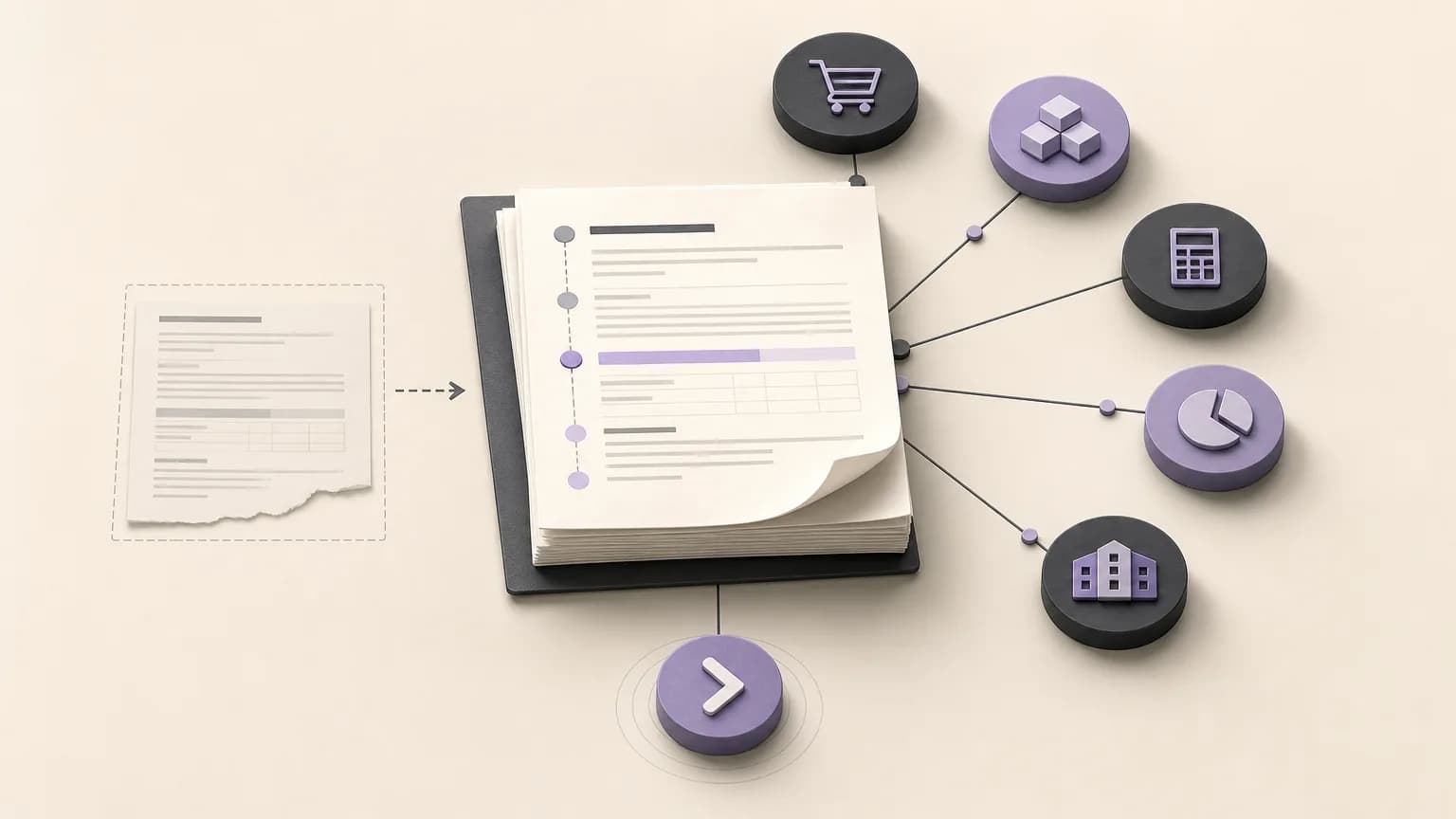
Organizing orders, records, and statuses in one operating space gives sales and operations a clearer basis for review. OrdertechERP connects sales, orders, inventory, accounting, reporting, and branches in one operating space. Its operational AI assistant can connect an order and its data to a next step according to the company’s configuration and team permissions. The quality of that result still depends on accurate data and on how the company has configured its workflow and access rules.
Establish the approved baseline first
Before reviewing a change, the team needs a reliable picture of what was approved originally. Looking only at the current value is not enough; a meaningful review requires a clear baseline.
- Core order details: the order number, customer, responsible branch or team, and approval date.
- Quantity and value: the approved quantity for each item and the total value recorded at the time.
- Execution status: whether the order was awaiting processing, being prepared, or in another status defined by the company.
- Ownership and permission: who can edit the order, approve the change, or move it to another status.
This baseline prevents the original order from being confused with a later version. It also gives sales, inventory, accounting, and branch teams a shared reference instead of forcing them to reconstruct the order from separate messages or personal files.
Record the change in a reviewable form
When a post-approval change is recorded, describe it in operational terms. “Order updated” is rarely enough. Where the company’s configuration allows, capture the following:
- The field that changed, such as an item, quantity, value, or execution status.
- The value before the change and the value after it.
- When the change was made and which user or team made it.
- The reason for the change, such as a data correction, customer request, or operating decision.
- The required follow-up and the person or team responsible for reviewing or completing it.
This is more than administrative detail. When the inventory team can see that a quantity changed, accounting can see that the value changed, and sales can see the reason, the team does not need to rebuild the story from scattered conversations. The order record and its status become the working reference.
Compare the effect on quantity, value, and execution
A useful review does not stop at confirming that a change occurred. It examines the operational effect. Compare the approved version with the current record across a few consistent dimensions:
| Review area | Practical question | Relevant teams |
|---|---|---|
| Quantity | Did the quantity increase or decrease, and does availability or preparation need to be reviewed? | Sales, inventory, and operations |
| Value | Did the order value change in a way that requires additional review or approval under internal policy? | Sales and accounting |
| Execution status | Does the current status still reflect reality after the change? | Operations and the branch |
| Reporting | Will the change affect views of orders, sales, or branch performance? | Reporting and management |
A change to one field can affect a later step. An increased quantity may require an availability review, while a reduction may require confirmation that the preparation team is working with the correct quantity. A value change may require an internal review according to company policy. Therefore, recording a change should not automatically mean moving the order to a new stage. The team should understand the effect first and apply the appropriate permission.
Define the next action by status and permission
After the comparison, make the next action explicit. It may be an internal review, confirmation from sales, an inventory check, accounting follow-up, or an execution-status update. The action should be linked to the reason and impact of the change, not merely to the fact that an edit occurred.
- If the quantity changed, review availability and the preparation plan before continuing execution.
- If the value changed, check whether the company’s policy requires another approval or review.
- If the execution status changed, confirm that the new status reflects what actually happened and that the responsible team understands its role.
- If the change is incomplete or its reason is unclear, pause the next step until the required information is available.
- If the order involves a branch, make the ownership between the branch and the central team explicit.
OrdertechERP’s operational AI assistant can help connect order data to a next step according to the company’s configuration and team permissions. This is decision support, not a reason to assume that every edit will trigger an automatic action or approval. The actual behavior depends on the rules the company has defined and on who is authorized to act.
Make statuses clear and actionable
A record becomes more useful when each order status has a clear meaning. Teams should be able to distinguish between an order awaiting review, an order ready for execution, an order in progress, and an order blocked by missing information or a pending decision. Status names and transitions should match the company’s operating model rather than becoming a long list that no one interprets consistently.
A practical operating rule is simple: do not move an order to a new status unless the reason for the transition is known, the next owner is identified, and the required data is complete. This helps reporting reflect the operating reality and gives sales, branches, operations, and finance a shared view.
A checklist before closing the review
- Are the values before and after the change recorded?
- Is the reason for the change clear enough for another team to understand?
- Has the effect on quantity, value, and execution status been reviewed?
- Is the person or team responsible for the next action identified?
- Does the change require another approval under the configured permissions?
- Does the current order status reflect the post-change reality?
- Will reports and data used by other teams remain consistent?
Conclusion
Reviewing an order change after approval is not only about finding mistakes. It protects the decision context and prevents outdated information from moving into inventory, accounting, reporting, or branch operations. When teams combine a clear record, a before-and-after comparison, a meaningful status, and defined ownership, the next action becomes easier to identify and less vulnerable to confusion.
OrdertechERP brings sales, orders, inventory, accounting, reporting, and branches into one operating space. Its operational AI assistant can connect order data to a next step within the company’s configuration and permissions. The quality of the review and its outcome, however, remain dependent on data quality, company rules, and consistent execution by the team.