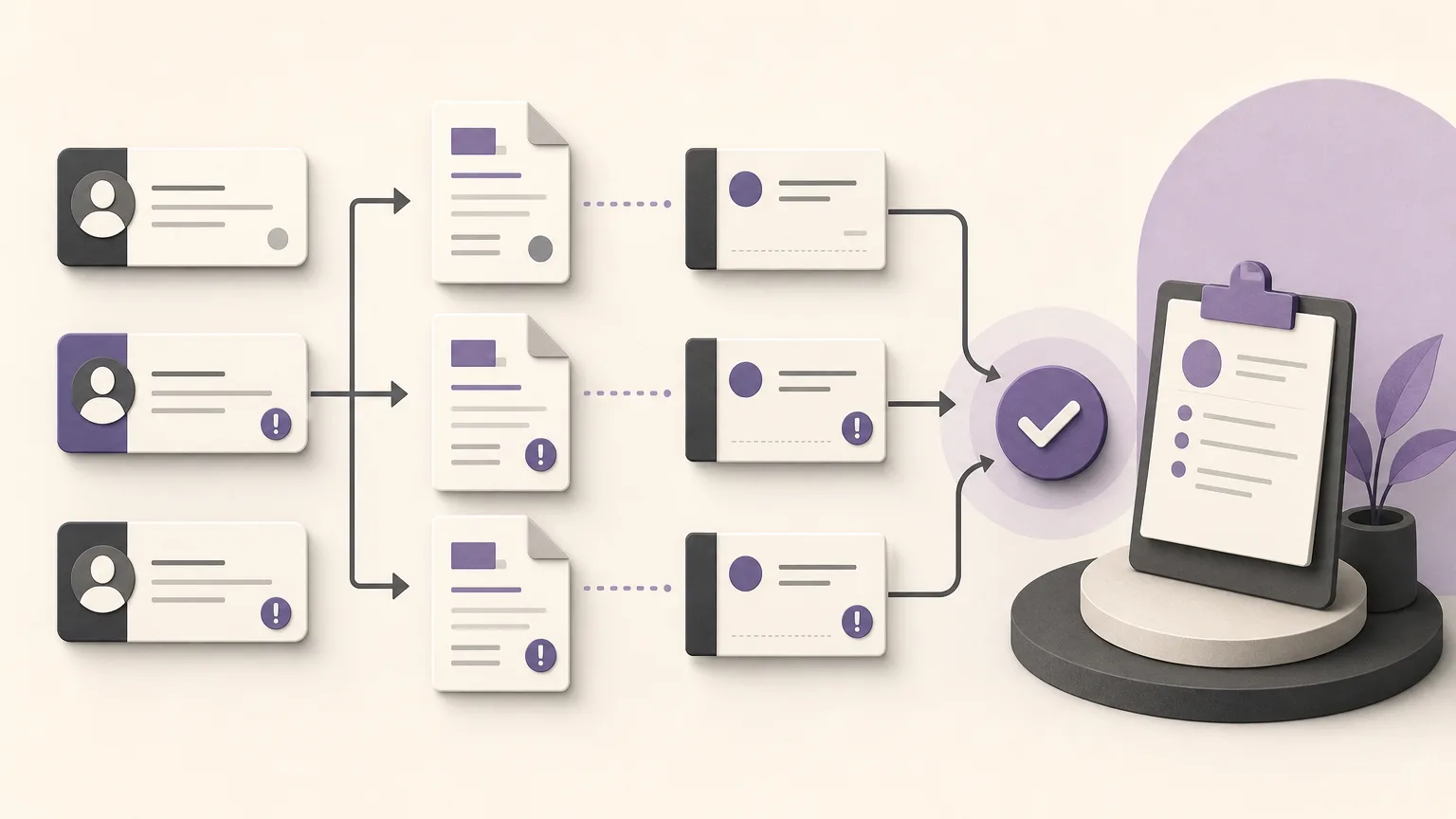
A collections review should not begin and end with one question: “Who collected the largest amount?” Recorded amounts need context. Which customers belong to each representative? Which invoices remain open or overdue? Have payments been entered into the system? Is there a documented follow-up for every account that needs attention? Reading these records together turns a collections review from a ranking exercise into a practical way to set priorities.
OrdertechERP connects sales, orders, inventory, accounting, reporting, and branches in one operating space. Its AI operational assistant can connect an order and its data to the next step according to the company’s configuration and team permissions. The quality of any review still depends on accurate data, complete company setup, and appropriate access controls.
Define the scope before comparing representatives
Start with a shared definition of what the review covers. Set the time period, relevant branches or regions, customer ownership by representative, and the types of amounts included. Do not treat invoice totals, recorded payments, and overdue balances as interchangeable. Each one answers a different operational question.
- Invoices: amounts issued or still open according to the available records.
- Payments: amounts actually recorded in the system, with attention to the entry date and reporting period.
- Overdue balances: balances or invoices past their due date under the applicable records and settings.
- Follow-up: documented actions, such as contact, a request for information, or a scheduled review, where that information is part of the approved workflow.
This definition prevents registration differences from becoming an immediate judgment about a representative’s performance. A gap may reflect a late payment entry, a different customer portfolio, or incomplete information rather than weak follow-up.
Build a shared view for each representative
Review the data by representative, then move down to the customer and invoice level. The goal is not to produce a superficial ranking. It is to understand what makes up the numbers. For each representative, the review can include assigned customers, open invoices, recorded payments, overdue amounts, the latest documented action, and the next action still pending.
It helps to read three levels together:
- Portfolio level: total amounts recorded for each representative during the selected period.
- Account level: customers responsible for a significant share of the open or overdue balance.
- Transaction level: the invoice, payment, or follow-up record that explains the account’s current status.
When sales, orders, accounting, and reporting data are connected in one operating space, teams can move between these levels with a clearer shared view. If a detail is missing, record it as a data gap before using the review to make a decision or escalate a case.
Separate overdue balances from incomplete follow-up
Not every overdue account requires the same response. One account may have an overdue balance with no documented action. Another may have an active follow-up that is waiting for a customer response. A third may show a recorded payment alongside a remaining balance that needs invoice-level verification. Grouping these cases creates more useful priorities than sorting by amount alone.
- Overdue with no documented action: confirm ownership and define the first step.
- Follow-up started but incomplete: identify what is missing, such as a customer response or internal document.
- Payment recorded with a remaining balance: check the invoice and outstanding balance before contacting the customer.
- Incomplete data: correct the record or clarify ownership before drawing a conclusion.
This classification reduces duplicate outreach. It also helps sales, accounting, branches, and other teams understand whether the next step is customer contact, an internal check, or a record update.
Set follow-up priorities with a reviewable method
Priorities can be based on several operational questions rather than a single number. Is the invoice past its due date? Is the remaining amount material within the review scope? Is there a recent documented follow-up? Does the account require input from accounting or a branch? Does the user have permission to view the details or take the proposed action?
Then turn each account into a clear next step: verify a payment entry, review an invoice balance, contact the customer, or route the case to the appropriate team. OrdertechERP’s AI operational assistant can support the connection between an order, its data, and the next step when the company configuration and permissions allow it. An automated suggestion should not replace human verification, especially when records are incomplete or inconsistent.
Use the review to coordinate teams
Effective follow-up needs an owner, an action date, and an understandable status. Sales may manage the customer relationship, while accounting verifies the invoice and payment, and a branch or other responsible team clarifies local information. The important point is to record the outcome in the approved system so that knowledge does not remain in separate messages or in one person’s memory.
A shared view also supports a short, focused review meeting. Start with cases that need a decision rather than treating every account equally. Discuss what changed since the previous review, what could not be completed, and who owns the next action. Reports then become coordination tools instead of merely historical displays of amounts.
Controls before accepting a comparison
- Use consistent periods, branch scopes, and customer assignments across the comparison.
- Distinguish the invoice date, due date, and payment-entry date.
- Review cases with missing data or unclear balances separately.
- Consider differences in customer portfolios before comparing representatives.
- Respect access permissions and do not share customer data beyond the operational need.
- Document important corrections and explanations for later review.
Conclusion
Reviewing customer collections by representative is more useful when recorded amounts are connected to the customer, invoice, payment, and follow-up context. This approach helps teams identify overdue cases that need action, separate them from cases requiring completion or data correction, and turn each case into a clear next step. OrdertechERP provides one operating space connecting sales, orders, inventory, accounting, reporting, and branches, with an AI operational assistant that can support the link between data and the next step according to company configuration and team permissions. The value of the review, however, depends on data quality, sound setup, and clear ownership—not on the tool alone.