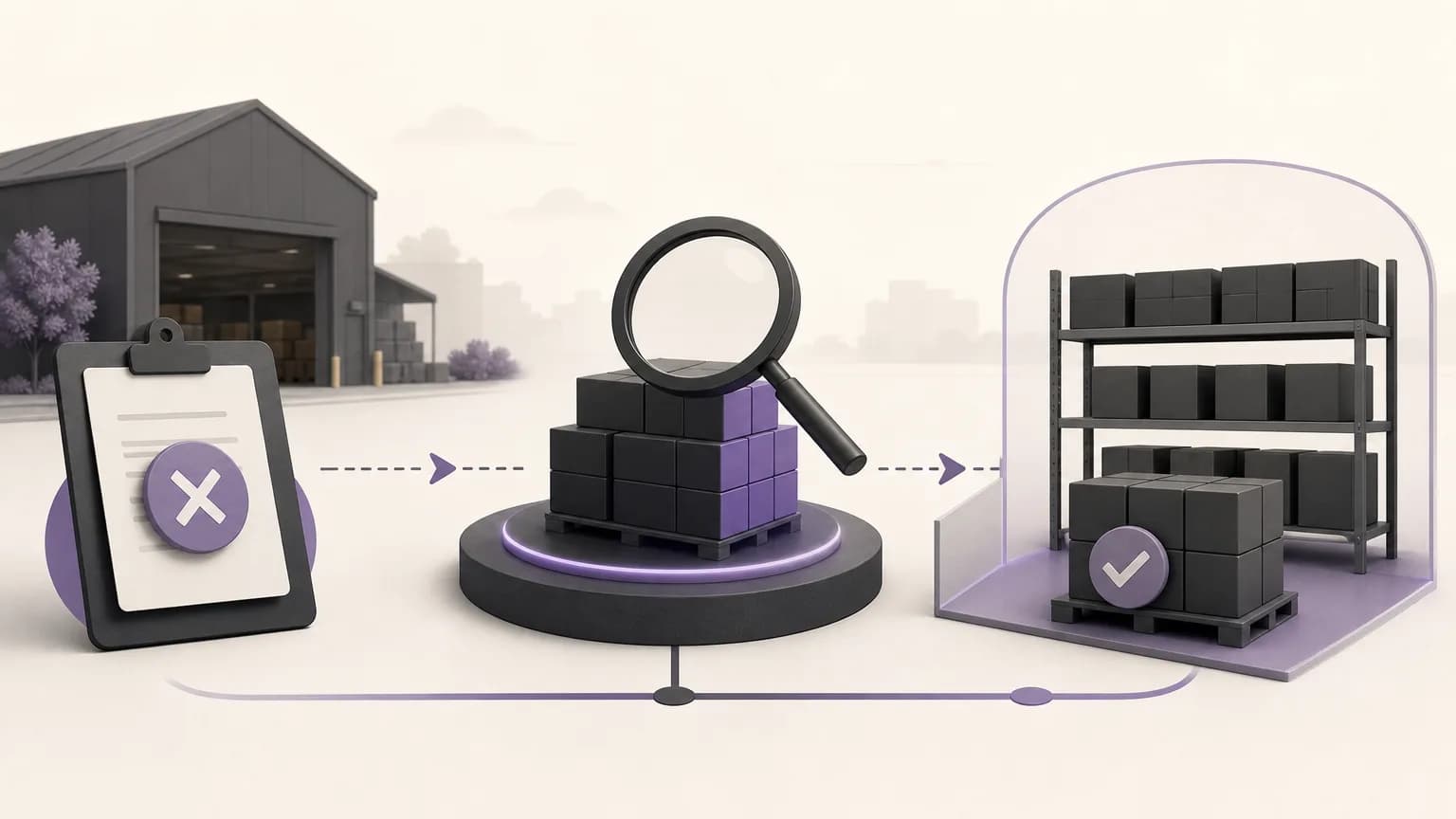
Canceling an order does not necessarily mean that the related quantity has automatically returned to available stock. A reservation may remain because of the timing of the cancellation, the way the status was recorded, or a required review before inventory is changed. For that reason, order, inventory, and sales teams need a clear process that connects order status with stock balance instead of treating each record in isolation.
OrdertechERP connects sales, orders, inventory, accounting, reporting, and branches in one operating workspace. Its AI operational assistant can also connect an order and its data to the next step according to the company’s configuration and team permissions. The practical outcome still depends on data quality, company setup, and access controls. Teams should not assume that every cancellation automatically releases stock.
Why a reserved quantity after cancellation needs review
When a reservation remains attached to a canceled order, the order record and the inventory balance can tell different stories. Sales may view the item as available, while the inventory team sees it as reserved. Reports may show less available stock than expected, affecting purchasing, allocation, branch decisions, and customer communication.
This is not only a number discrepancy. Releasing stock without checking the reason could make a quantity available even though it is still needed for another shipment or transaction. Leaving it untouched could keep valid stock out of the available balance and create unnecessary manual follow-up.
A four-stage operating process
1. Find canceled orders with a reservation
Start with orders marked as canceled, then compare them with the information showing a reserved quantity. Set an appropriate period and review the related branch, item, and recorded cancellation reason where available. The goal is to create a traceable review list, not to change inventory immediately.
- Record the order number, cancellation date, and related branch.
- Capture the item and the quantity that appears reserved, distinguishing ordered quantity from reserved quantity.
- Check whether the order is still connected to another unfinished activity, such as preparation, delivery, or a related accounting process.
- Use reporting to identify recurring patterns instead of handling every case without context.
Where company settings and user permissions allow it, the operational assistant can help connect the order record with its data and point the team toward the next step. The result still requires an appropriate human review of the situation.
2. Verify why the reservation remains
Before releasing anything, ask a few basic questions: Is the order fully canceled in the operational process? Is there a later movement or incomplete step? Does the quantity belong to this branch or to a shared balance? Does the record match the physical stock position?
A remaining reservation may indicate that cancellation was recorded but the wider operational path was not completed, or that an approval is still required. Do not treat every case as identical, and do not use an inventory adjustment to compensate for missing information. If item or order data is incomplete, correct the information first or refer the case to the appropriate permission holder.
3. Choose the next action within company rules
After verification, place the case into one of three practical outcomes: release the quantity, keep the reservation temporarily with a defined follow-up, or escalate it for review. The right outcome depends on company policy and the way reservations are recorded, not on the canceled status alone.
| Situation | Review | Practical outcome |
|---|---|---|
| Canceled order with no later activity | Reserved quantity, branch, and cancellation record | Have the authorized user assess stock release |
| Canceled order with an incomplete operational step | Preparation, delivery, or related record | Complete or escalate the step before changing the balance |
| Missing or conflicting data | Source of the quantity, item status, and user access | Pause the change and request a review |
The objective is not to remove reservations as quickly as possible. It is to produce a stock balance that reflects reality and can be explained later.
4. Release the quantity and document the outcome
If company policy and the user’s permission allow it, perform the approved release action, then review its effect on the order, inventory, reports, and relevant branches. Document what changed, who performed it, why it was performed, and which information supported the decision. If the user lacks permission, submit a clear handoff containing the order number, item, quantity, cancellation reason, and point of conflict.
After the action, do not stop when the reservation disappears. Check that available stock changed as expected, that the order does not still appear as active in another report, and that any accounting or operational consequence covered by company policy has been reviewed by the responsible team.
Responsibilities across teams
- Orders or sales: confirm the order status, cancellation reason, and completeness of the basic information.
- Inventory: verify the quantity, physical condition, location, or branch before release.
- Accounting: review any financial effect or document that requires treatment under company procedures.
- Reporting: monitor recurring cases and differences between canceled orders and displayed balances.
- Branch managers: provide local context when inventory movement or execution permissions differ by branch.
Controls that reduce repeat cases
Define what “canceled” means operationally, when a reservation becomes eligible for release, and who is authorized to perform the action. Use consistent fields for cancellation reasons and review notes, and establish a recurring report for orders that are both canceled and reserved. Review permissions periodically so that sensitive stock changes cannot be made without the right context or approval.
It is especially useful to separate discovery from execution when a case is unclear. Organizing these steps in one operating workspace helps teams see the relationship between an order and its inventory position and reduces repeated searching and data entry. It does not remove the need for accurate data, suitable configuration, and human review.
Conclusion
Reviewing canceled orders after an inventory reservation is not simply a matter of changing a status. It is a verification of the relationship between the order and the quantity. Find the cases, verify why the reservation remains, choose the action within company settings and permissions, and close the loop with documentation and reporting. Used this way, OrdertechERP gives order, inventory, and reporting teams a shared view and can reduce unnecessary manual work without assuming automation or guaranteed results.