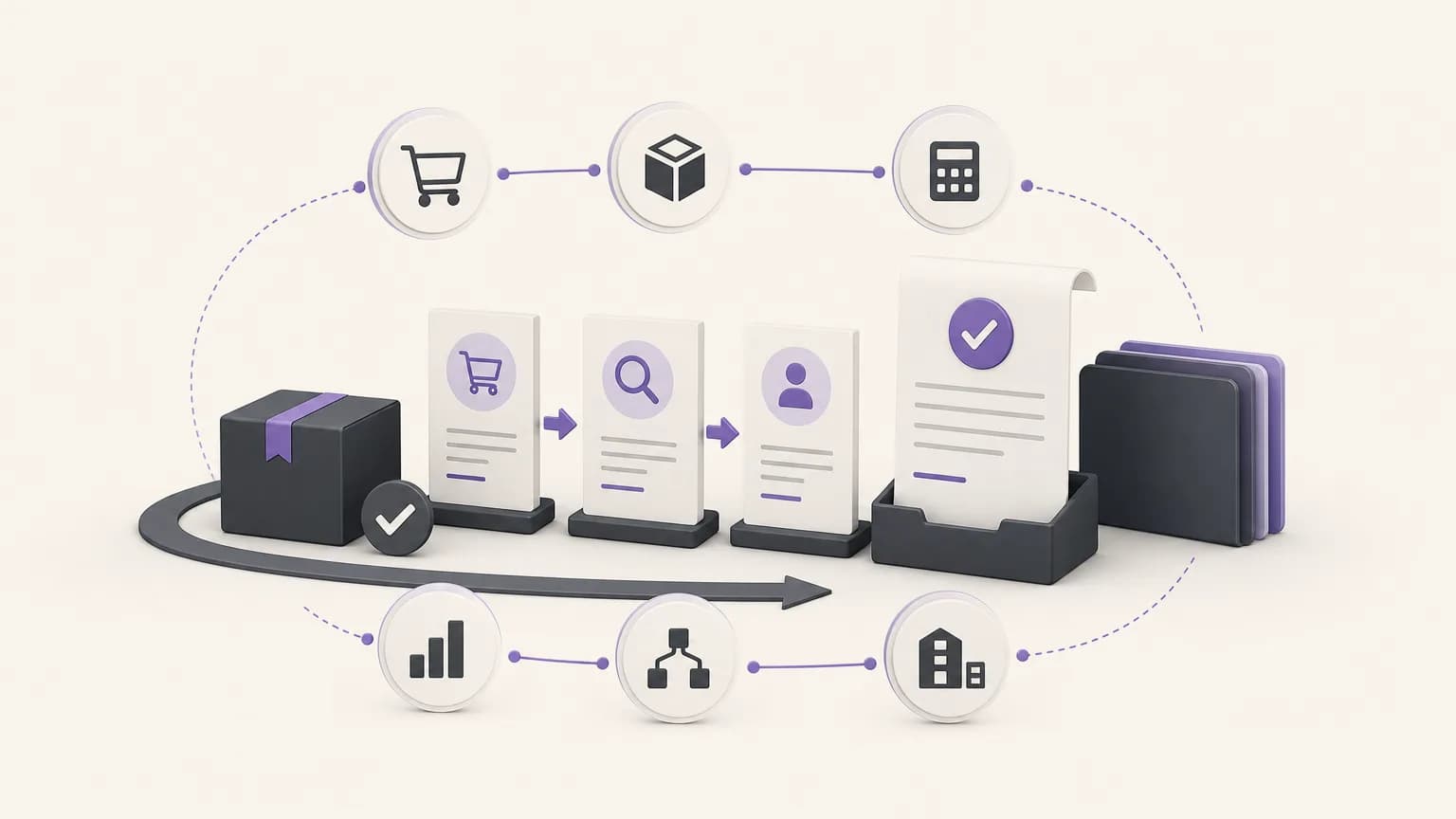
An order may appear complete to the sales or fulfillment team while the sales cycle remains unfinished because an invoice has not been created or the reason for not invoicing has not been recorded. That gap does not always indicate a system error. It may reflect an internal review, missing customer information, a branch-specific policy, or an approval that only an authorized person can provide.
Reviewing completed, unbilled orders gives sales, inventory, accounting, branch, and reporting teams a practical way to move from a general impression to a clear exception list: which orders are complete, what is the status of each one, and what should happen next? OrdertechERP connects sales, orders, inventory, accounting, reporting, and branches in one operating workspace. Its operational AI assistant can connect an order and its data to a next step based on company configuration and team permissions. It should support review and direction, not be treated as an automatic action engine.
Why this review matters
When teams monitor sales or orders without checking the invoicing stage, some transactions can remain between fulfillment and accounting. This makes it harder to reconcile completed work with recorded invoices and can reduce reporting clarity, especially when several branches or teams share the process.
The purpose is not to invoice every completed order without checking it. The purpose is to identify the exception, understand why it exists, and choose the appropriate treatment. A documented exception is easier to manage than an invisible gap in the daily workflow.
The operating workflow: detect, verify, then complete or document
1. Detect completed orders without invoices
Start with a focused list rather than a broad report. Identify orders marked as completed where no related invoice exists or where the invoicing step is incomplete. Depending on the company setup, useful fields may include the order number, branch, owner, completion date, customer, order value, and invoice status.
Group the list into workable batches, such as recent orders, older orders, branch queues, or owner queues. This helps managers set priorities and prevents different teams from reviewing the same case repeatedly. The list is a starting point for verification, not proof that every order is ready to invoice.
2. Verify the order and its context
Before deciding what to do, review the information that explains why the order appears as an exception. A practical check usually covers:
- Order status: Was fulfillment actually completed, or did the status change before another operational step was finished?
- Core details: Are the customer, items, quantities, prices, taxes, and required accounting fields complete under company policy?
- Inventory and fulfillment: Do the order records match what was delivered or issued, particularly when a branch or specific inventory location is involved?
- Duplicate processing: Is there already an invoice or another treatment connected to the order outside the expected workflow?
- Approval and permissions: Does invoicing require a review, approval, or specific role?
A shared view of orders, sales, inventory, and accounting can reduce manual searching across separate lists. It does not remove the need for human review or compliance with the company’s own procedures.
3. Assign the right next step
After verification, place each order into a clear treatment path. If the details are complete, no blocking issue exists, and the responsible person has the required permission, the team can proceed with invoicing according to the company’s process. If information is missing, return the case to the appropriate owner for correction. If the lack of an invoice is intentional, such as an approved exception or pending review, record the reason, the owner, and the expected follow-up date.
In OrdertechERP, the operational AI assistant can help connect order data to a suggested next step according to company configuration and team permissions. This is decision support, not permission to bypass controls or execute an unauthorized action. The authorized person should review the suggestion, confirm the underlying details, and decide whether to invoice, request a correction, or document why invoicing is not being completed.
A simple treatment matrix
| Order situation | What to verify | Next step |
|---|---|---|
| Completed and data is complete | No existing invoice and the responsible role has the required permission | Complete invoicing through the approved process |
| Completed but data is missing | The field, document, or information blocking completion | Return it to the relevant owner for correction |
| Completed but intentionally not invoiced | An approved reason, owner, and follow-up date | Document the reason and review it later |
| Completed status is unclear | Fulfillment, delivery, inventory, and related accounting treatment | Hold invoicing until the status is clear |
How teams can work together with less manual handoff
The review needs clear ownership. Sales can confirm customer and order details. Inventory can verify fulfillment or issue records when relevant. Accounting can check invoicing requirements. Branch managers can follow cases created by their operations. Reporting teams can use consistent categories that distinguish orders ready for invoicing, orders needing correction, and orders with a documented exception.
Keeping this information in a shared operating workspace can reduce repetitive messages and manually maintained spreadsheets, but it does not eliminate the need for an owner. Every exception should have a responsible person, a next step, and a follow-up status. Teams should also avoid changing an order status merely to remove it from the exception list; an unsupported status change can hide the problem rather than resolve it.
Controls that improve the review
- Define what “completed order” and “completed invoice” mean in the company’s process and configuration.
- Prioritize older cases, branch-specific risks, or orders with an accounting impact.
- Use consistent reasons for non-invoicing, with room for a short explanatory note.
- Make permissions explicit so each team knows what it may view, edit, or approve.
- Review data quality regularly because results depend on accurate records, statuses, and configuration.
- Compare the review with sales, accounting, and inventory reports to identify recurring workflow gaps.
What should be measured?
You do not need a long list of metrics to begin. Track the number of completed, unbilled orders; the number closed after review; the number returned for data correction; and the number of exceptions without a documented reason. These measures can help show whether the underlying issue is invoicing, status definitions, data quality, or permission design.
Read trends in context rather than chasing a single number. A smaller exception list may reflect genuine improvement, but it may also result from statuses not being updated. The reports should therefore be interpreted alongside operating activity and the procedures that produce the data.
Conclusion
Reviewing completed, unbilled orders gives teams a practical way to expose the gap between completing an order and completing the sales cycle. The effective path is straightforward: detect the exception, verify the details and context, then either complete invoicing, correct the data, or document why invoicing is not being completed.
OrdertechERP brings sales, orders, inventory, accounting, reporting, and branches into one operating workspace. Its operational AI assistant can connect an order and its data to a next step based on company configuration and team permissions. The quality of the outcome still depends on accurate data, sound configuration, appropriate permissions, and human review before any action is taken.